iPhone & tech setup
Setting up new devices and the everyday tasks that come back over and over. Screenshots, backups, AirPods pairing, and the rest.
Tutorials in this collection
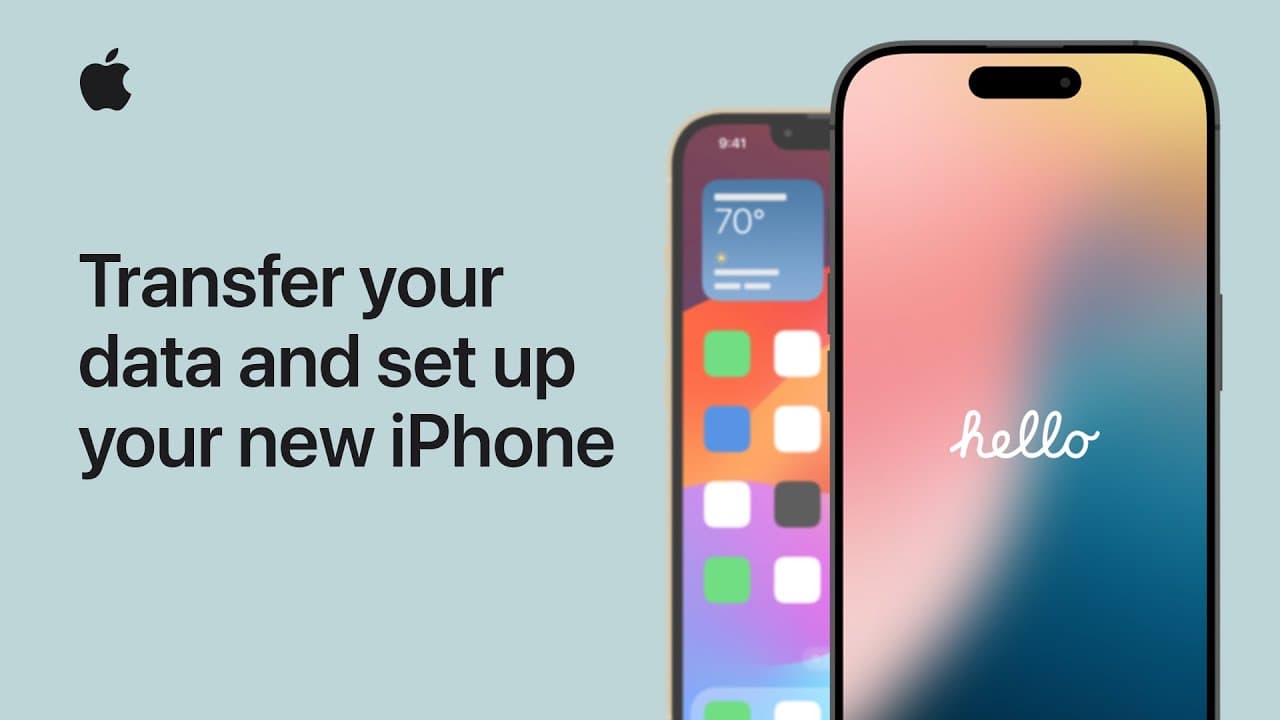
How to Set Up a New iPhone
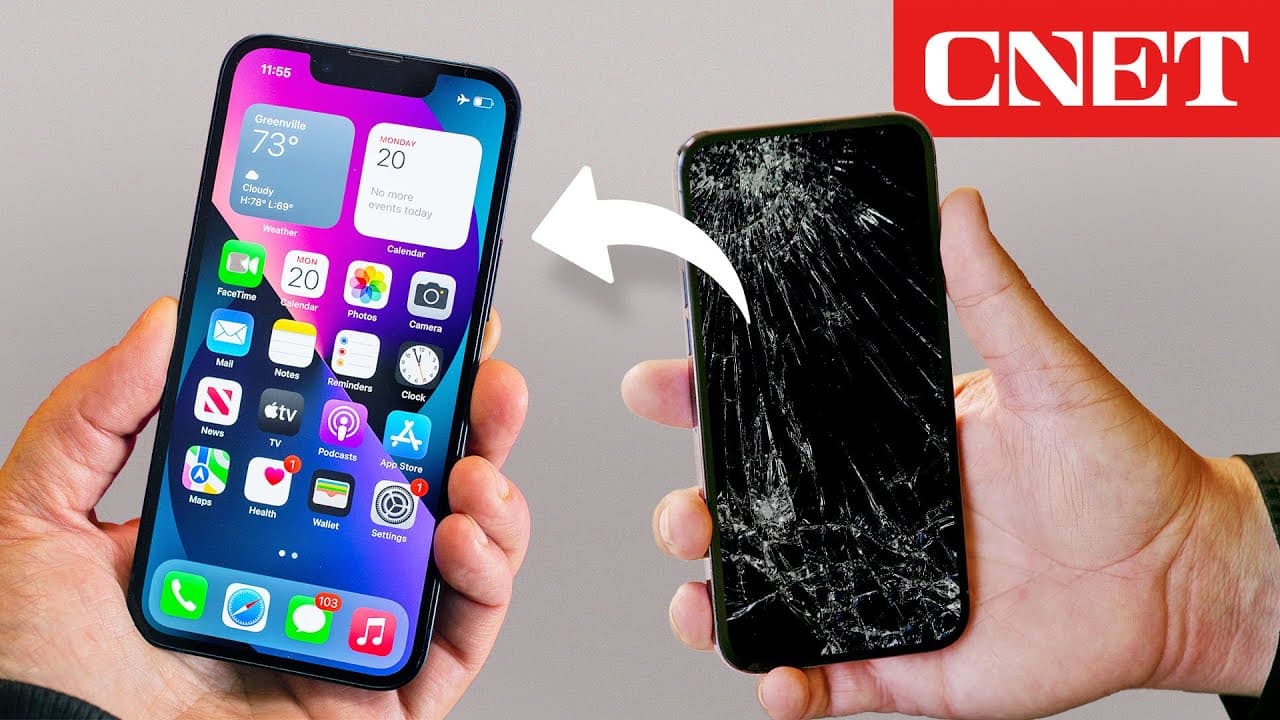
How to Back Up an iPhone (iCloud, Mac, or Windows)
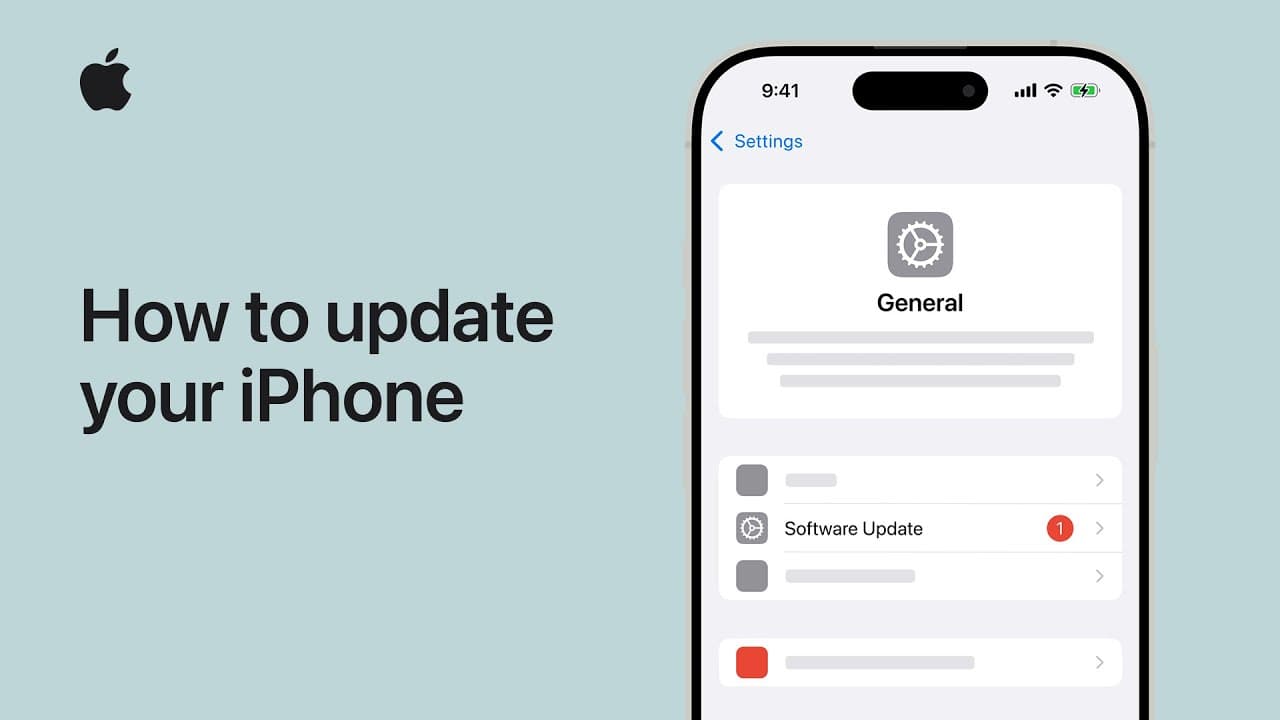
How to Update Your iPhone in 6 Steps
How to Restart an iPhone (Force Restart Any Model)
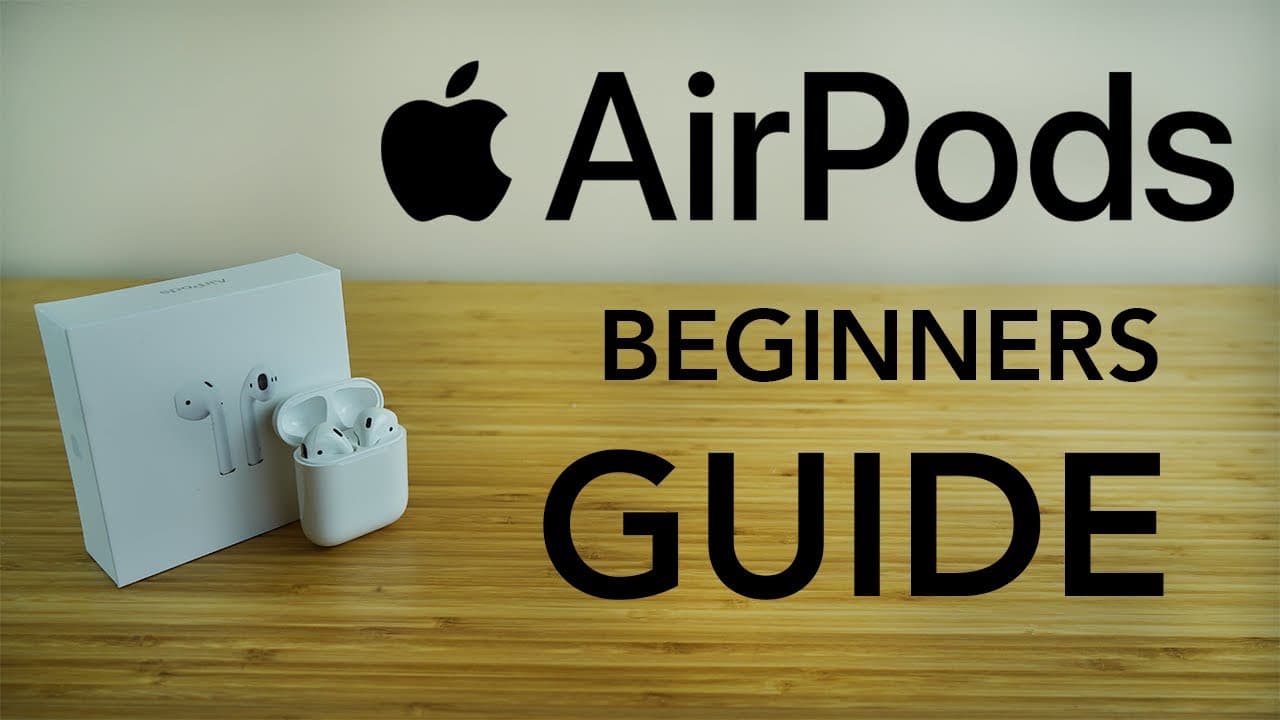
How to Pair AirPods (Plus What the Status Light Means)
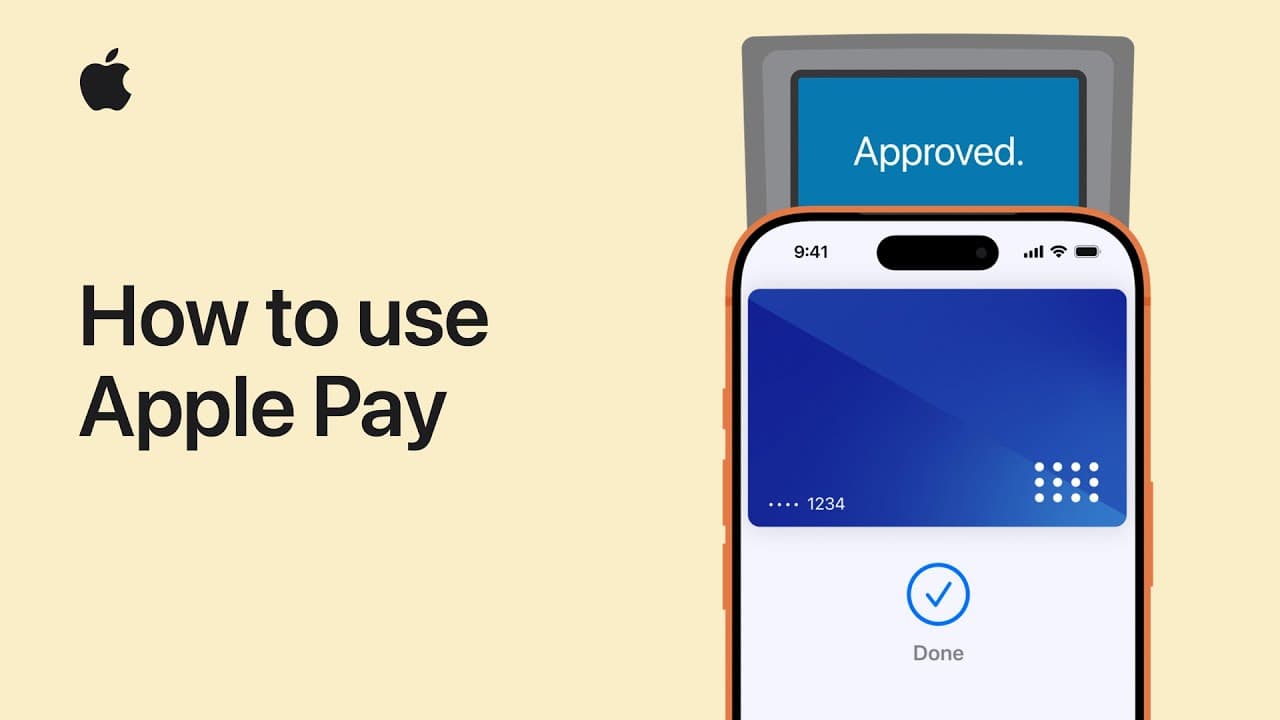
How to Set Up and Use Apple Pay
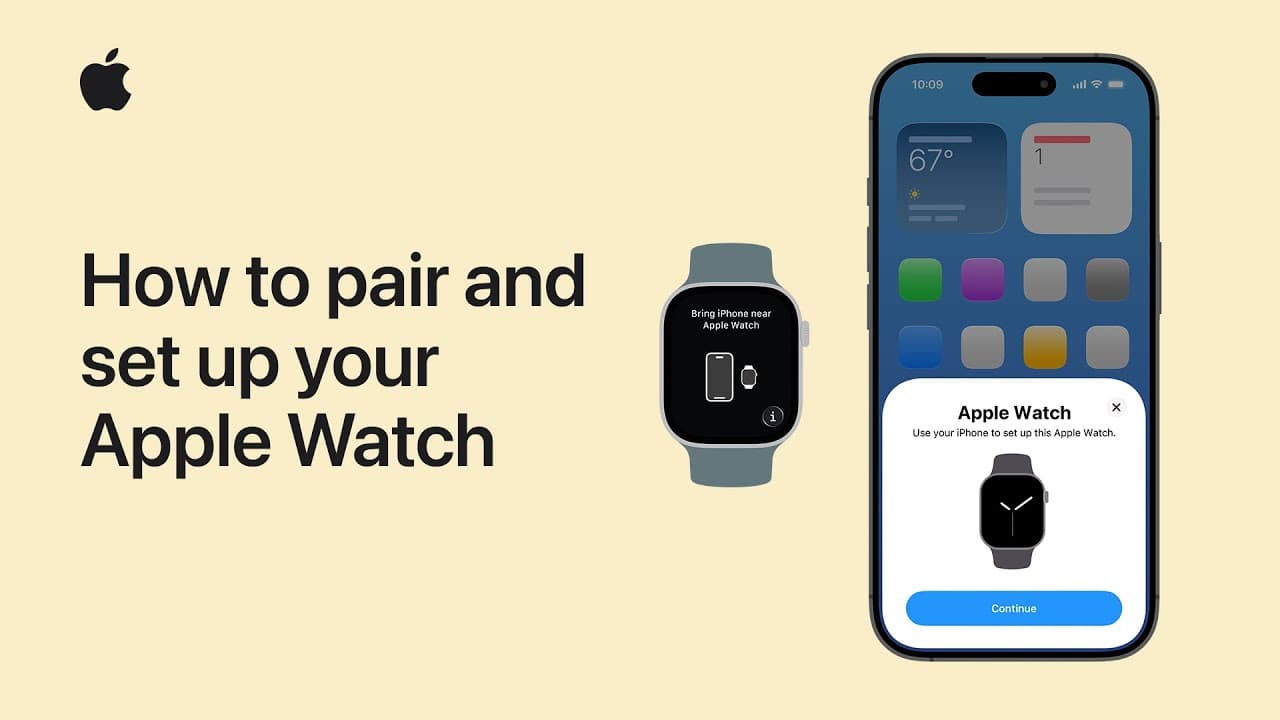
How to Set Up an Apple Watch: Pairing & First Setup
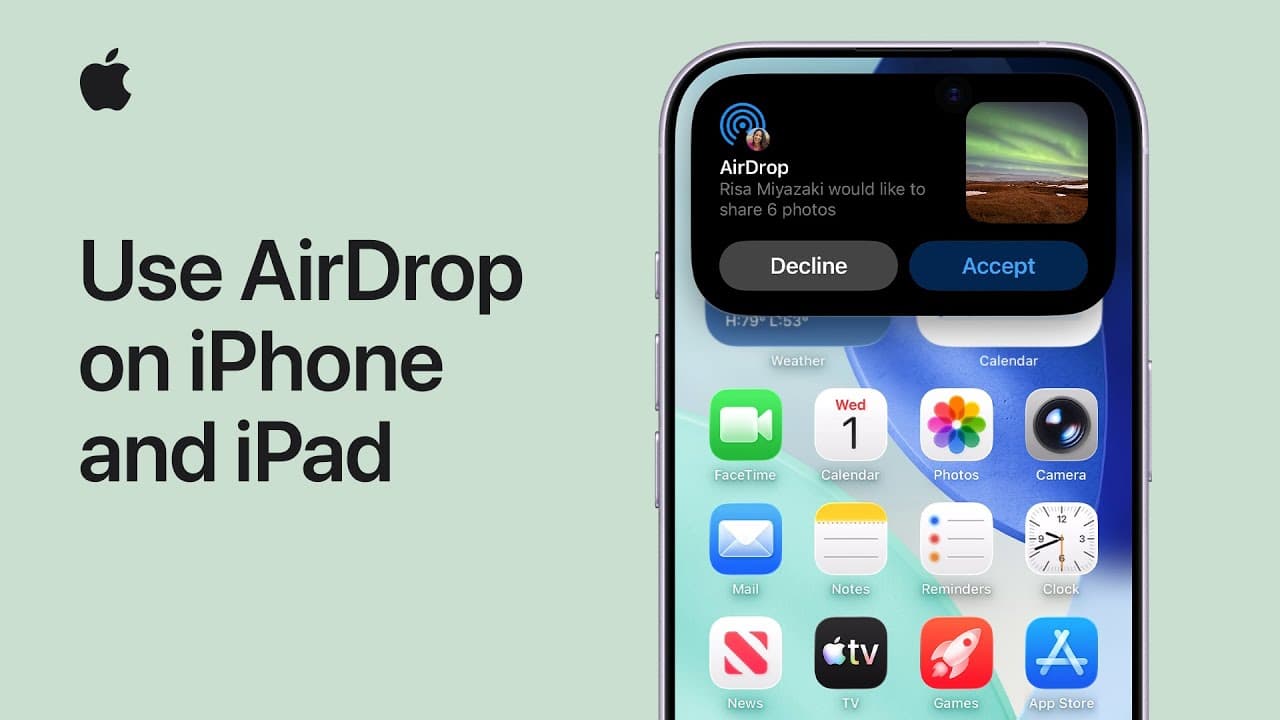
How to AirDrop in 7 Steps
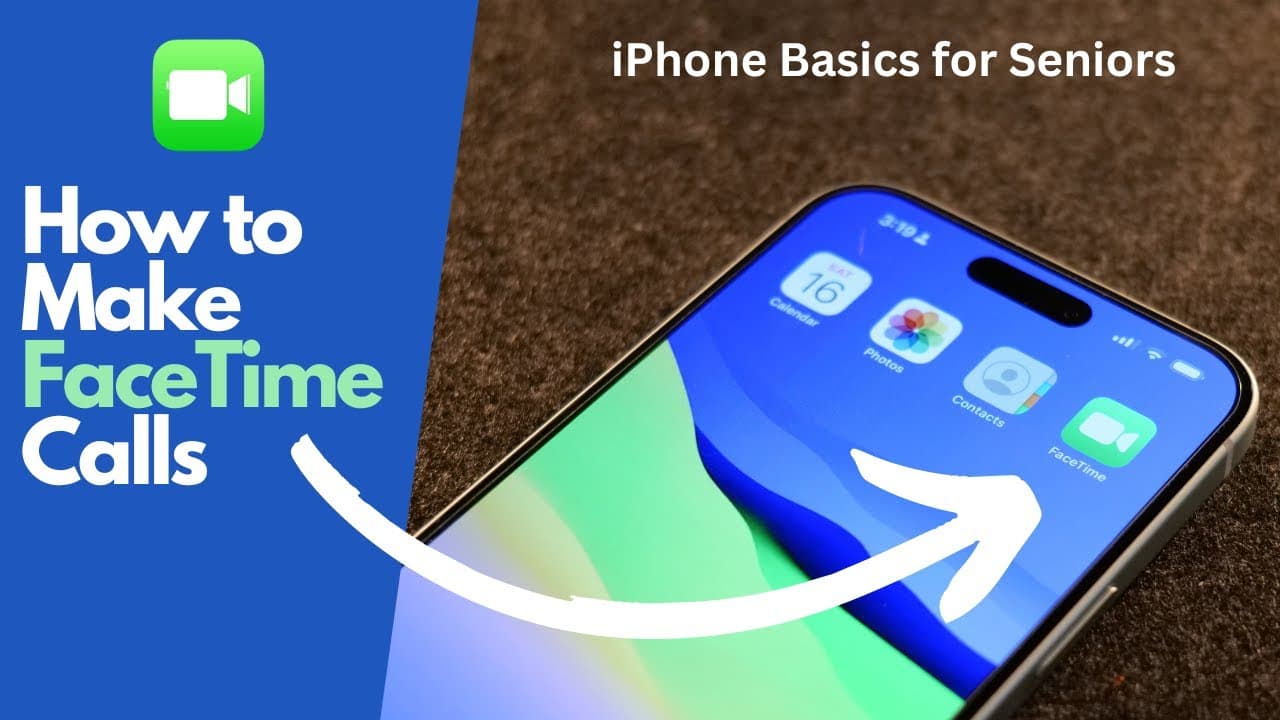
How to Use FaceTime: iPhone Beginner's Guide in 7 Steps
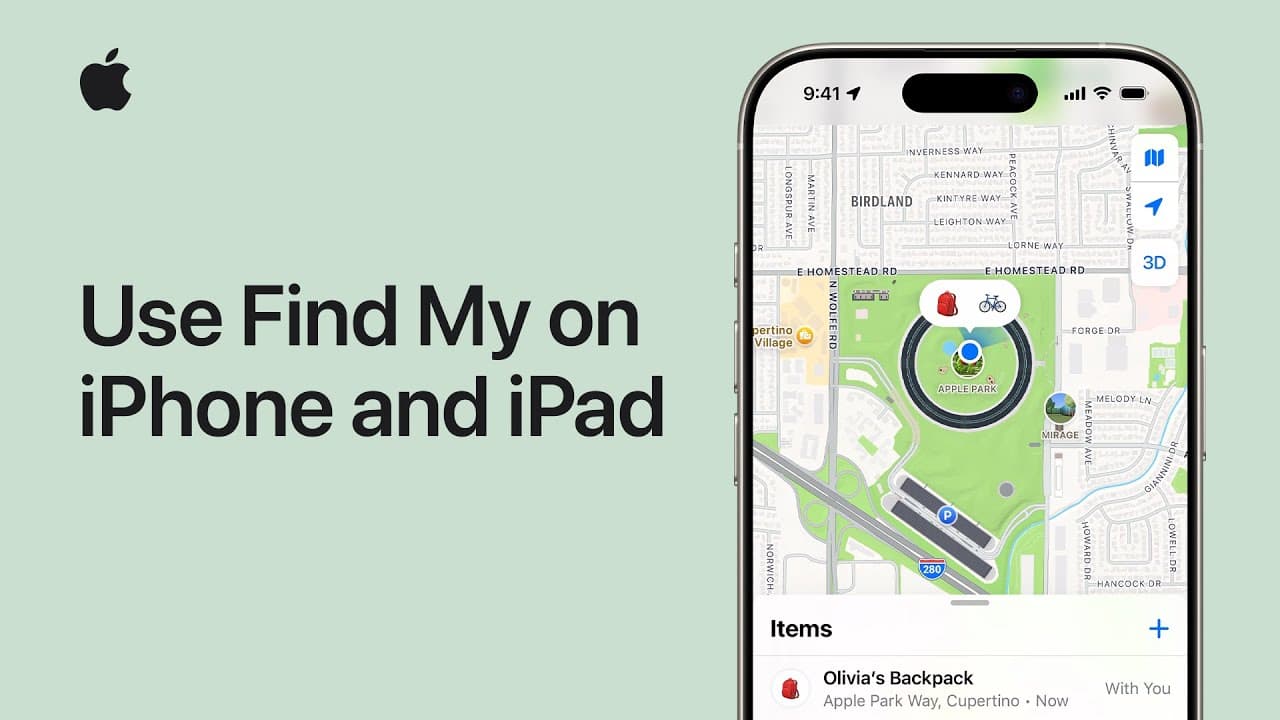
How to Share Your Location on iPhone Using Find My
How to Mirror Your iPhone (Step by Step Screen Mirroring)
How to Transfer Photos from iPhone to Computer
How to Clear Cache on iPhone
How to Take a Screenshot on iPhone

How to Take a Long Screenshot on iPhone
How to Reset AirPods, AirPods Pro, and AirPods Max
How to Factory Reset a Mac in 7 Steps

How to Take a Screenshot on Mac
How to Change Your WiFi Password in 8 Steps
How to Clear Cache in Chrome
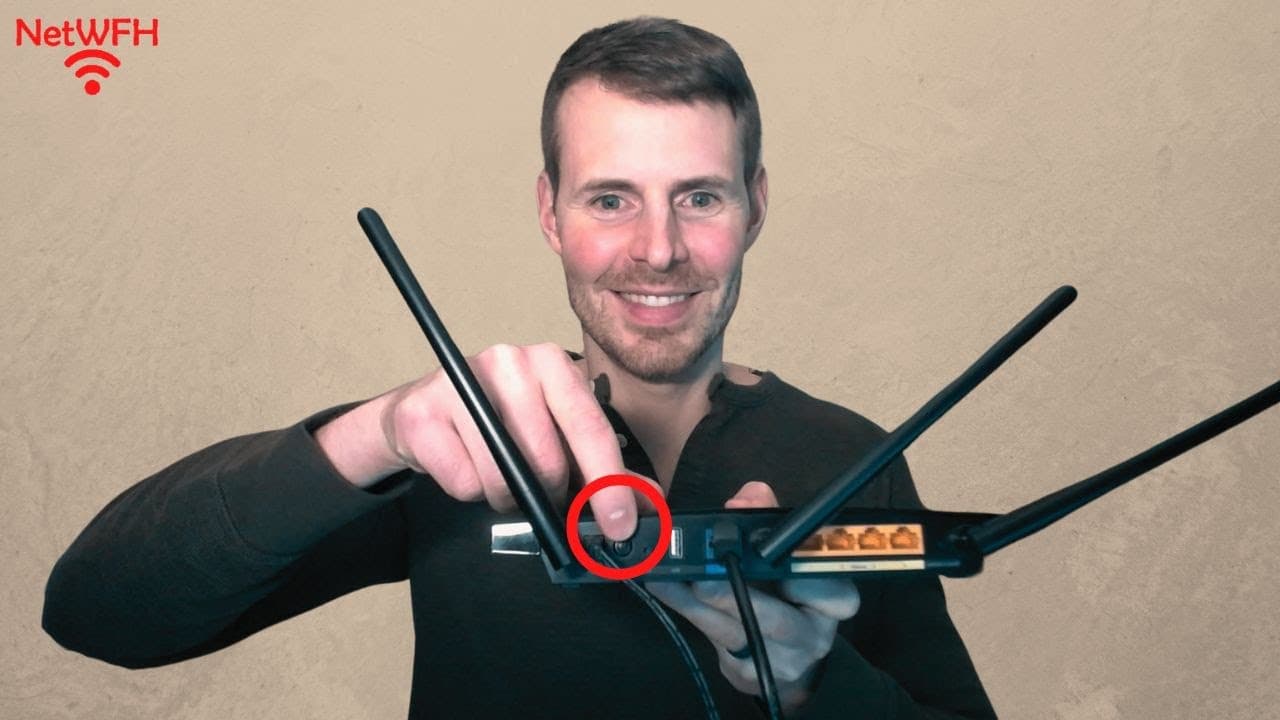
How to Restart Your Router
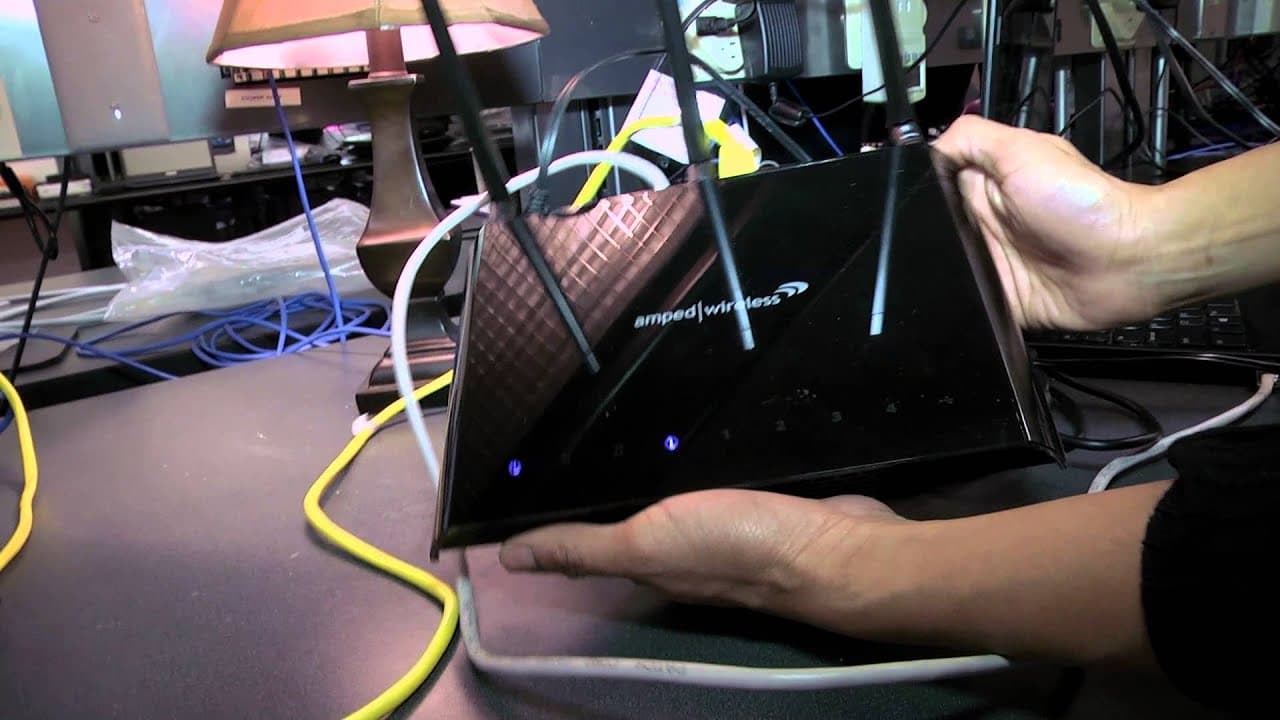
How to Set Up a Wireless Router (Beginner's Step-by-Step)
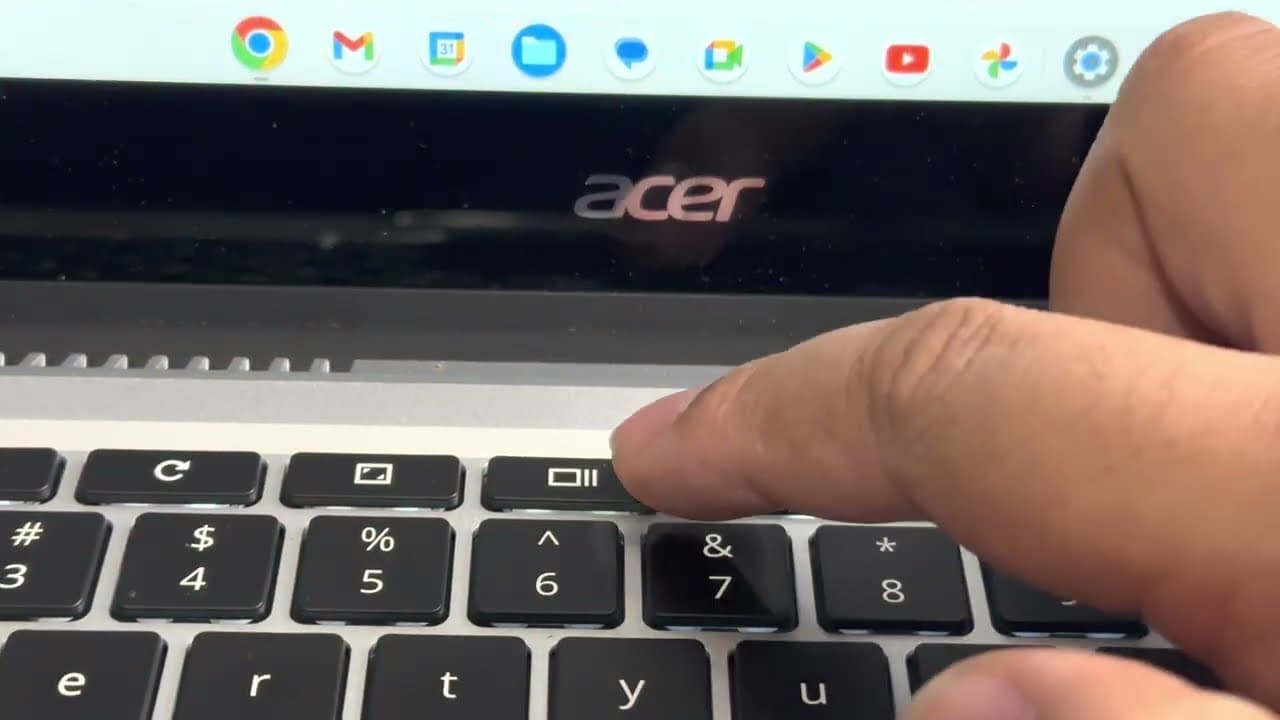
How to Take a Screenshot on a Chromebook (Full, Partial, and Window)

How to Update Windows (Install Updates and Upgrade to Windows 11)
How to Factory Reset Any Android Phone in 7 Steps
How to Factory Reset Windows 11 (7 Easy Steps)
How to Factory Reset HP Laptop: Restore Windows 11 to Factory Settings
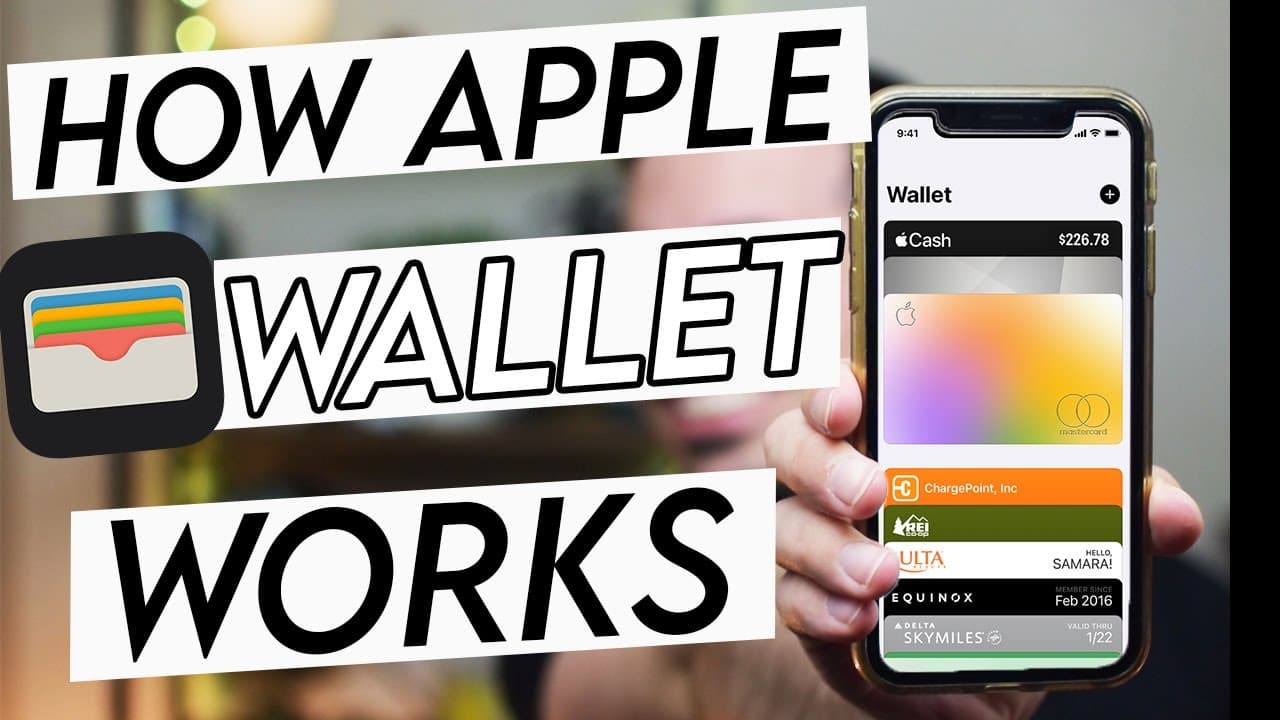
How to Use Apple Pay: Pay at Stores, in Apps, and Online

How to Use Google Slides - Beginner's Guide

How to Use Google Sheets - Beginner's Guide

How to Use Google Docs - Beginner's Guide

How to Factory Reset a Chromebook (Powerwash, Even on a Managed Device)
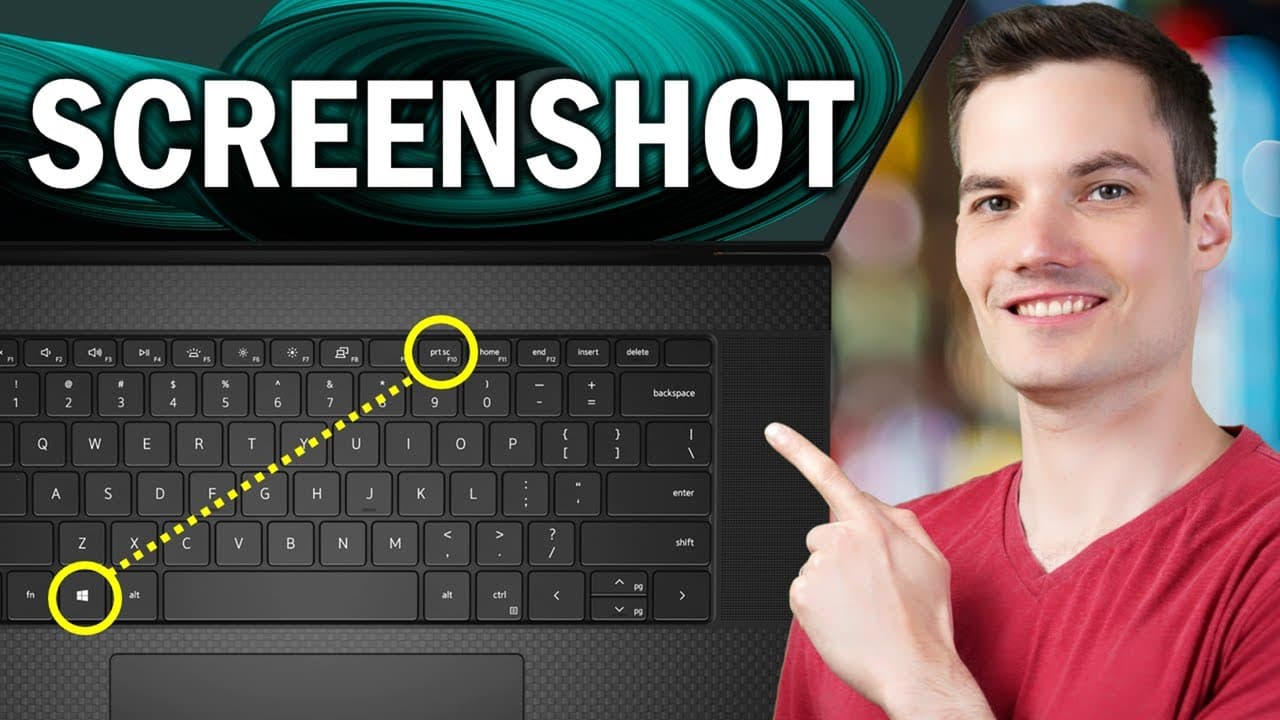
How to Take a Screenshot on Dell (5 Easy Methods)

How to Factory Reset an iPad
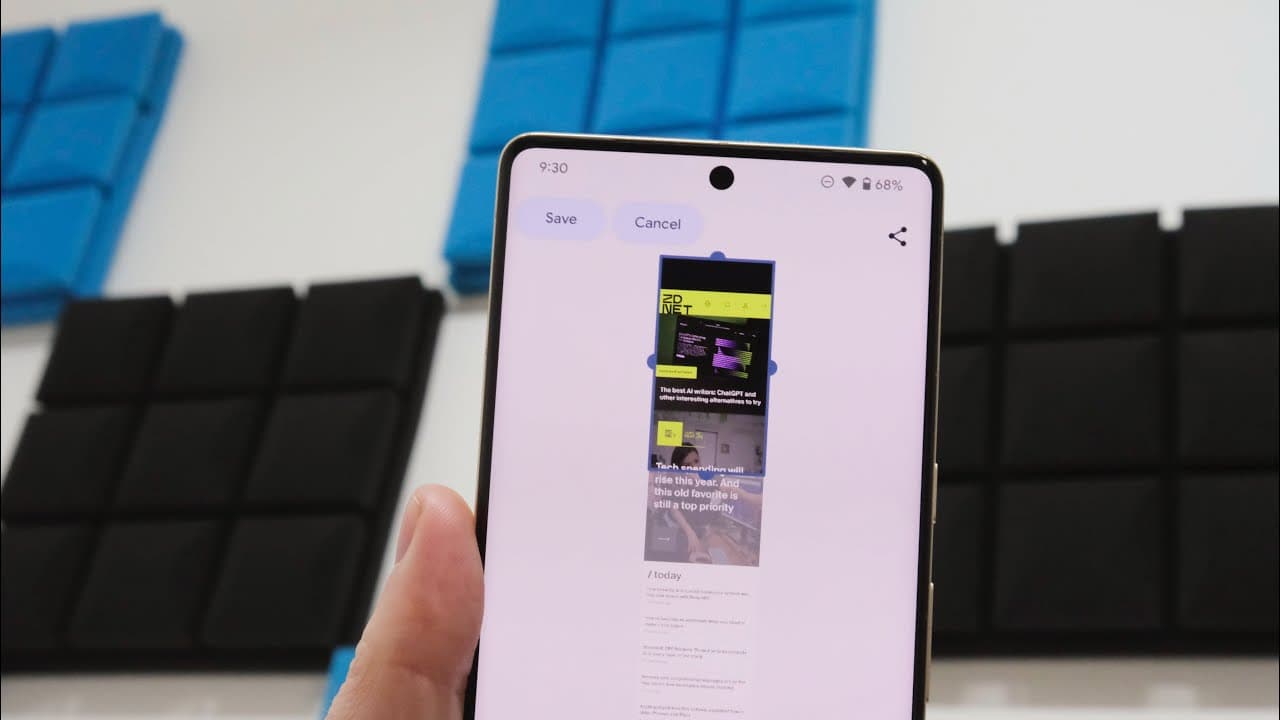
How to Take a Screenshot on Android
How to Take a Screenshot on Windows

How to Turn Off an iPhone (4 Ways, Any Model)
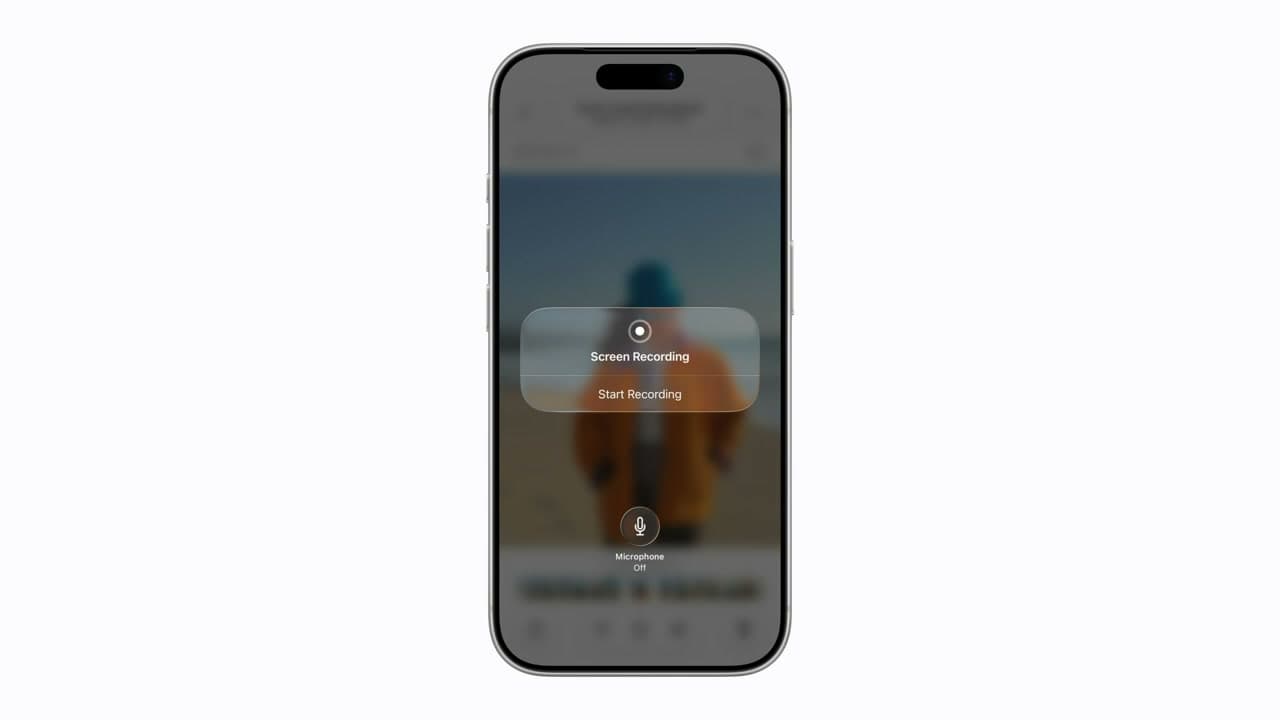
How to Screen Record on iPhone or iPad