1
Find the Print Screen Key on Your Dell Keyboard
1:15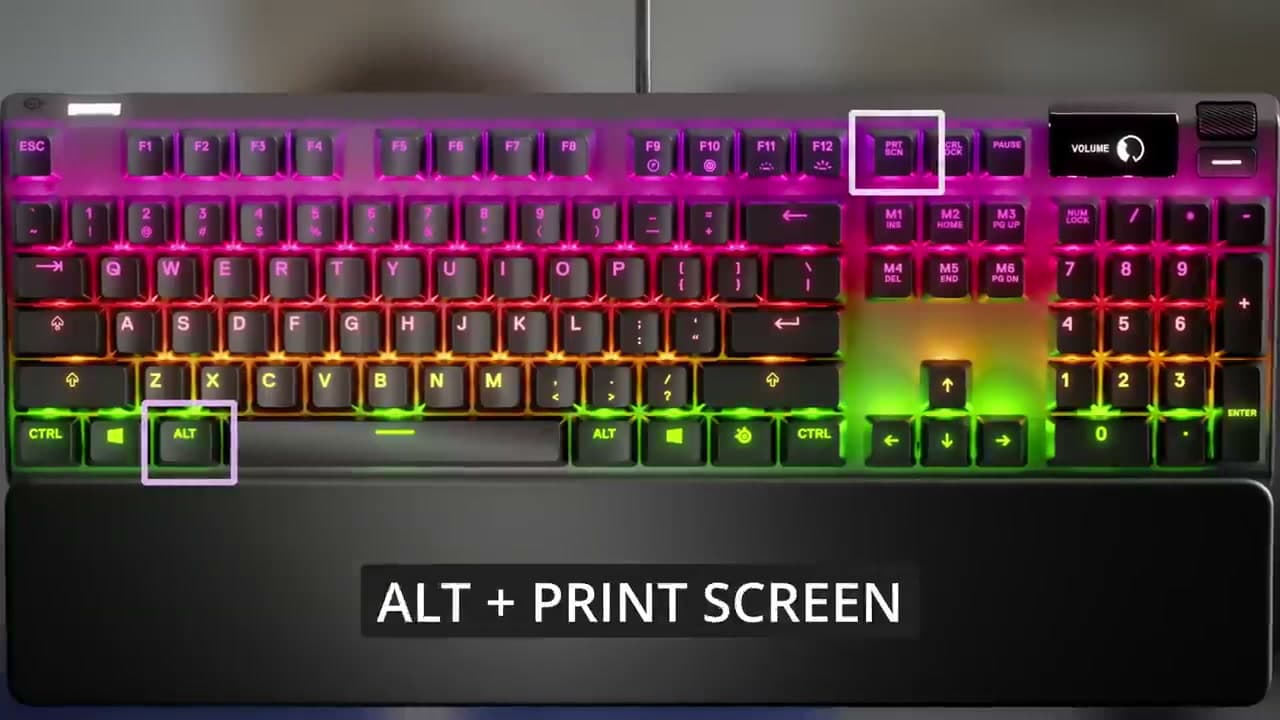
Look at the top row of your Dell keyboard, just past F12 toward the upper right. The key is usually labeled PrtScn, PrtSc, or Prnt Scrn. On full-size Dell desktop keyboards it sits between F12 and the Delete key.
On smaller Dell laptops, like an XPS 13 or a 14-inch Inspiron, the Print Screen label is printed in small text and shares a key with another function. If the label looks faint or sits in the bottom half of the keycap, you will need to hold the Fn key in the lower-left corner together with Print Screen. Try the key on its own first - if nothing happens, add Fn.
Tip
Some Dell laptops put Print Screen on a function key like F10 or F11. Look for tiny PrtScn text under the F-number. Hold Fn and press that key.
Used in this stepWireless Mouse for Laptop Productivity