1
Open Settings from the Start Menu
2:48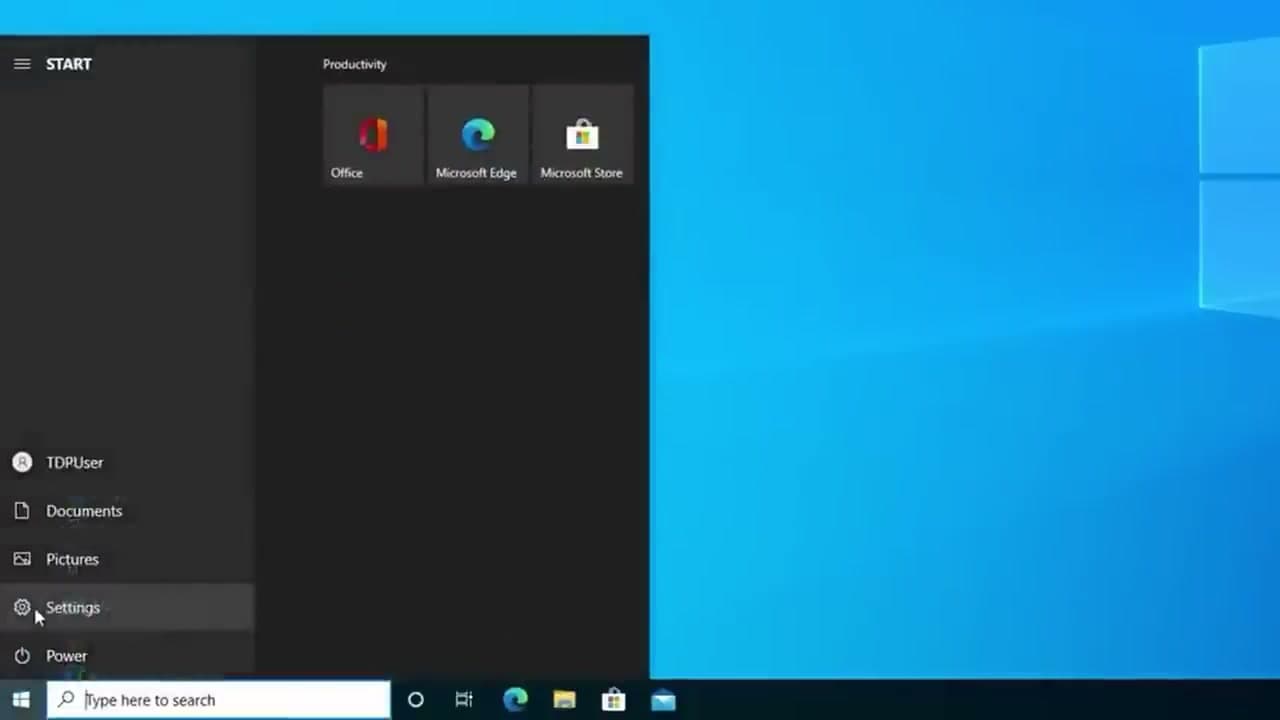
Click the Windows logo in the bottom-left corner of your screen to open the Start menu. On the left edge of the Start panel you'll see a small gear icon labeled Settings. Click it.
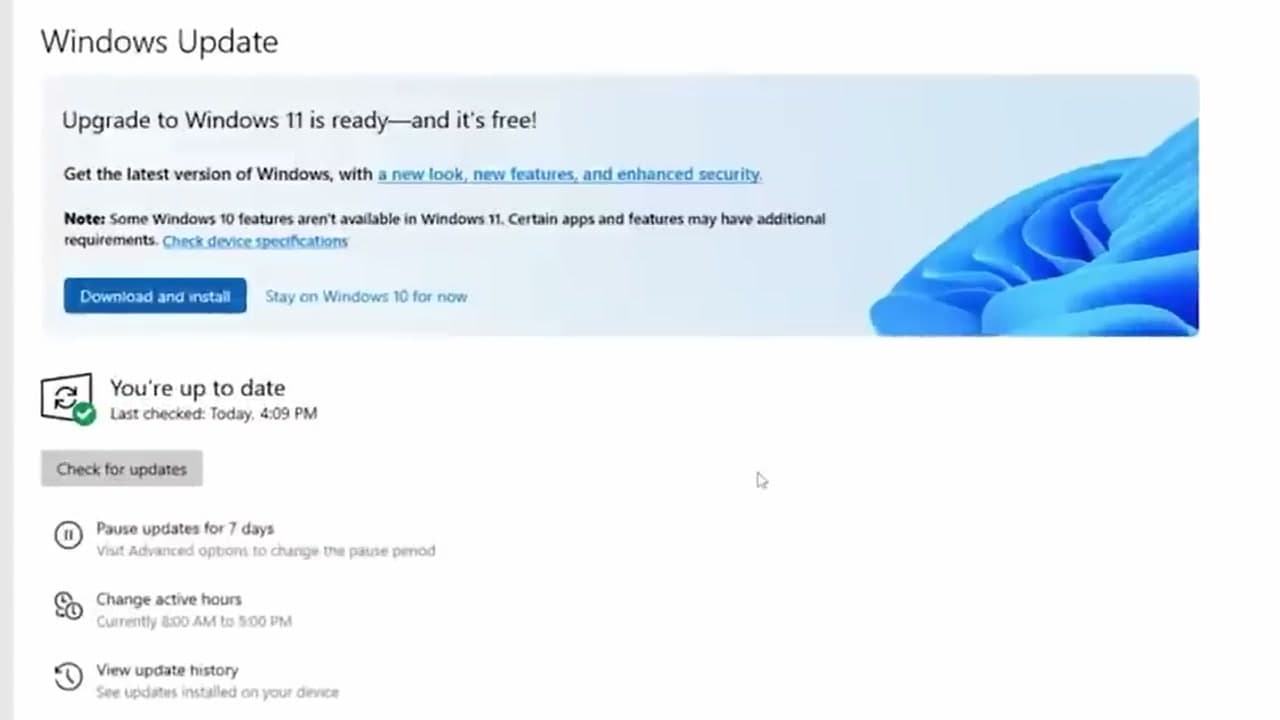
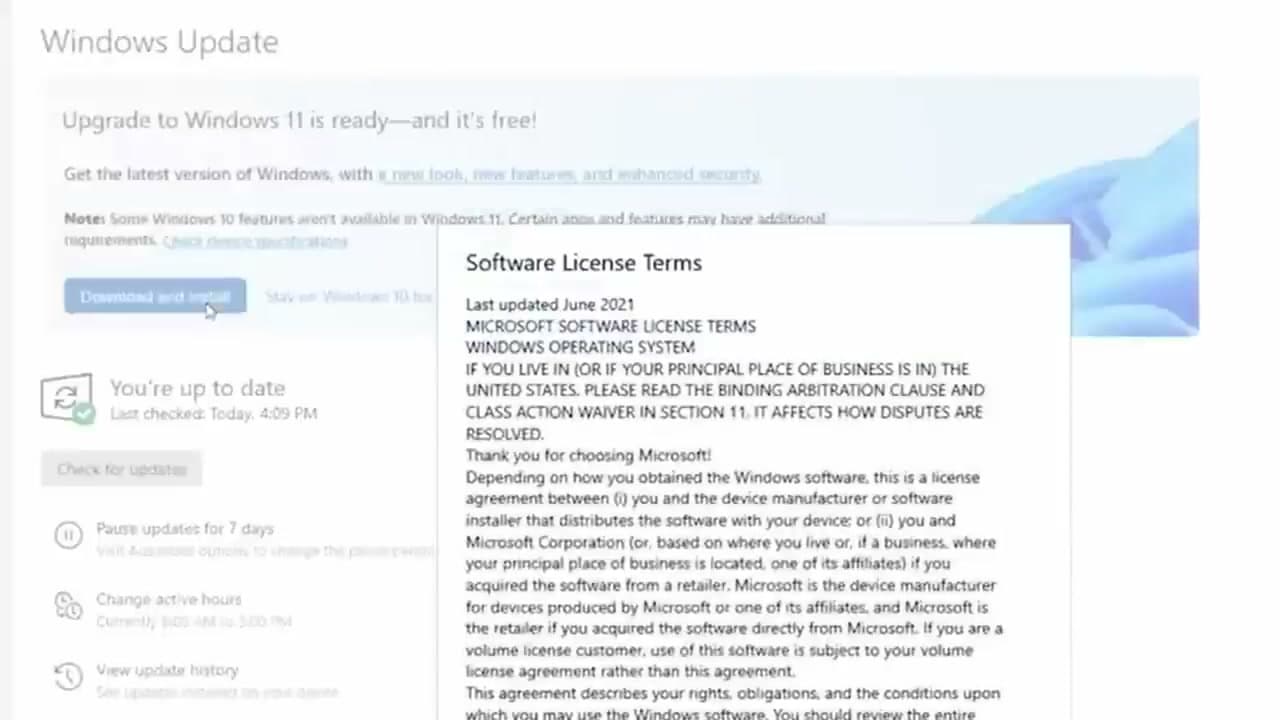
This is where Windows hides every option for the operating system itself - your account, your privacy settings, your installed apps, and the one you want now, Windows Update. Settings opens in its own window with a row of big tiles like System, Devices, and Personalization.
Tip
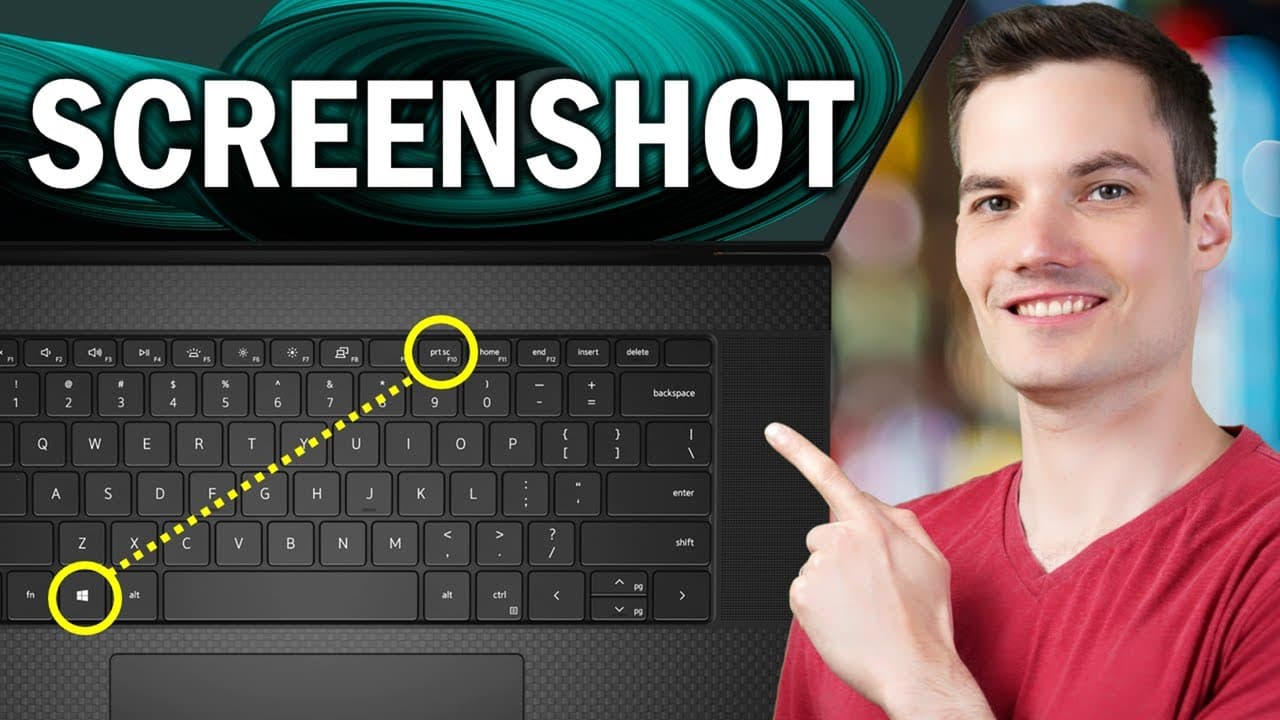
If your taskbar is missing the Start button, press the Windows key on your keyboard. It opens the same Start menu from anywhere.