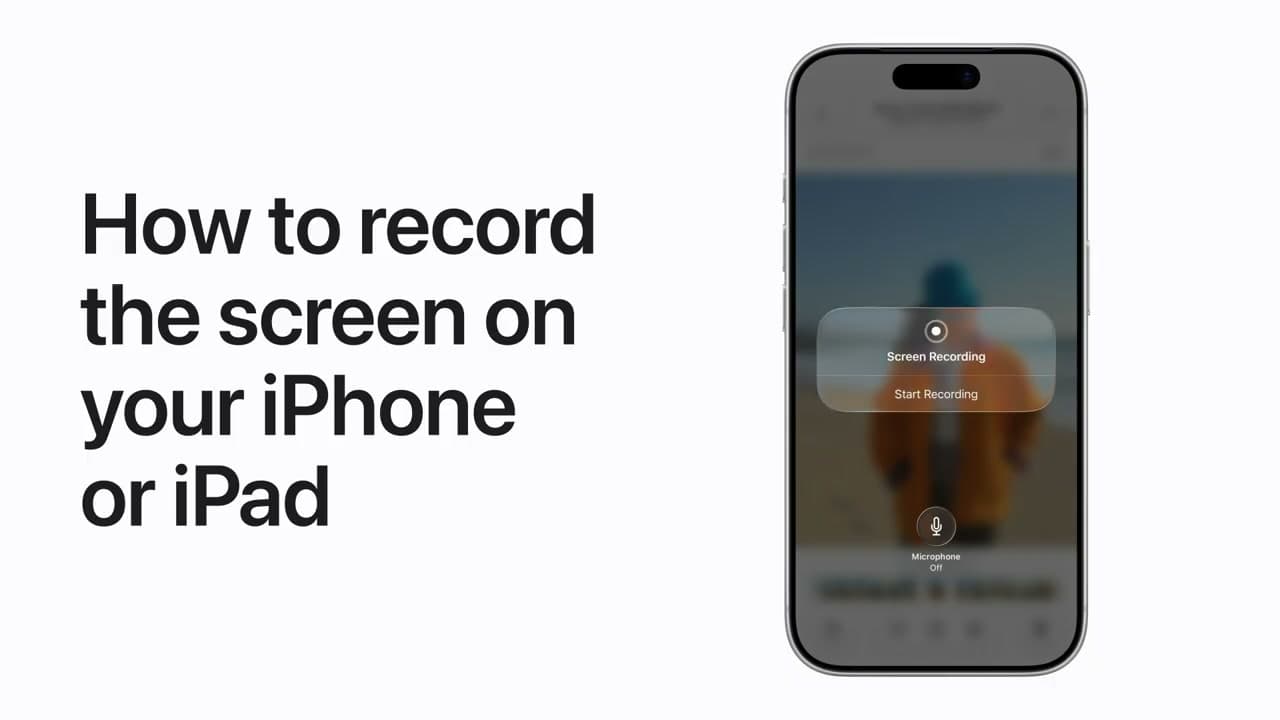
Apple Support walks through the built-in Screen Recording feature on iPhone and iPad. Nothing to install - it is already on the device, it just is not switched on.
Setup takes about a minute the first time. After that, starting and stopping a recording is two taps, and clips save straight to Photos where you can trim and share them.
Turning it on, once
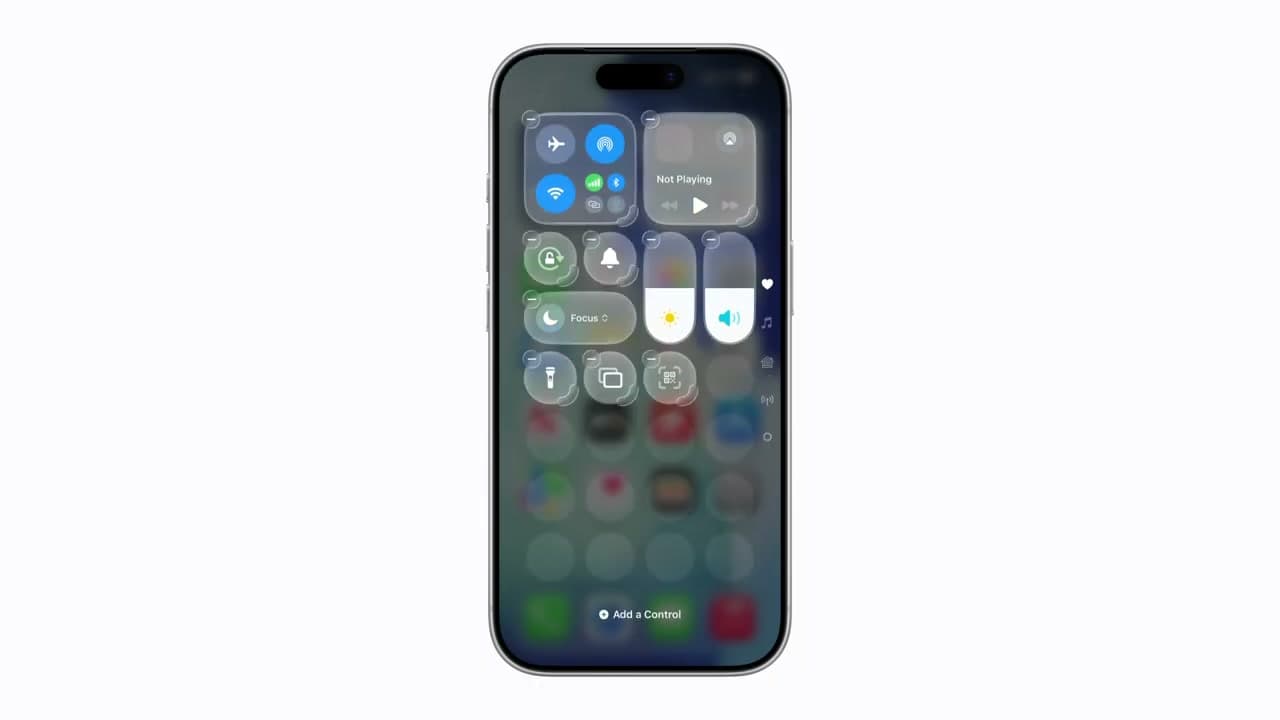
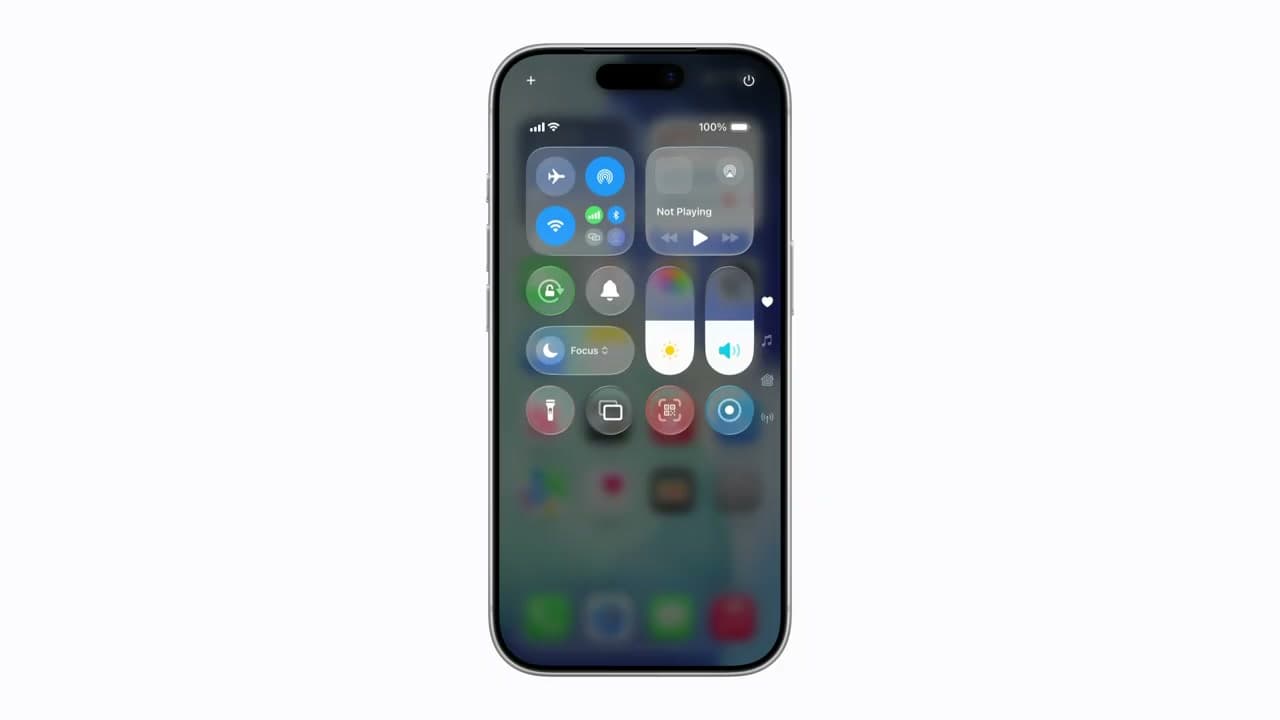
Screen Recording is not in Control Center by default, which is why most people conclude their iPhone cannot do it. Open Settings, go to Control Center, scroll to More Controls, and tap the green plus next to Screen Recording. On iOS 18 and later you can also do it from Control Center itself: press and hold on an empty area, tap Add a Control, and search for it.
The icon is a solid dot inside a ring. Drag it near the top of your Control Center layout so you are not hunting for it mid-recording.
Recording sound as well as picture
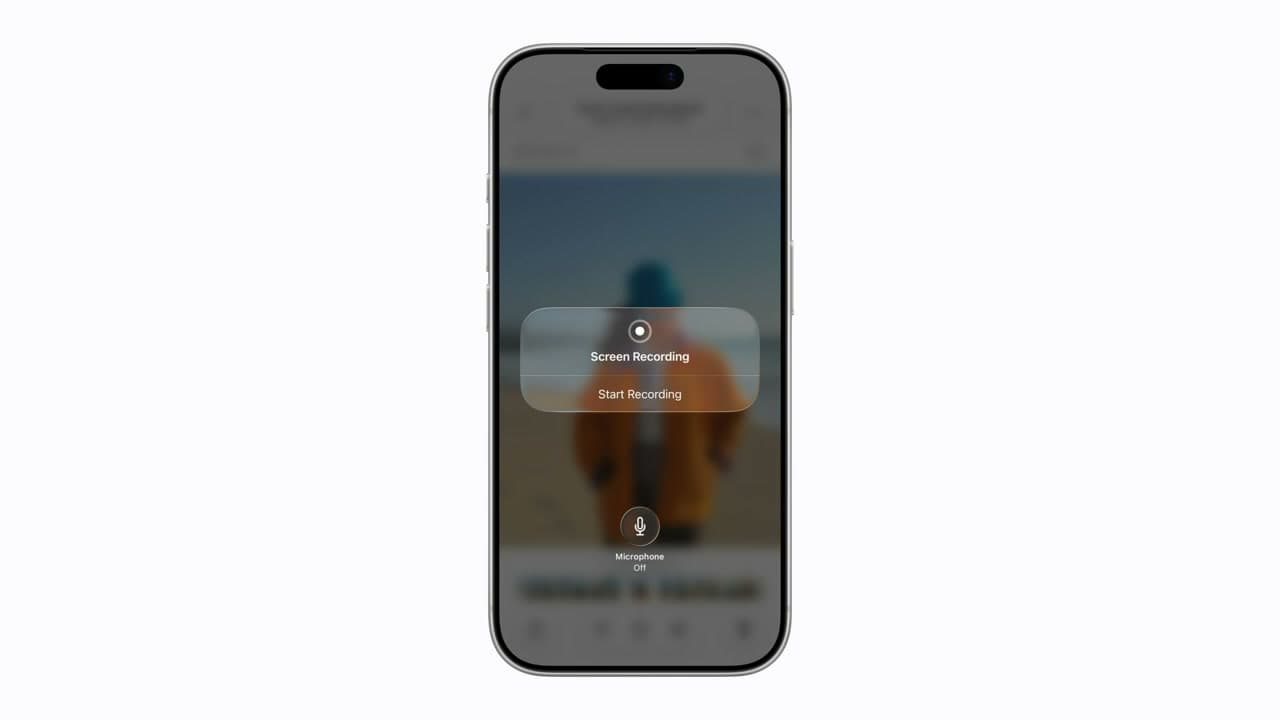
This is the part that catches people out. A plain tap records the screen and any audio the phone itself is playing. It does not record your voice.
To narrate, press and hold the Screen Recording button instead of tapping it. A panel opens with a Microphone button underneath. Turn it on, then tap Start Recording. The microphone setting sticks between recordings, so check it each time - a silent tutorial you thought you narrated is the classic mistake.
The three-second countdown
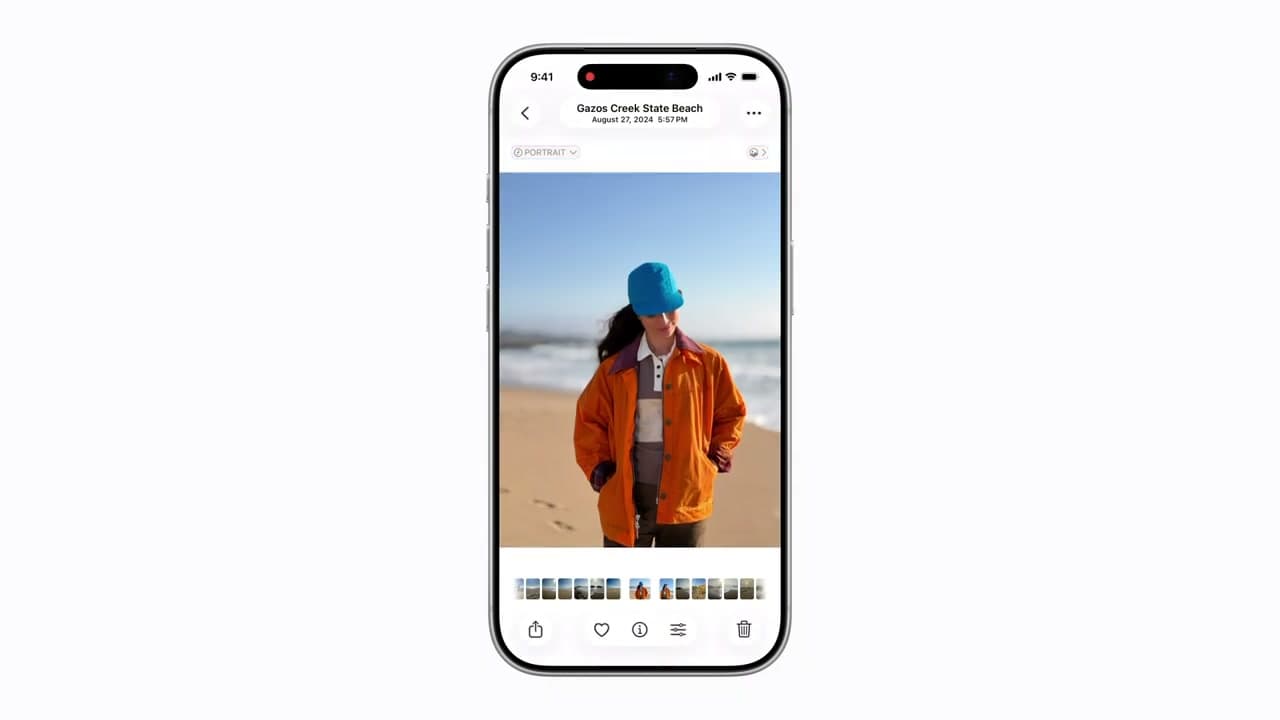
Recording begins three seconds after you tap, which is deliberate: it gives you time to close Control Center so the recording does not open on your own settings panel. Swipe up or tap the screen to dismiss Control Center immediately, then wait for the timer in the status bar to turn red.
Stopping without the red bar in the shot
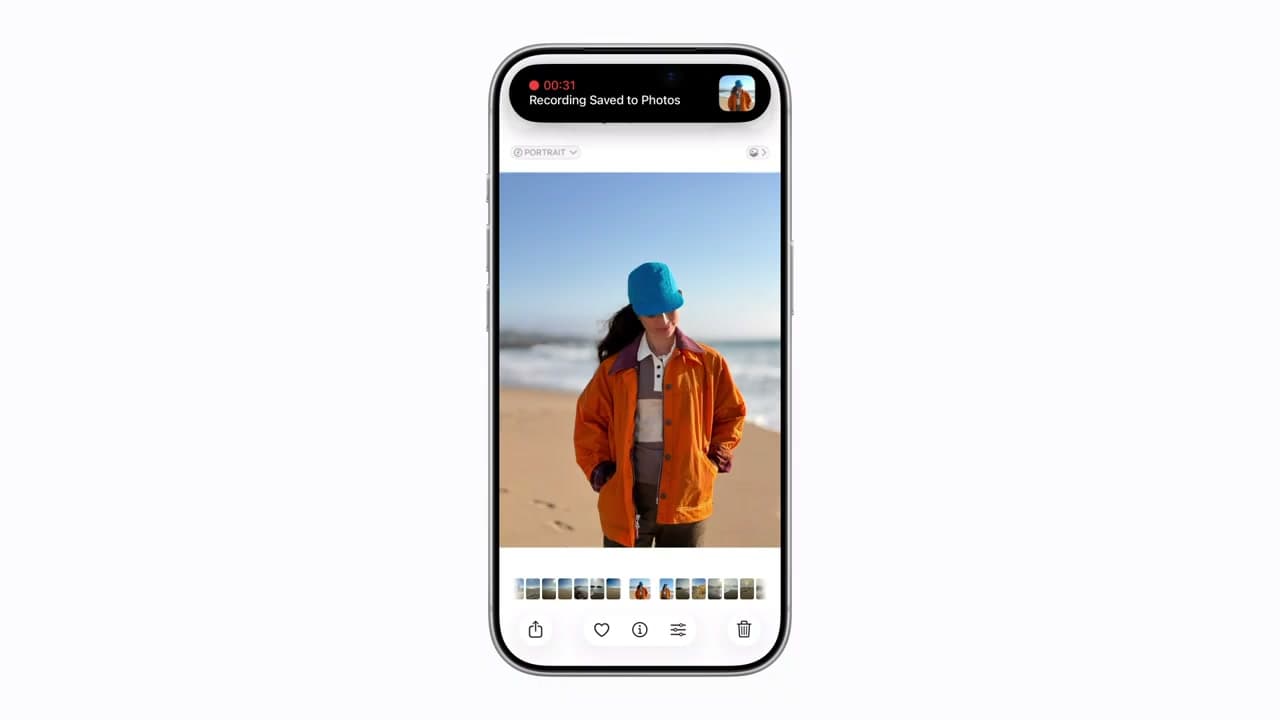
Tap the red pill or clock in the status bar and confirm Stop. You can also reopen Control Center and tap the Screen Recording button again.
Either way the last second or so of the video shows you reaching for the control. Trim it off in Photos: open the clip, tap Edit, drag the right handle inward, then Done. Choose Save Video as New Clip if you want the untrimmed original kept.
Why apps sometimes record as a black screen
Netflix, Disney+, Amazon Prime Video, and most banking apps deliberately block screen capture through DRM. The recording runs and saves, but the video is black where the protected content was, and the audio is usually stripped too. Nothing is broken and no setting fixes it - it is working as the app intends.
When recording fails or the file is huge
Screen recordings are large. A minute of 60fps recording on a Pro model can run past 100MB, and a recording will stop on its own if storage runs out or the battery gets critically low. Check free space before a long capture.
If the button is greyed out or recording will not start, check Settings, Screen Time, Content and Privacy Restrictions, Screen Recording, and make sure it is set to Allow. Restrictions set up for a child's device switch this off, and it is easy to forget it was ever turned on.
Common questions
Why isn't there a screen record button on my iPhone?
It is not in Control Center by default. Add it once from Settings, Control Center, More Controls, and it stays there.
Does the other person know if I screen record a FaceTime call?
No notification is sent, unlike a screenshot in some apps. FaceTime audio is generally not captured, so you get video without the other side's voice.
Where do screen recordings save?
To the Photos app, in Recents and in the Screen Recordings album. They save as .mov files.
Can I record the screen with the display off?
No. Screen Recording captures what is on the display, so the screen has to stay awake. For long recordings set Auto-Lock to Never first, in Settings, Display and Brightness.