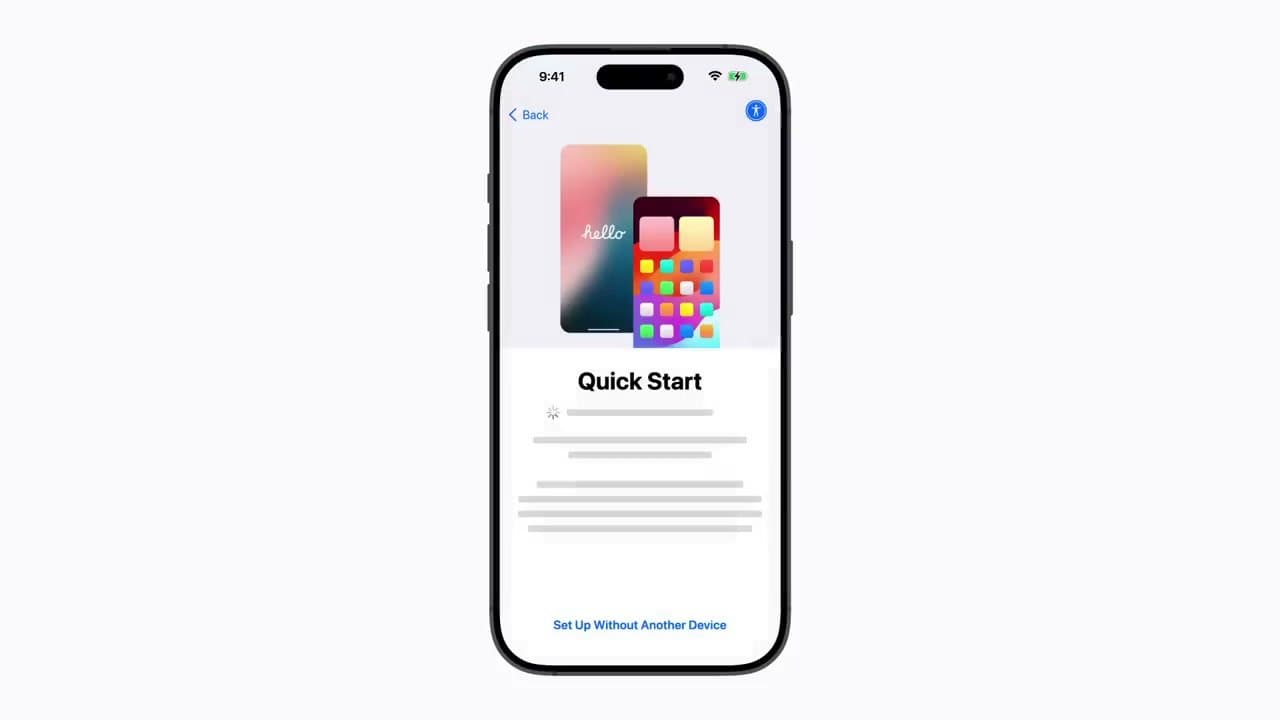
Setting up a new iPhone takes about 15 minutes if you use Quick Start, the device-to-device handoff Apple builds into every fresh iPhone since iOS 11. Hold the old phone next to the new one, scan the pairing animation, enter the old passcode, and the new phone walks itself through Apple ID, Face ID, Apple Pay, and Siri while pulling your data across.
There are four ways to get a new iPhone running, and picking the right one up front saves an hour of redo work:
- Quick Start with direct transfer - data moves phone-to-phone over Wi-Fi. Best when your old iPhone still works and you have time to leave both phones touching for 20-60 minutes. A slow or crowded network drags that out, so it is worth knowing how to set up a router properly first.
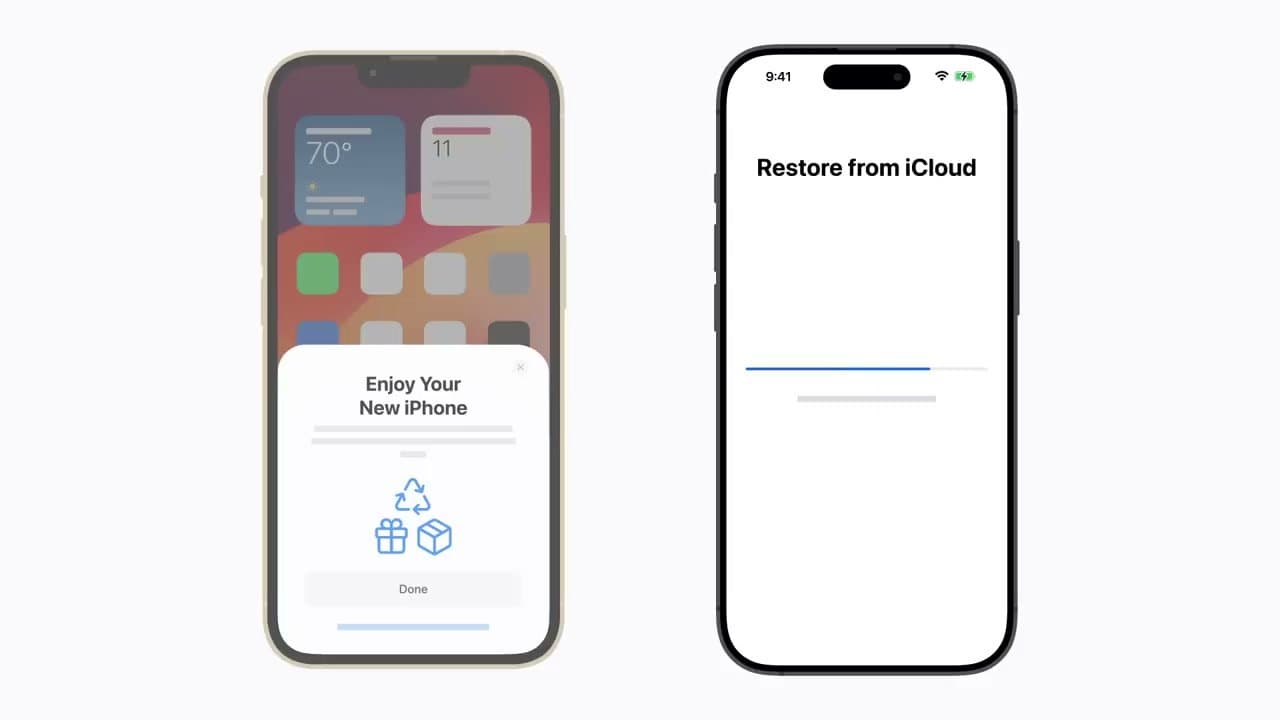
- Quick Start with iCloud restore - pulls your most recent iCloud backup down from Apple's servers. Fastest because the phone is usable in 10 minutes while apps keep downloading in the background.
- Set Up as New - skip the transfer entirely. Right if the old iPhone is lost, broken, or you want a clean slate.
- Move to iOS - Apple's Android-to-iPhone migration app. Run it from Quick Start when prompted, not after.
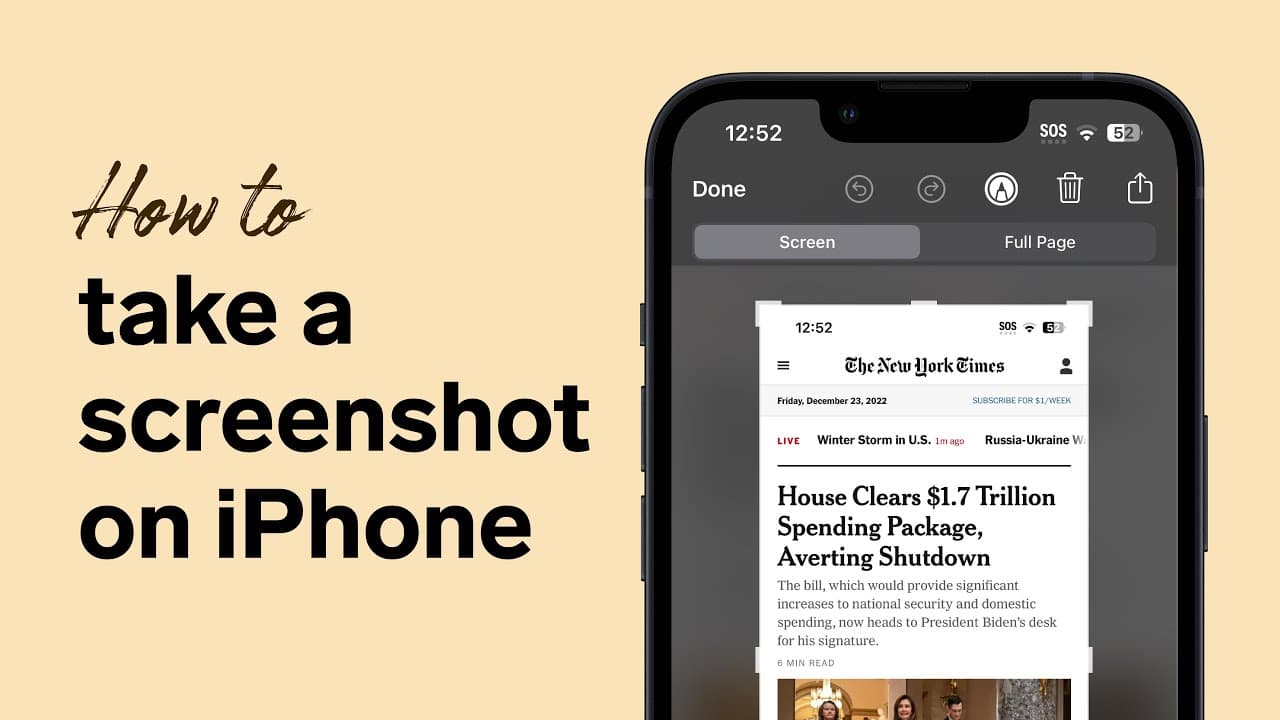
This guide walks through the Quick Start handoff in order. Once the new iPhone is up, see how to keep iOS current, how to restart it if something hangs, how to power it down properly, how to pair an Apple Watch, how to add cards to Apple Pay, how to AirDrop files between iPhones, and how to take a screenshot.
iPhone Quick Start: Step-by-Step Setup
iPhone Quick Start is Apple's built-in setup wizard that pairs your old iPhone with the new one and copies over your Apple ID, settings, and data without typing anything. It works on every iPhone running iOS 12.4 or later, including iPhone 8 through the latest iPhone 16.
The Quick Start setup flow has six clear stages:
- Power on the new iPhone and pick a language and country. The "hello" wallpaper animation appears.
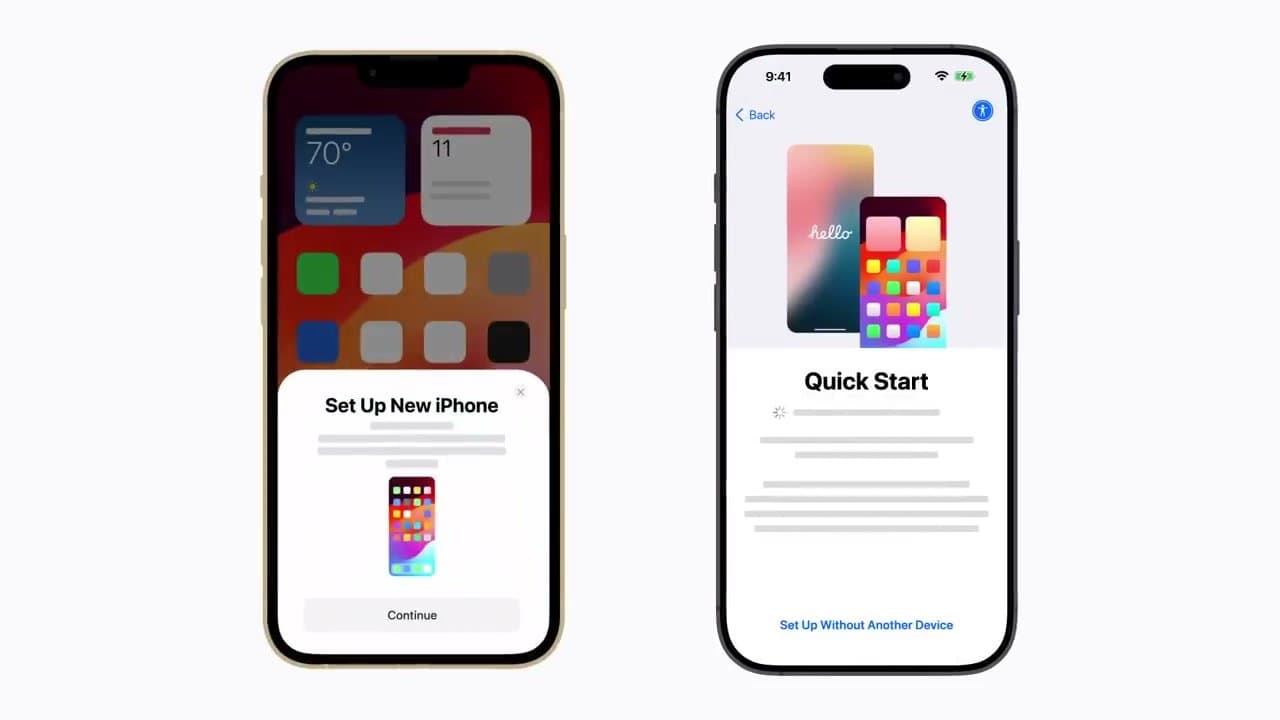
- Hold the old iPhone next to the new one. Bluetooth and Wi-Fi must be on. A "Set Up New iPhone" card slides up on the old phone within a few seconds.
- Point the old iPhone's camera at the new phone and centre the swirling animation in the viewfinder. The pairing handshake takes about 3 seconds.
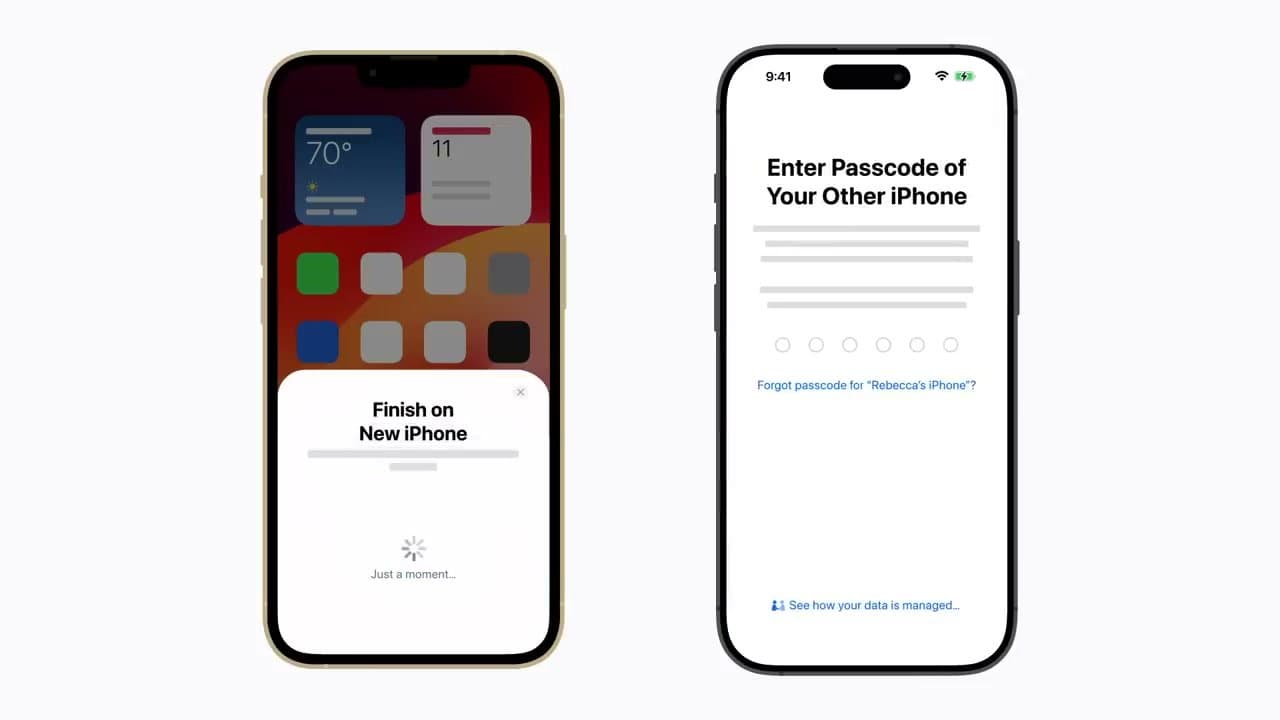
- Enter the old iPhone's passcode on the new phone. Set up Face ID or Touch ID next - Apple needs your face/finger before the data transfer starts.
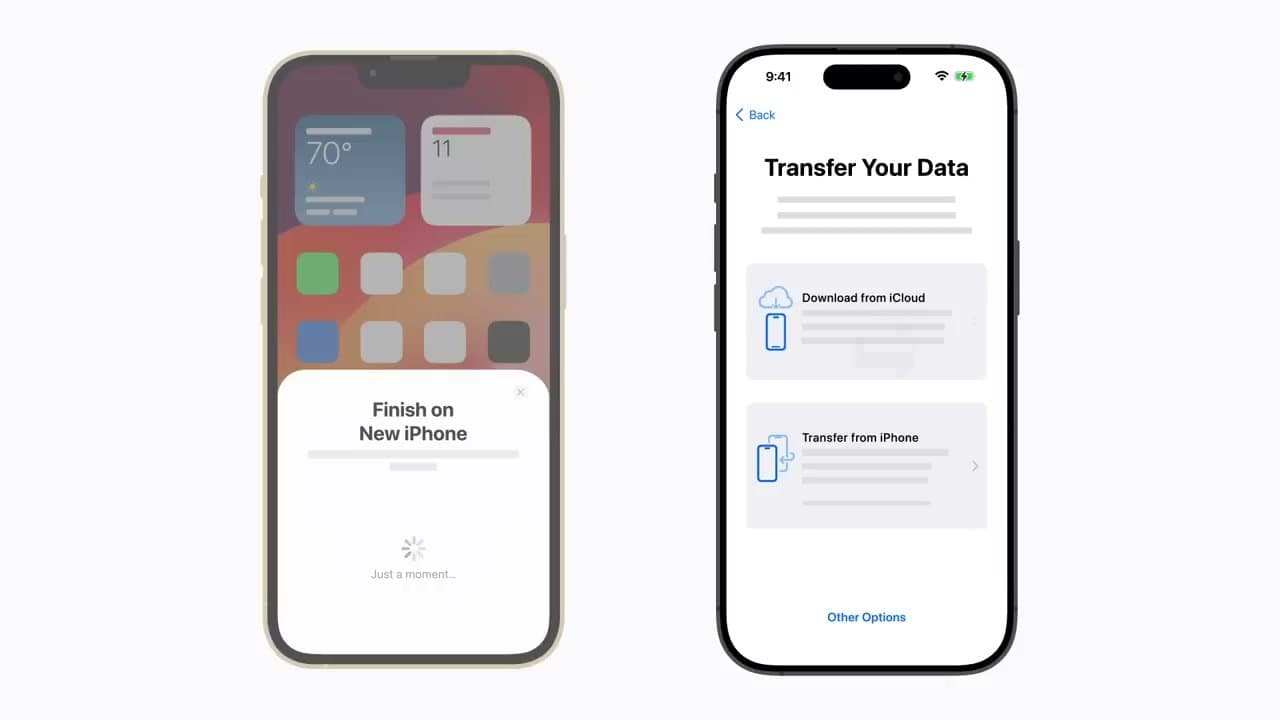
- Choose how to transfer. Download from iCloud is fastest (the new phone is usable in 10-15 minutes); Transfer from iPhone keeps everything on-device but locks both phones for 30-90 minutes.
- Sign in to Apple ID, agree to terms, and finish. Apple Pay, Siri, and Screen Time prompts come after the data transfer. Skip any you don't use - you can always set them up later from Settings.
If the Quick Start pairing card doesn't appear on the old phone, both devices need Bluetooth on and need to be within a few inches of each other. Restart the old phone if it still doesn't show.
How to Transfer Data from Old iPhone to New iPhone
Quick Start gives you two ways to move your data: Download from iCloud (pulls your most recent iCloud backup down from Apple's servers) or Transfer from iPhone (sends data directly between the two phones over peer-to-peer Wi-Fi). The third option, Transfer from Mac or PC, restores from a computer backup made through Finder or iTunes.
Which to pick:
- Download from iCloud if you have a recent backup (Settings → Apple ID → iCloud → iCloud Backup shows the date). The phone is usable in 10-15 minutes while apps and photos keep arriving over the next few hours. Best for most people.
- Transfer from iPhone if you don't have an iCloud backup or your iCloud is full. No internet roundtrip - data goes phone-to-phone. Both phones are unusable for the entire transfer window (30-90 minutes depending on how much data you have).
- Transfer from Mac or PC if you back up to a computer instead of iCloud. Plug the new iPhone into the same computer that holds the old phone's backup, then choose Restore from this Backup in Finder (macOS Catalina+) or iTunes (Windows).
All three methods preserve apps, messages, photos, contacts, settings, Wi-Fi passwords, and your app layout. Paid apps re-download from the App Store automatically. The big exception is health and keychain data - those only transfer if you have iCloud Keychain and iCloud Health enabled on the old phone, or if you back up locally with the "Encrypt Local Backup" box ticked.
How to Restore an iPhone from Backup
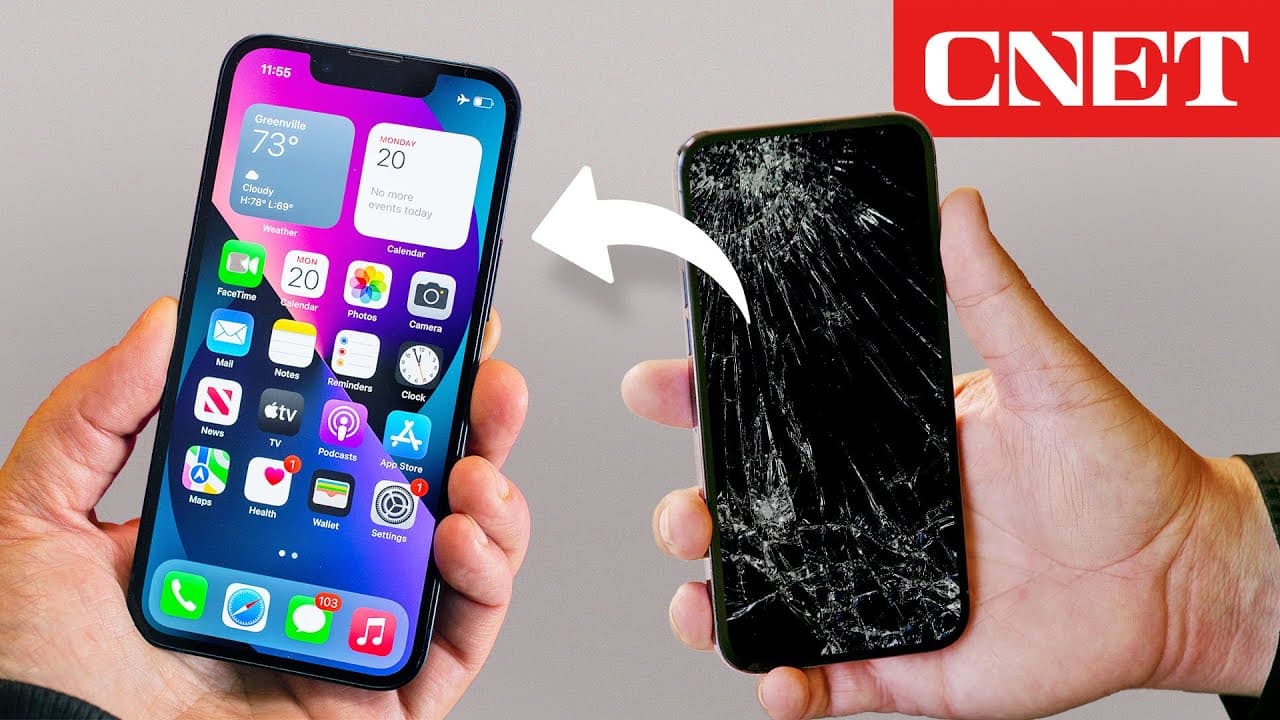
Restoring from a backup is what you do when the old iPhone is lost, broken, or already wiped - or when you're setting up a replacement under AppleCare. You have two backup sources: iCloud Backup (the most recent automatic overnight backup, stored in your Apple account) and computer backup (made manually through Finder on Mac or iTunes on Windows).
Restore from iCloud Backup:
- Power on the new iPhone. When you reach the Quick Start screen, tap Set Up Without Another Device at the bottom.
- Connect to Wi-Fi and sign in with the Apple ID that owns the backup. Two-factor codes go to your trusted device or trusted phone number.
- On the Transfer Your Apps & Data screen, tap From iCloud Backup. A list of every iCloud backup attached to your Apple ID appears, newest first.
- Pick the one you want and wait. Time to finish depends on backup size and your internet speed - typical restore from a 64 GB backup over home Wi-Fi takes 20-45 minutes for visible content, then photos and apps keep downloading silently for several more hours.
Restore from a computer backup:
- Plug the new iPhone into the Mac or PC that holds the backup. Open Finder (macOS) or iTunes (Windows) and trust the new phone when prompted.
- Click the iPhone in the sidebar, then click Restore Backup.
- Pick the backup from the list (Finder/iTunes shows backup date and the device it came from), enter the encryption password if you set one, and click Restore. A wired restore typically finishes in 30-60 minutes.
If a restore fails midway, the new iPhone goes back to the welcome screen automatically. Try again from Settings → General → Transfer or Reset iPhone → Erase All Content and Settings - that resets the phone to factory and lets you restart Setup Assistant.
How to Activate a New iPhone
Activation is what happens during Setup Assistant when the iPhone phones home to Apple's activation servers to confirm the device is legitimate and to provision your carrier. You can't use the iPhone for anything until activation finishes.
On a Wi-Fi-only iPhone, activation happens automatically as soon as you connect to Wi-Fi during Setup Assistant - usually 10-30 seconds. On a cellular iPhone with a physical SIM, slide the SIM tray out, drop in the SIM from the old phone (or the new SIM your carrier shipped), and the iPhone activates over cellular even if Wi-Fi isn't available.
For an eSIM iPhone (iPhone 14 and later in the US), activation uses one of three paths:
- eSIM Quick Transfer moves the line from the old iPhone to the new one in about 60 seconds. The new iPhone shows the prompt automatically during Setup Assistant if both phones are paired through Quick Start.
- Carrier QR code - your carrier mails or emails a QR code. Open Settings → Cellular → Add eSIM and scan it.
- Carrier app - some carriers (Verizon, T-Mobile, AT&T) handle activation inside their iOS app. Install the app, sign in with the account that owns the line, and follow the prompts.
If activation hangs on "Activating your iPhone may take some time" for more than 15 minutes, restart the phone (hold the side button and volume-up together until the power slider appears). If that doesn't clear it, plug the iPhone into a Mac or PC, open Finder/iTunes, and force activation by clicking Restore iPhone - the prompt walks you through reloading iOS, which completes activation as a side effect.
How Long Does it Take to Set Up a New iPhone?
A full new-iPhone setup with Quick Start takes 15 to 45 minutes of hands-on time, plus several hours of background downloading you don't have to watch. Realistic budgets by transfer method:
- Download from iCloud: 10-15 minutes of Setup Assistant, then the phone is usable. Apps and photos keep arriving in the background for 1-4 hours depending on backup size and Wi-Fi speed.
- Transfer from iPhone (direct): 30-90 minutes of unusable time on both phones. A 256 GB transfer over slower Wi-Fi can push past 2 hours.
- Set Up as New (no transfer): 8-12 minutes from power-on to home screen.
- Restore from computer backup: 30-60 minutes over a USB-C or Lightning cable.
Activation alone takes 10 seconds to 5 minutes on Wi-Fi and is usually instant on cellular with a SIM already in the tray. eSIM Quick Transfer adds about a minute. Carrier eSIM activation via QR code or carrier app is 2-10 minutes depending on how busy your carrier's servers are.
Plan an hour for the whole thing if you want to walk away with a phone that has your photos, contacts, and main apps ready. Plan a full evening if you're moving 200+ GB of photos and want everything done before bed. The new iPhone keeps working through the background downloads - you can answer calls, send messages, and open apps that have already finished installing.
Once the new iPhone is set up, the next things most people do are add cards to Apple Pay, clear browser and app cache to free up storage, and learn how to take a full-page scrolling screenshot.
FAQ
Frequently asked questions
Do I need my old iPhone to set up the new one?
No, but it makes the transfer painless. If you have the old iPhone, Quick Start handles everything in 15 minutes. If you don't (lost, stolen, water damaged), choose Set Up Manually on the very first screen and sign into the same Apple ID - your iCloud-synced contacts, photos, and messages will repopulate over the next few hours as long as iCloud Backup was on before the old phone went away.
How long does Quick Start actually take?
The handshake itself is 2-3 minutes. After that, Download from iCloud finishes the visible setup in 10-20 minutes (apps and photos keep downloading silently for a few more hours). Direct transfer from the old phone takes 30-90 minutes depending on backup size - both phones are unusable for that whole window. Plug both into chargers regardless.
What if my old iPhone is broken and won't power on?
Skip Quick Start and tap Set Up Manually. On the Transfer Your Apps & Data screen, choose From iCloud Backup and sign in with the Apple ID you used on the broken phone. As long as a backup exists (most iPhones back up automatically overnight when plugged in), the new phone restores from that. No backup, no old phone? You'll start clean - contacts come back from iCloud sync, but app data and texts that lived only on the old device are gone.
Can I transfer from an Android to an iPhone?
Yes, but use Apple's Move to iOS app, not Quick Start. Install Move to iOS on the Android, then on the iPhone choose Set Up Manually and pick Move Data from Android. Enter the one-time code, and contacts, message history, photos, videos, and free apps cross over. WhatsApp now supports a separate chat migration during the same flow. Paid apps don't transfer - you'll re-buy them on the App Store.
What do I need before I start?
Two chargers (both phones must stay plugged in), Wi-Fi the old phone is already on, your Apple ID password, and your old iPhone's passcode. If you use two-factor authentication on Apple ID, have a second trusted device or your trusted phone number handy - Apple will send a 6-digit code mid-setup.
What about my apps, messages, photos, and contacts?
All four come across in a Quick Start transfer. Apps re-download from the App Store automatically (you'll see them with a small progress ring for the first hour). Messages restore from your iCloud backup, photos from iCloud Photos if it was on, and contacts from iCloud sync. If iCloud Photos was off on the old phone, plug the old phone into a computer first and copy photos to it before erasing the old device.
Is iCloud setup mandatory?
iCloud sign-in (your Apple ID) is mandatory - without it the iPhone can't install apps, get iMessage, or use Find My. iCloud Backup specifically is optional but strongly recommended; turning it off means a future broken phone has no automatic recovery point. Same for iCloud Photos - off is fine if you sync photos to a computer instead, but you lose the cross-device gallery.
What if Quick Start fails or stalls midway?
If the pairing animation won't scan, restart both phones (here's how to restart an iPhone) and try again with Bluetooth on and the phones within a few inches. If the data transfer stalls past 90 minutes, force-quit Quick Start on the old phone, then on the new iPhone go to Settings → General → Reset → Erase All Content and Settings to start over - the new phone is still under Apple's 14-day return window so a restart costs nothing. As a last resort, choose Download from iCloud instead of Transfer from iPhone; iCloud restore is more forgiving than direct device-to-device transfer.
Do you need Wi-Fi to set up a new iPhone?
You need Wi-Fi or cellular to activate the phone and pull down an iCloud backup or apps. A direct Quick Start transfer builds its own connection between the two phones, but activation still needs a network.
Does setting up a new iPhone erase the old one?
No. The transfer copies your data across and leaves the old iPhone untouched. It keeps everything until you erase it yourself, so you can keep using it until the new phone is confirmed working.
Once your new iPhone is running, the next setup tasks most people miss are screen mirroring to a TV or Mac, sharing your location with family, clearing app cache to keep storage healthy, and capturing full-page scrolling screenshots, and resetting your AirPods if they will not pair.