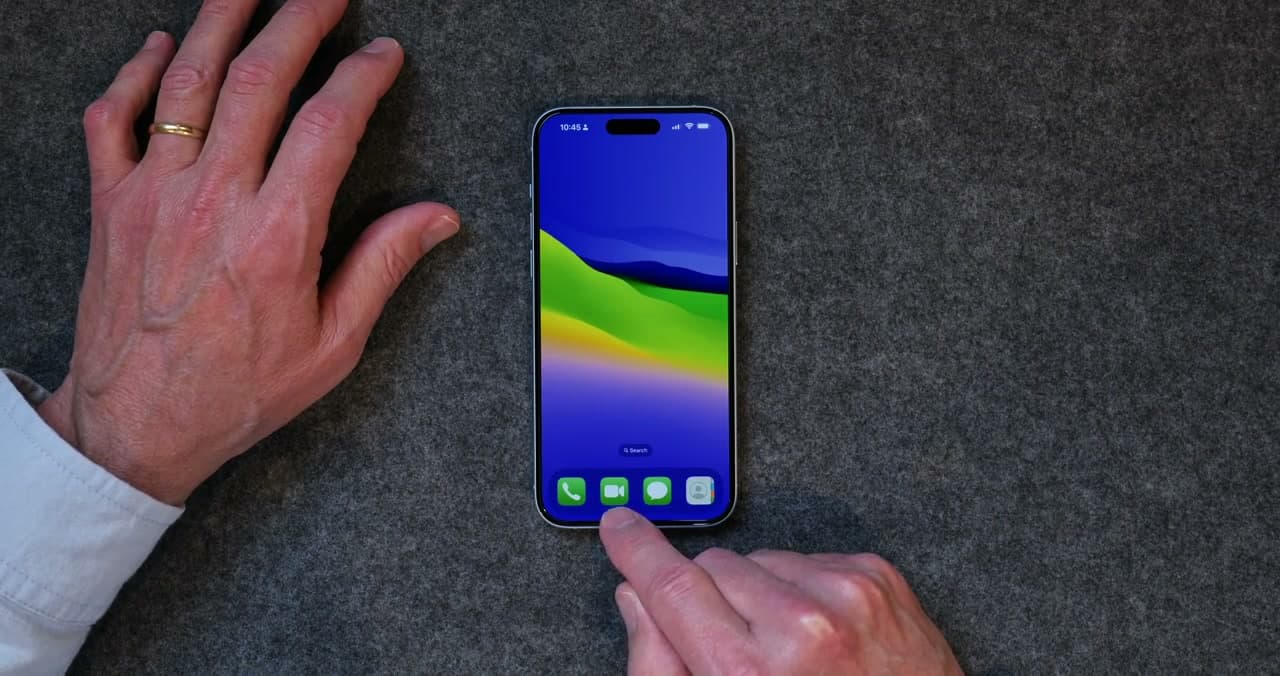
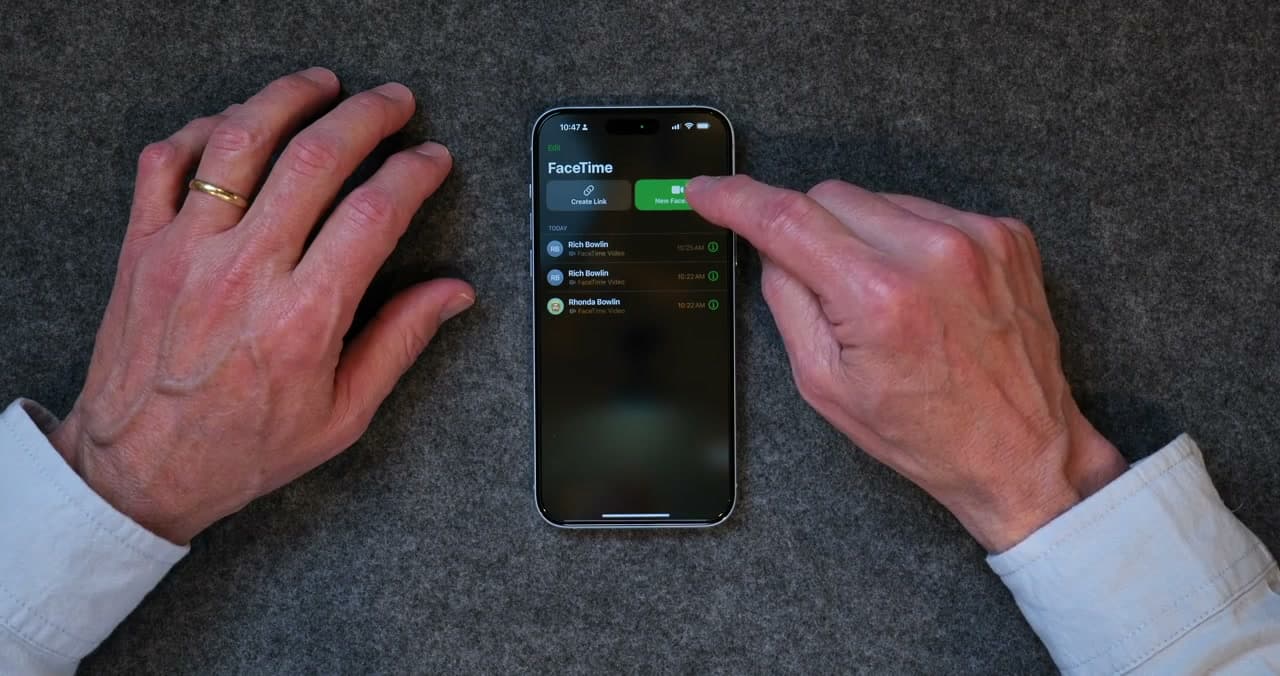
FaceTime turns a regular phone call into something that feels a lot more like sitting across the kitchen table. The other person can see your face, you can see theirs, and suddenly you're catching up the way you used to when everyone lived closer.
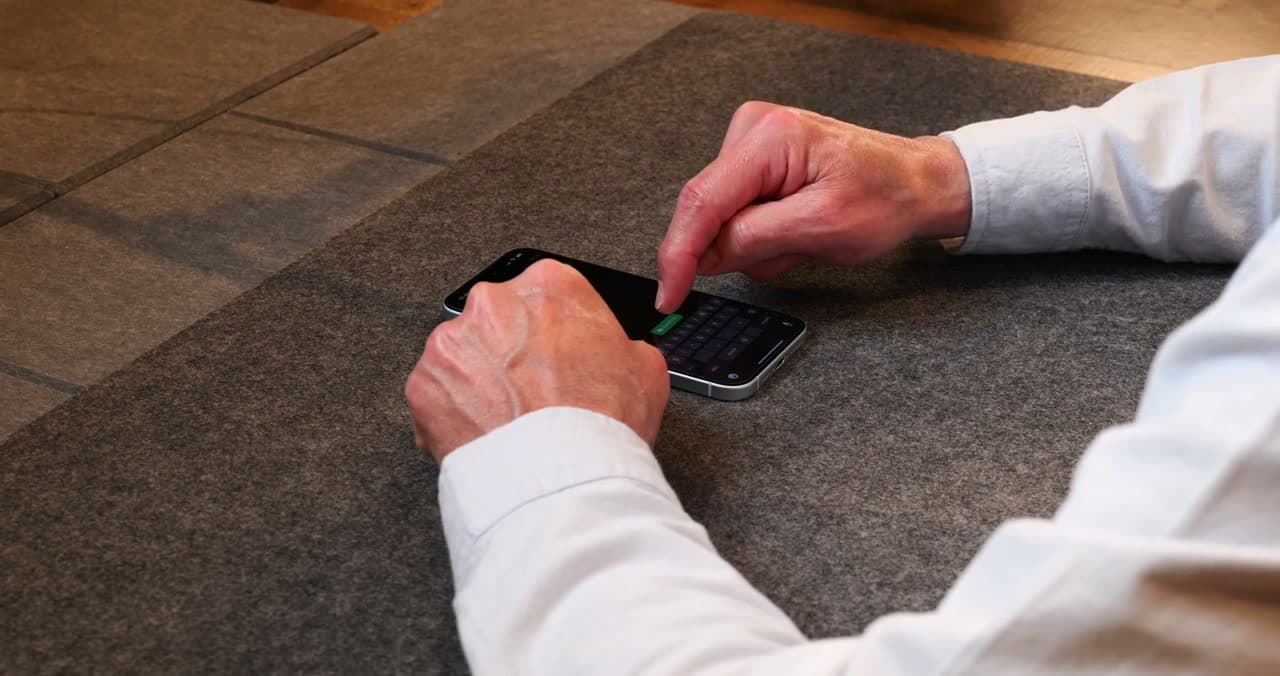
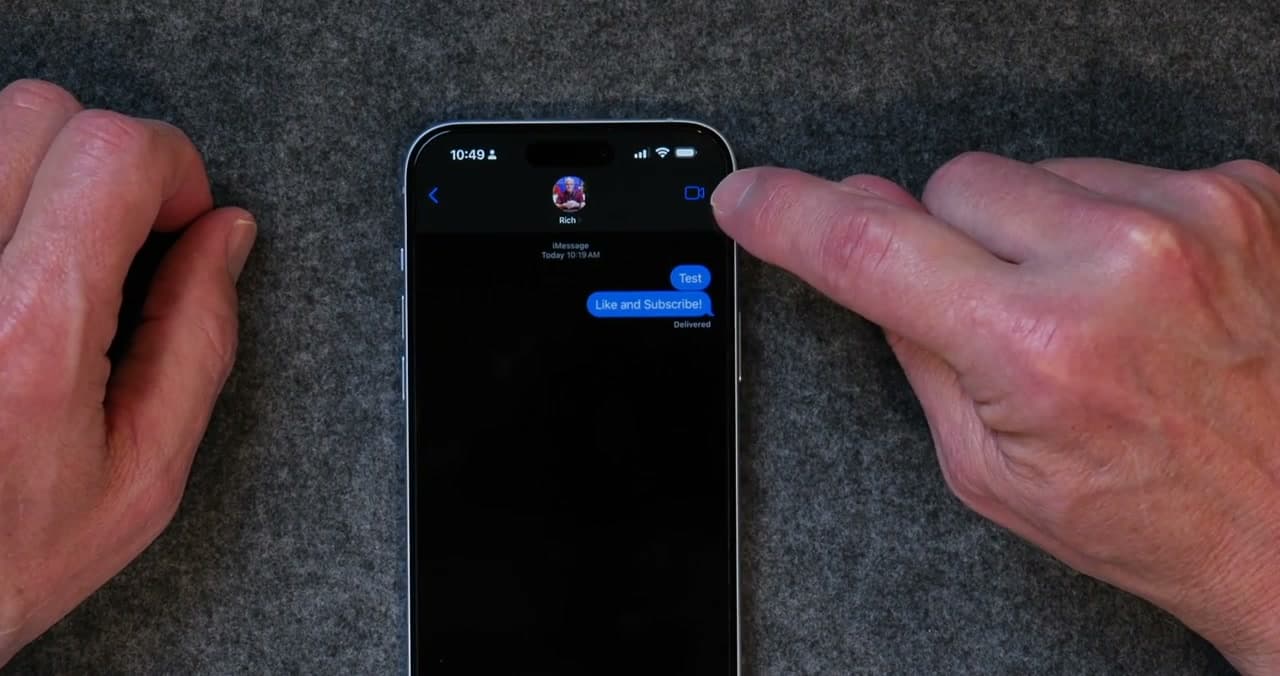
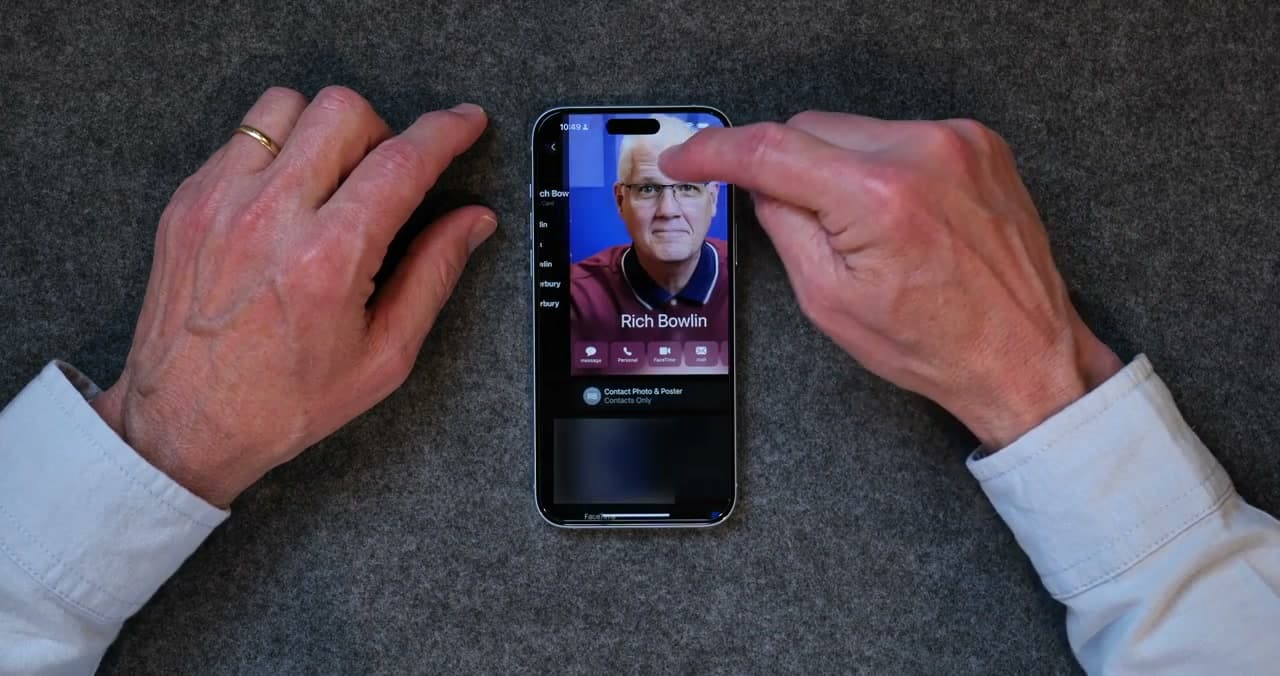
FaceTime is already on your iPhone. There's nothing to download and nothing to sign up for - if you have an Apple account on the phone, you're good to go. You can start a call from the FaceTime app, from a text message thread, or right from someone's contact card. All three ways do the same thing.
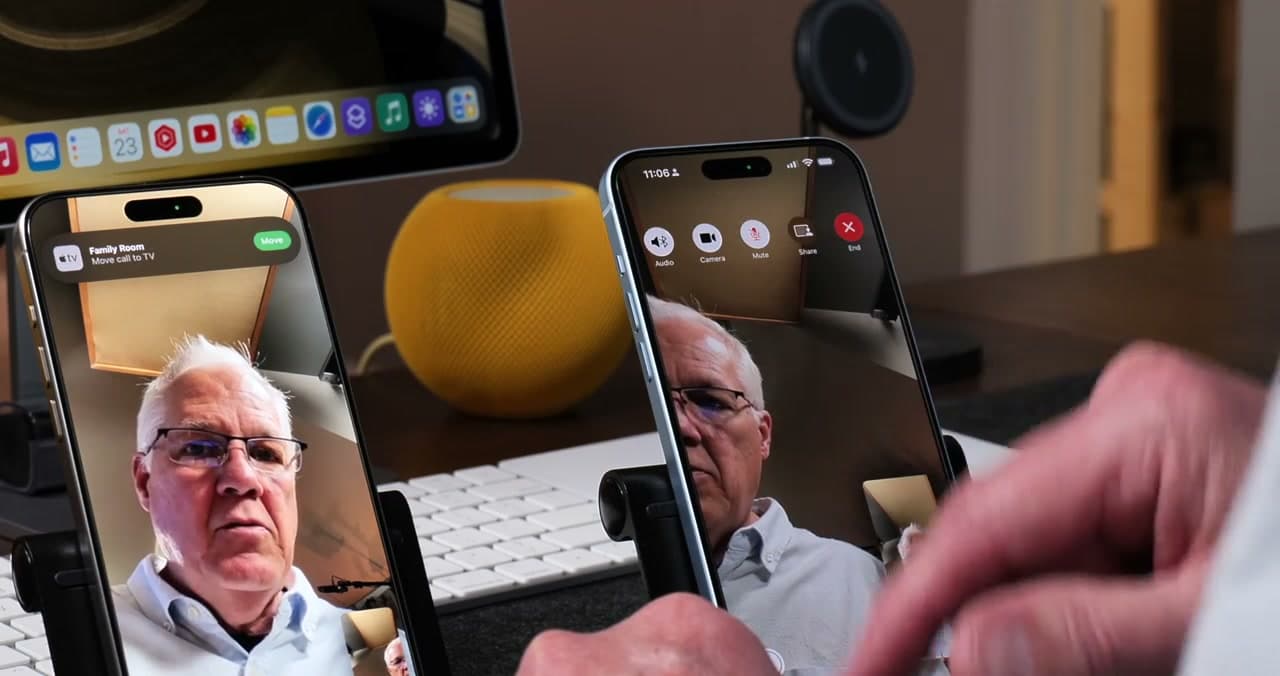
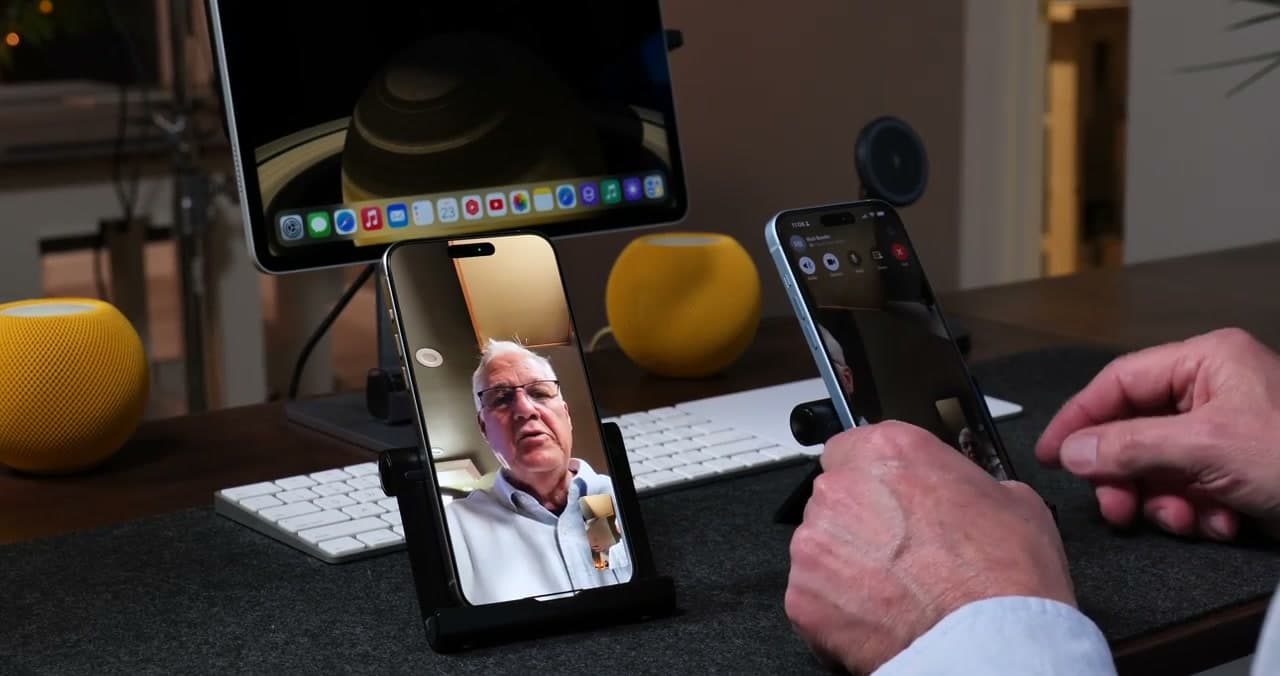
Once you're on a call, you can mute your microphone if the dog starts barking, turn off your camera for a minute, and end the call when you're done. The only piece of gear worth picking up is a small stand. Holding the phone in your hand for ten minutes gets old and the picture wobbles for whoever you're talking to.
This tutorial follows Rich Bowlin's iPhone Basics for Seniors series, which is aimed squarely at people who want clear, no-jargon explanations.
Frequently Asked Questions
Is FaceTime free to use?
Yes. FaceTime calls go over Wi-Fi or your cellular data, so there is no per-call charge. On Wi-Fi it uses no phone minutes and no cellular data at all.
Can you FaceTime someone who does not have an iPhone?
You can. Send them a FaceTime link from the app and they can join from a browser on an Android phone or a Windows computer, with no Apple device required.
Why is my FaceTime not working?
The usual fixes are checking that FaceTime is switched on in Settings, that you are signed in with your Apple account, and that the date and time are set automatically. A weak Wi-Fi signal is the other common cause.
Does FaceTime use data or minutes?
It uses data, not phone minutes. On Wi-Fi it costs nothing, and on cellular a typical call uses a few megabytes a minute, so a long call on a limited plan can add up.