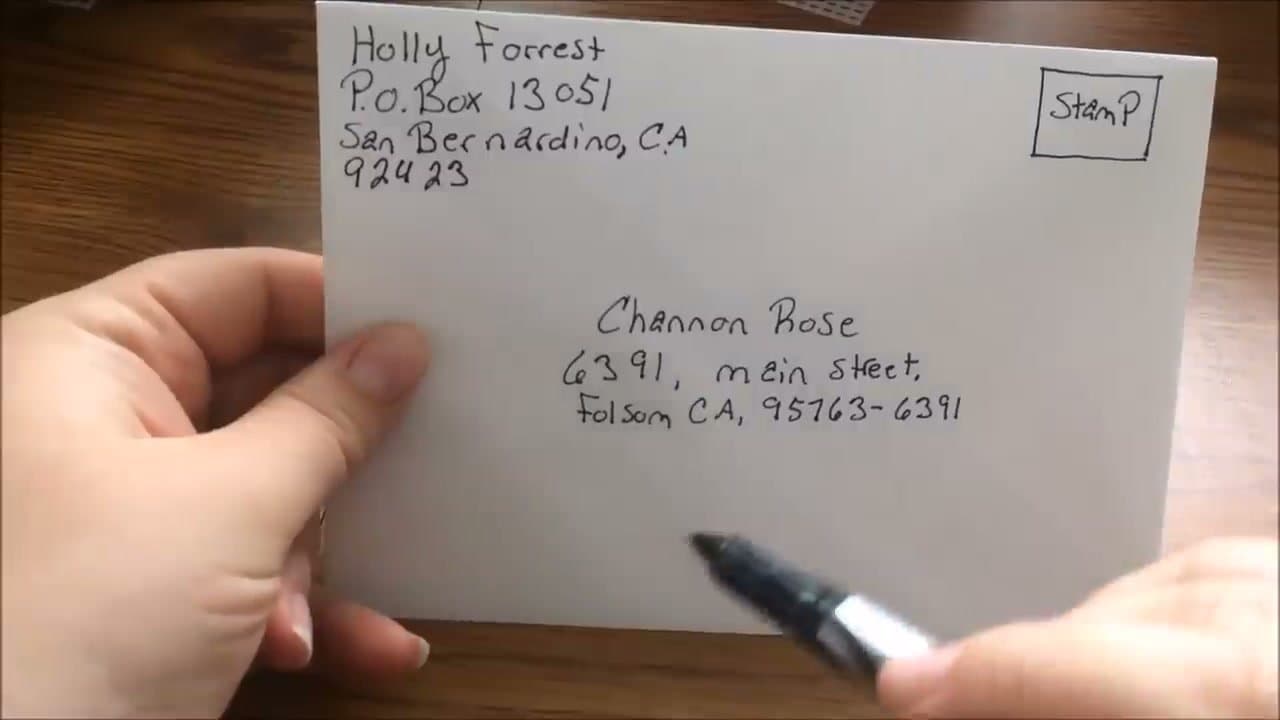
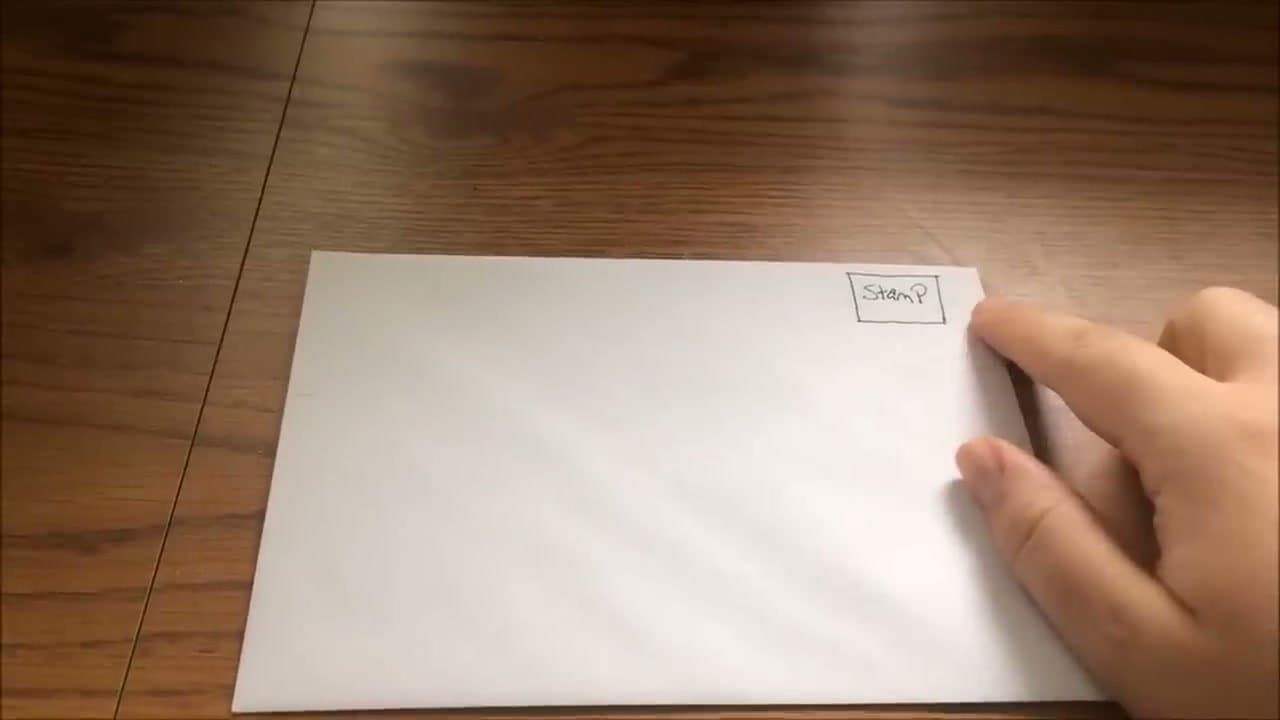
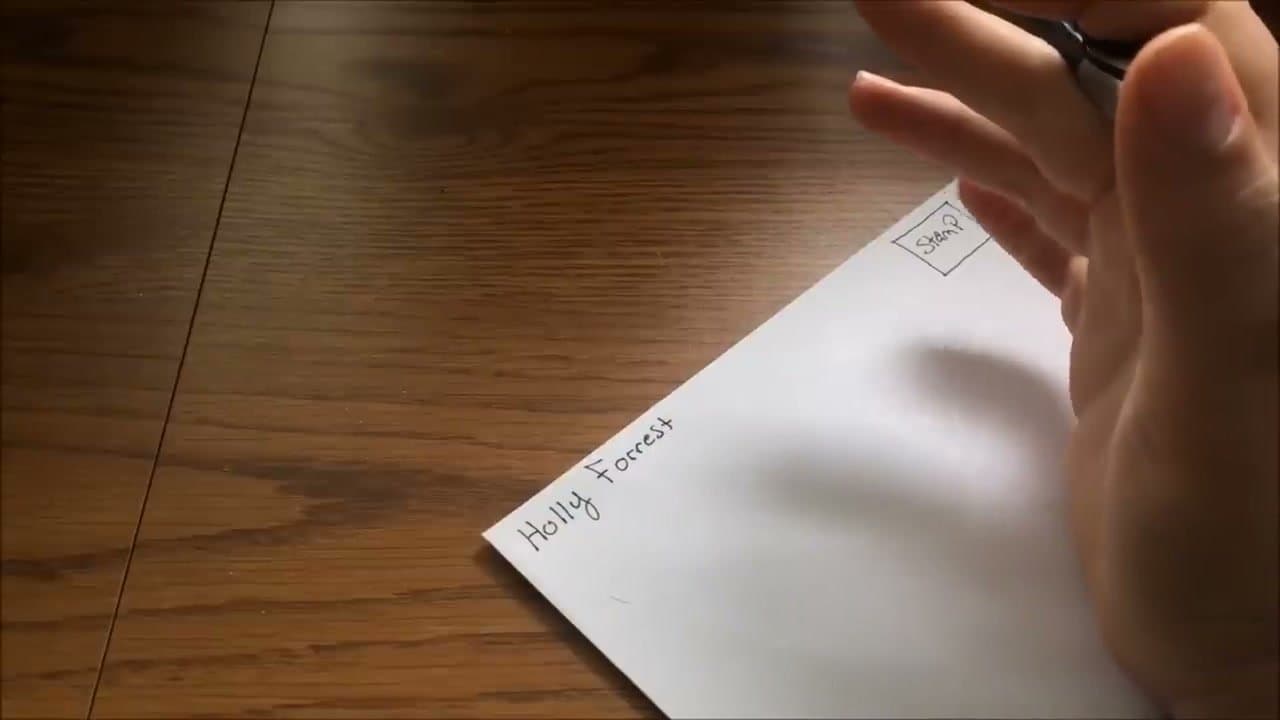
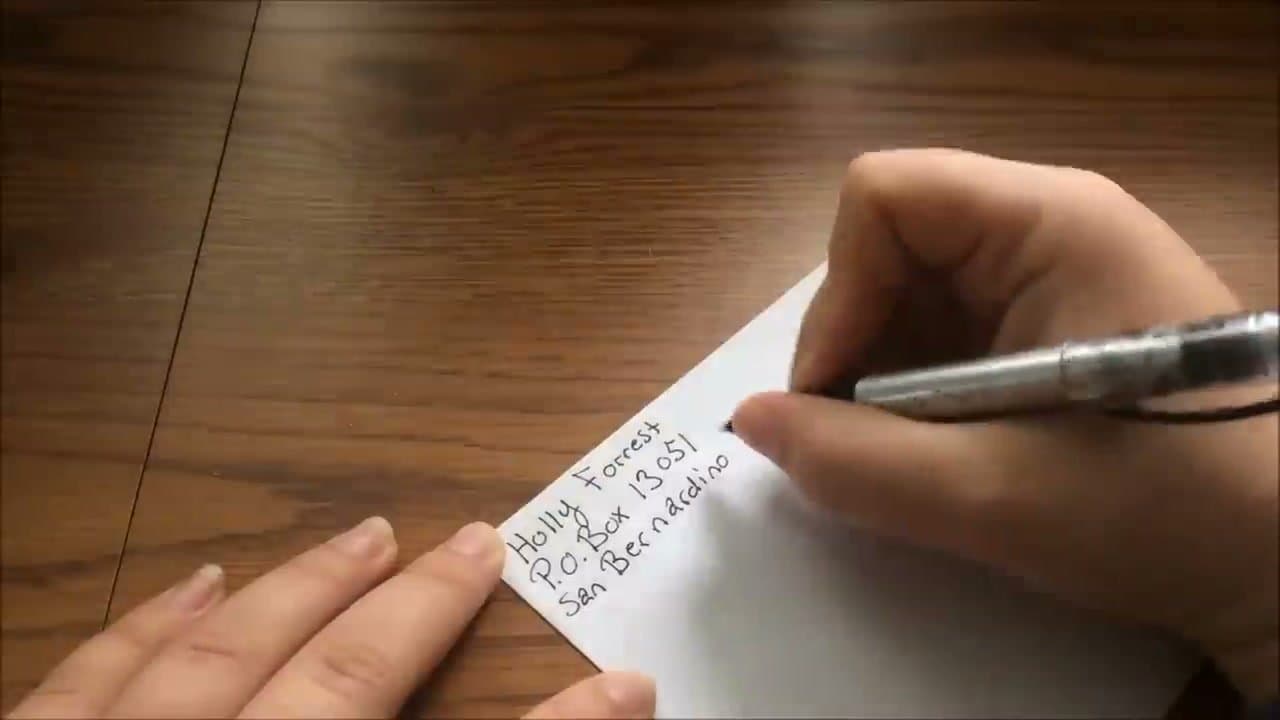
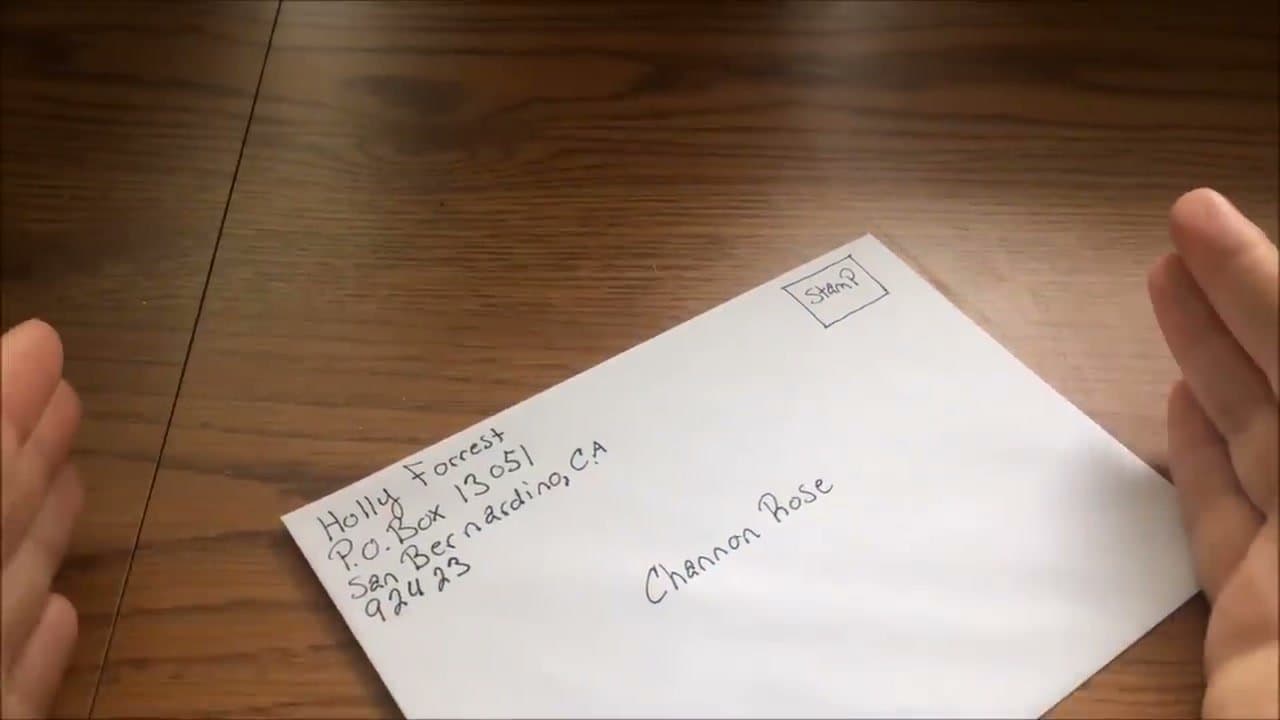
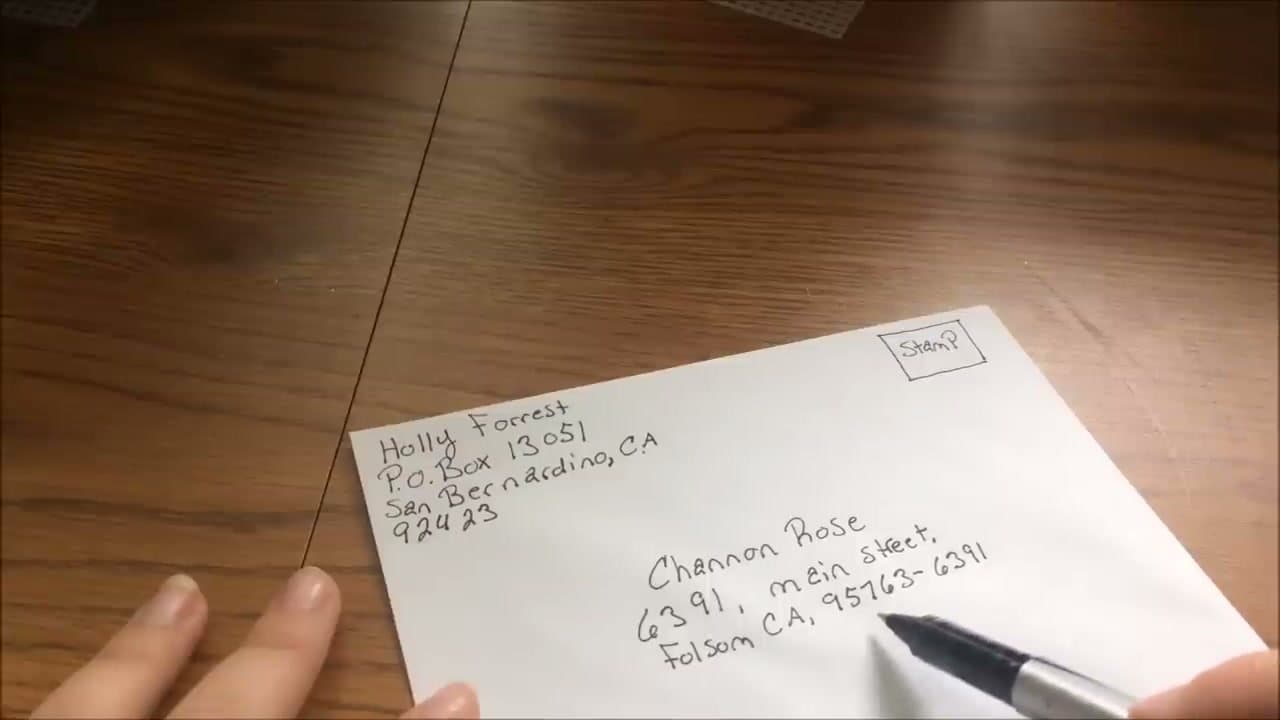
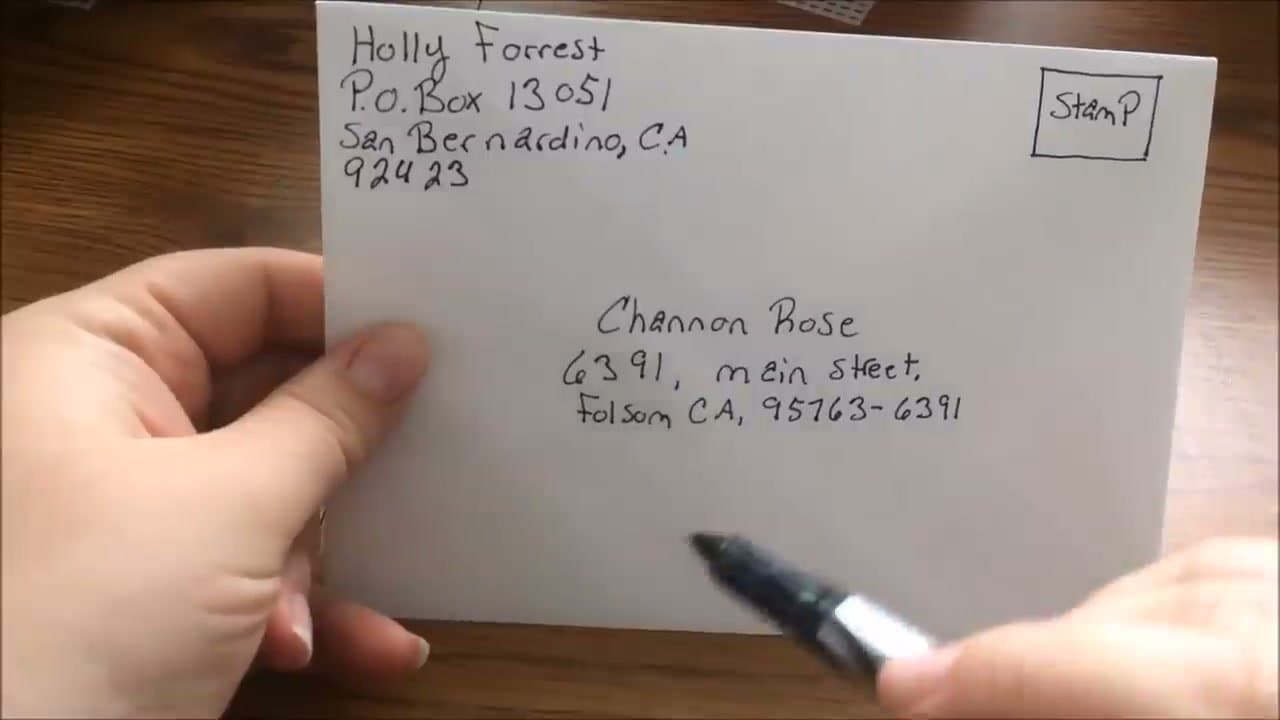
Addressing a letter is one of those things you don't realize you don't know until you're standing at a desk with an envelope in your hand. Cristin Sierra's video demonstrates the layout step by step on a real envelope, including a PO Box example. The format is consistent every time you write one, so once it clicks you're set for life.
The non-negotiables: stamp in the top right, your address (the sender) in the top left, and the recipient's address centered horizontally and vertically on the front. Print don't cursive. Skip the back of the envelope - that's blank.
The three blocks, and what goes on each line
Every envelope is the same three blocks. Get these right and the rest is detail.
| Block | Where | Lines |
|---|
| Return address | Top left | Your name / street or PO Box / city, state ZIP |
| Stamp | Top right | One Forever stamp under 1 oz |
| Recipient | Center | Name / street or PO Box / city, state ZIP |
The post office reads the bottom line first, so the city, state and ZIP always sit together on the last line. Never split them across two lines. Two spaces between the state abbreviation and the ZIP is the USPS preference, though one space gets delivered too.
Apartment, unit and suite numbers
The apartment number belongs on the same line as the street address, at the end, after the street name. Not on its own line above or below.
Write it as 1425 Oak Street Apt 3B. If the whole thing won't fit on one line, then and only then put the unit on the line directly above the street. The abbreviations the USPS reads cleanly are APT, STE (suite), UNIT, RM (room) and FL (floor). The # symbol works but scans less reliably, so spell out APT when you have the room.
This trips people up more than any other part of the address, and a missing unit number is one of the most common reasons mail comes back to a sender.
Sending to a PO Box
A PO Box replaces the street address line. You don't need both, and including both confuses the routing.
Write PO Box 4471 where the street would go, then the city, state and ZIP underneath. No periods needed in "PO". If you're sending by a courier that won't deliver to a box, you need the recipient's physical street address instead, because UPS and FedEx can't drop at a post office box at all.
Adding an ATTN line
ATTN routes a letter to a specific person inside a company or department. It goes on the first line, above the company name.
So: ATTN: Maria Delgado, then Riverside Dental Group, then the street, then the city line. Some offices prefer the attention line below the company name and it still arrives, but above is the standard the USPS documents. Keep it short. "ATTN" and the person's name is enough, no job title needed.
Care of (c/o)
Use c/o when the recipient doesn't normally live or work at that address. Someone staying with a relative, or mail going to a person via a business.
The recipient's name goes on line one, then c/o Janet Whitfield on line two, then the address. The name after c/o is whoever actually receives mail at that address, which is the piece people get backwards.
Couples, families and formal names
For a married couple sharing a surname, Mr. and Mrs. David Chen is the traditional form. Plenty of people find that dated, and David and Priya Chen is perfectly correct and reads better to most recipients.
Different surnames get both names in full, either on one line or stacked on two: Rosa Alvarez and Tom Beckett. Alphabetical order by last name if you want a tiebreaker.
A whole household is The Nakamura Family, or The Nakamuras for something less formal. For a widow, Mrs. Eleanor Voss using her own first name is the modern convention, and it is the safer choice unless you know she prefers her late husband's name.
Wedding invitations and formal mail
Invitations follow the same physical layout with stricter naming. Spell everything out: no abbreviations in the street, the state or the titles. Street not St, California not CA, Doctor not Dr.
Inner envelopes, if you're using them, carry just the names, no address. Handwriting the outer envelope is worth the hour it takes, and it's the one piece of mail where the addressing itself is part of the gift. If you want to letter them yourself, calligraphy basics covers the pen grip and stroke order.
Mailing to Canada and other countries
International mail puts the country name alone on the last line, in capitals. Nothing goes after it.
Canadian addresses use a six-character postal code in the format K1A 0B1, and the province abbreviation sits on the same line as the city and code: Ottawa ON K1A 0B1, then CANADA underneath. UK postcodes work the same way, on their own line above the country.
Write the address in English where you can, since it's the origin country's postal service that has to read it first. Check the postage before you seal it, because international rates are well above a domestic Forever stamp.
Common questions
Which corner does the stamp go in?
The top right corner. A single Forever stamp covers any standard letter under one ounce, and it's easiest to stick it on before you start writing so you don't smudge the ink.
Do I need the full 9-digit ZIP code?
No. The 5-digit ZIP is all the post office requires and mail arrives fine with it. The 9-digit ZIP+4 just routes a little faster to the exact block, so treat it as optional.
Where does the return address go?
The top left corner: your name on the first line, street address or PO Box below it, then city, state, and ZIP. It's what the post office uses to send the letter back if it can't be delivered.
Can I use a printer instead of handwriting it?
Yes, and the post office reads printed envelopes more reliably than handwriting. Most word processors have an envelope template under the mailings or print menu. Feed direction varies by printer, so run one test on a scrap envelope before you commit a stack of them.
What if I make a mistake?
Start a new envelope. Crossed-out lines and correction fluid cause misreads at the sorting machine, and a rejected envelope costs you more time than rewriting it does.
Does anything go on the back?
No. The back stays blank apart from the seal. A return address on the flap is an old convention that some sorting equipment now misreads, so keep it on the front top left.
Once the envelope is addressed, mailing a letter covers postage and drop-off options. If you're moving, forwarding your mail and updating your address with the IRS are the two that people forget. And for the letter going inside, here's how to write a thank you note.