Open a Roth IRA on Fidelity and you get a tax-free retirement bucket that keeps growing for the rest of your life. Money goes in after-tax, then every dollar of growth and every dollar you withdraw in retirement comes out tax-free. It's one of the strongest accounts the IRS lets you have, and Fidelity makes it free to open.
If you're already retired or close to it, a Roth IRA still matters. Retirees use a Roth for two big reasons: a Roth conversion (rolling Traditional IRA dollars into a Roth so future RMDs shrink) and a spendable bucket that doesn't push you into a higher Social Security tax bracket. The mechanics of opening the account are the same whether you're 25 or 65 - the only thing that changes is how aggressively you invest inside it.
For more on the retirement income picture this Roth fits into, see how much Social Security will I get, how to open a Fidelity account, when can I retire, how to calculate your RMD, and how Social Security is taxed.
Frequently asked questions
How much can I contribute to a Roth IRA in 2026?
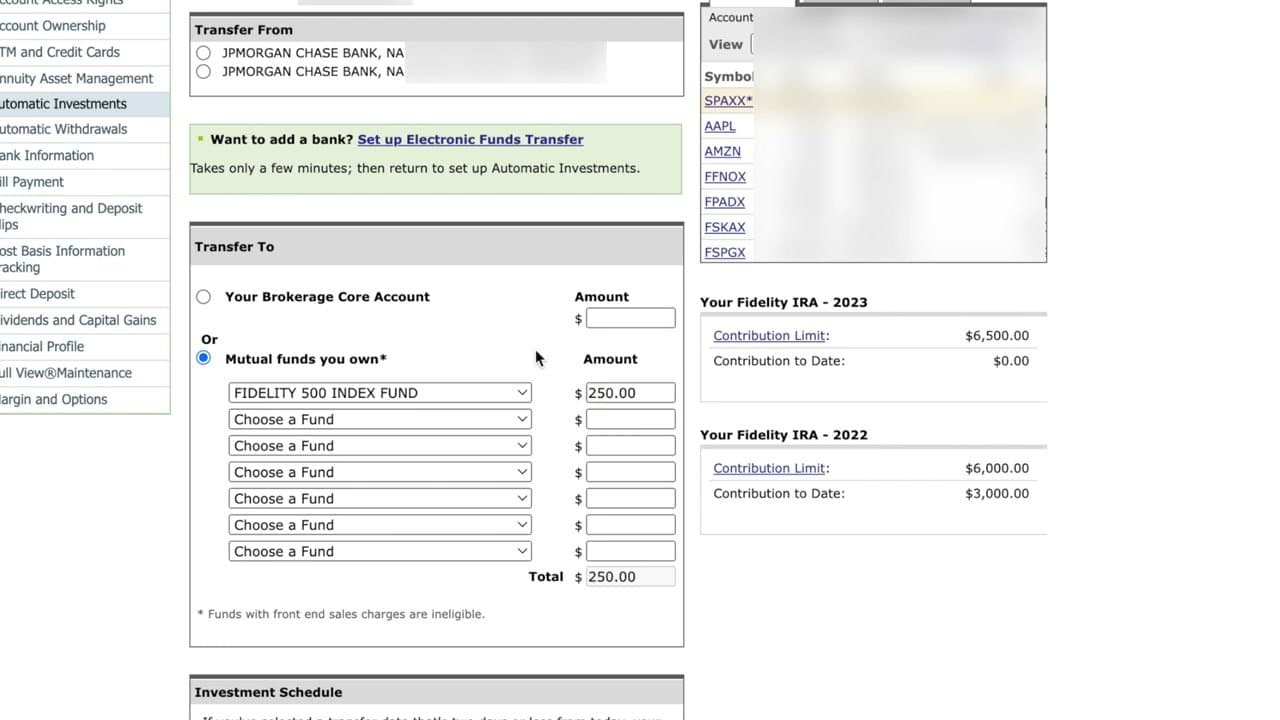
The 2026 Roth IRA contribution limit is $7,000 a year if you're under 50, or $8,000 if you're 50 or older (the extra $1,000 is the catch-up contribution). Income phase-outs apply above roughly $150K single / $236K married filing jointly - check the IRS table for the exact 2026 numbers, since they shift each year with inflation. If you earn over the limit, ask Fidelity about a Backdoor Roth.
What's the difference between a Roth IRA and a traditional IRA on Fidelity?
Both are retirement accounts. The difference is when you pay tax. A Traditional IRA is pre-tax going in and taxable coming out. A Roth IRA is after-tax going in and tax-free coming out (including all the growth). Retirees often pick Roth because withdrawals don't count toward provisional income, which keeps Social Security and Medicare premiums from getting taxed harder. Fidelity offers both - the account opening flow is nearly identical, you just pick the type on the first screen.
Can I open a Roth IRA at any age?
Yes. There is no upper age limit on opening or contributing to a Roth IRA. The only requirement is that you (or a spouse filing jointly) have earned income equal to or greater than the amount you contribute. A 75-year-old part-time worker can still fund a Roth. Kids can have a custodial Roth IRA too, as long as they have real earned income.
What investments should I put in a Fidelity Roth IRA?
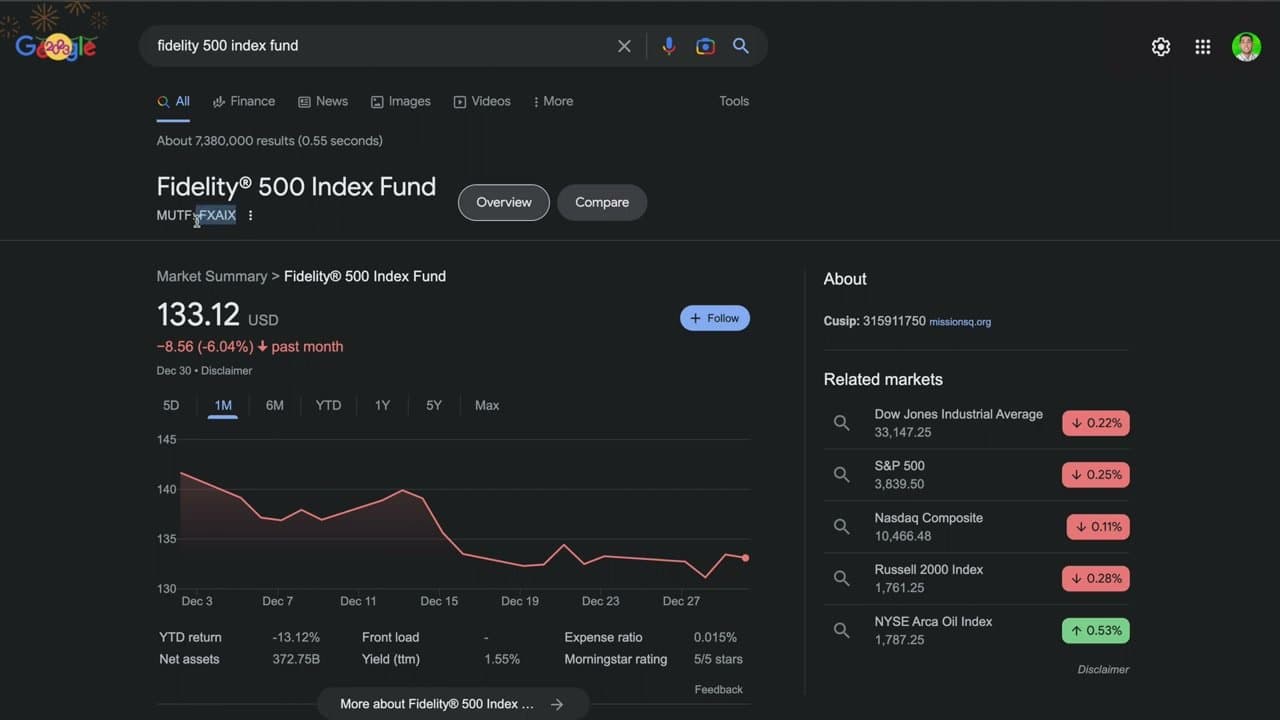
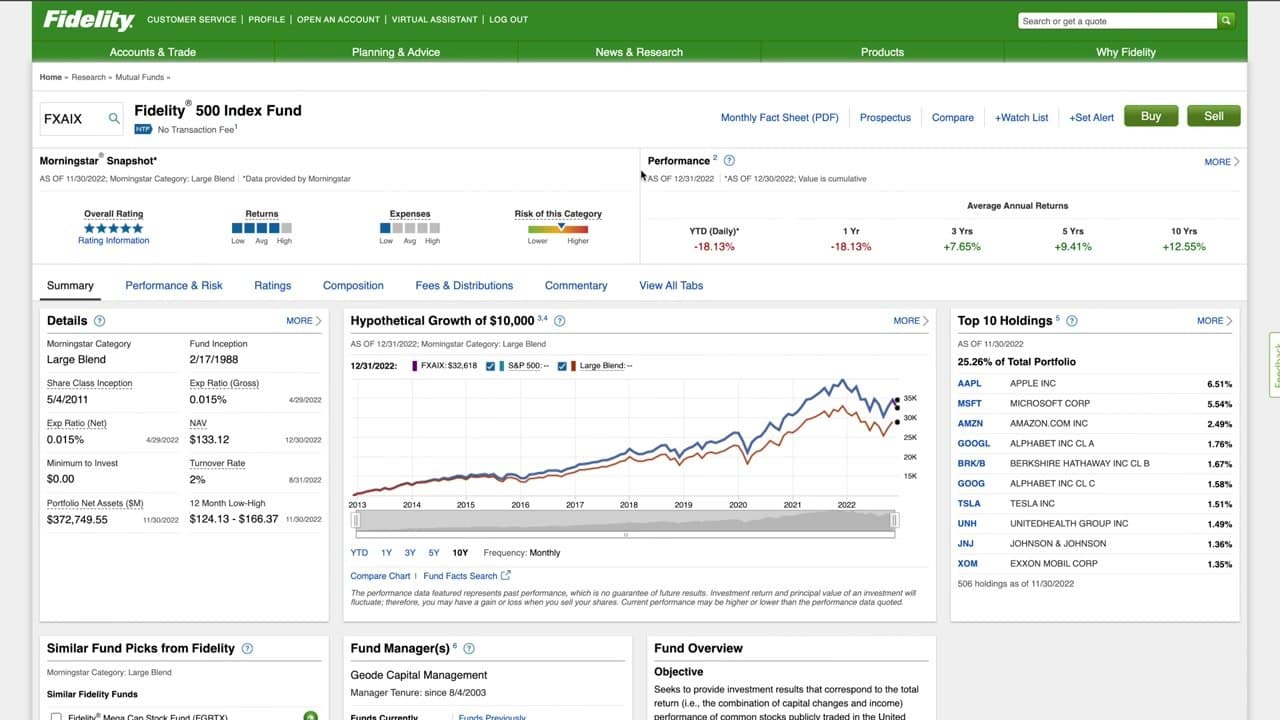
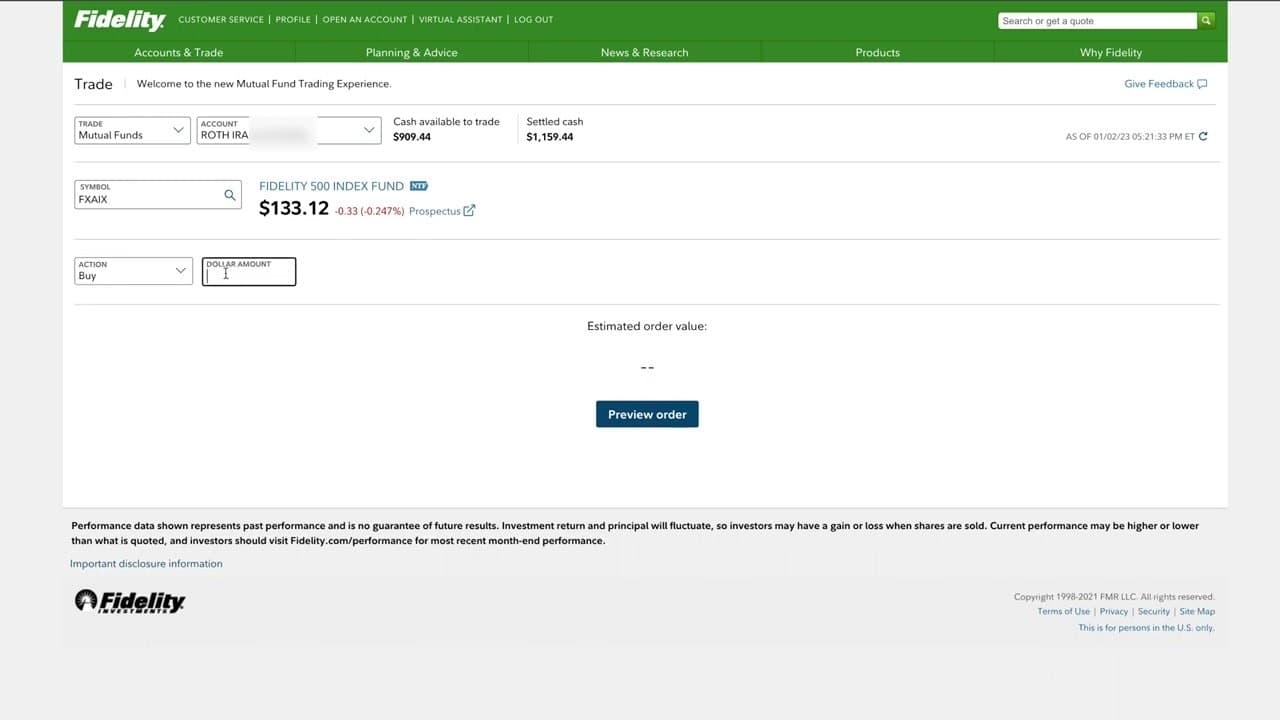
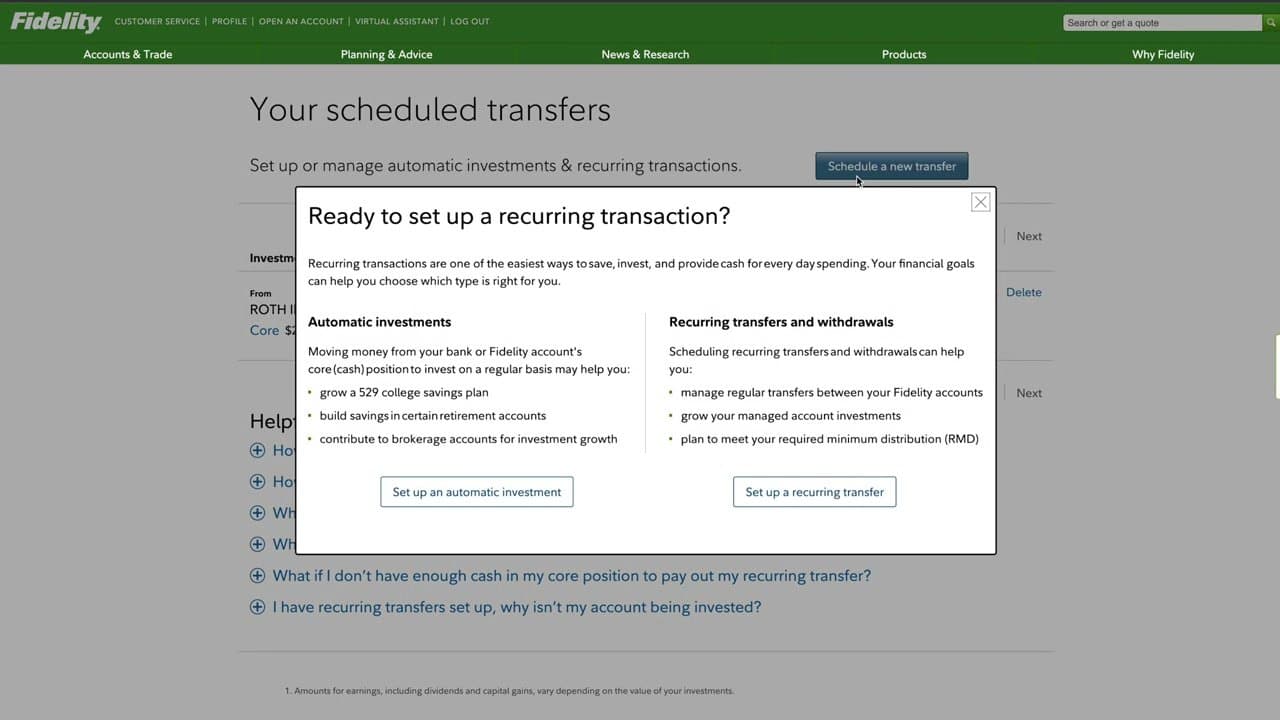
For most people the answer is a low-cost broad-market index fund. Fidelity's FXAIX (S&P 500 index, 0.015% expense ratio) is the workhorse pick. FZROX is Fidelity's zero-fee total market fund. If you're closer to retirement, blend in FXNAX (total bond market) to dial back risk - a common rule of thumb is (your age) percent in bonds, but tune it to your own risk tolerance. The point of the Roth wrapper is decades of tax-free compounding, so once you pick the funds, automate the buys and leave them alone.