How to Apply for Social Security (Step-by-Step Guide)

AdultingEasy17:3510 stepsBrowse more →

By ShowMeStepByStepPublished Updated

Based on a video by Video Pizzazz.

Applying for Social Security is one of those tasks that sounds heavier than it is. The online application at ssa.gov takes most people 10 to 30 minutes once their documents are in front of them, and you can save your progress and come back if you need to. The hard part is knowing what to expect on each screen so you're not guessing.

This walkthrough is built from Dan at Video Pizzazz's full screen-by-screen demonstration on YouTube. You'll see the actual ssa.gov pages, in order, with notes about what each section asks for and what to have ready. By the end you'll know how to estimate your benefit, set up a my Social Security account, walk through the application, and check on the status of your claim.

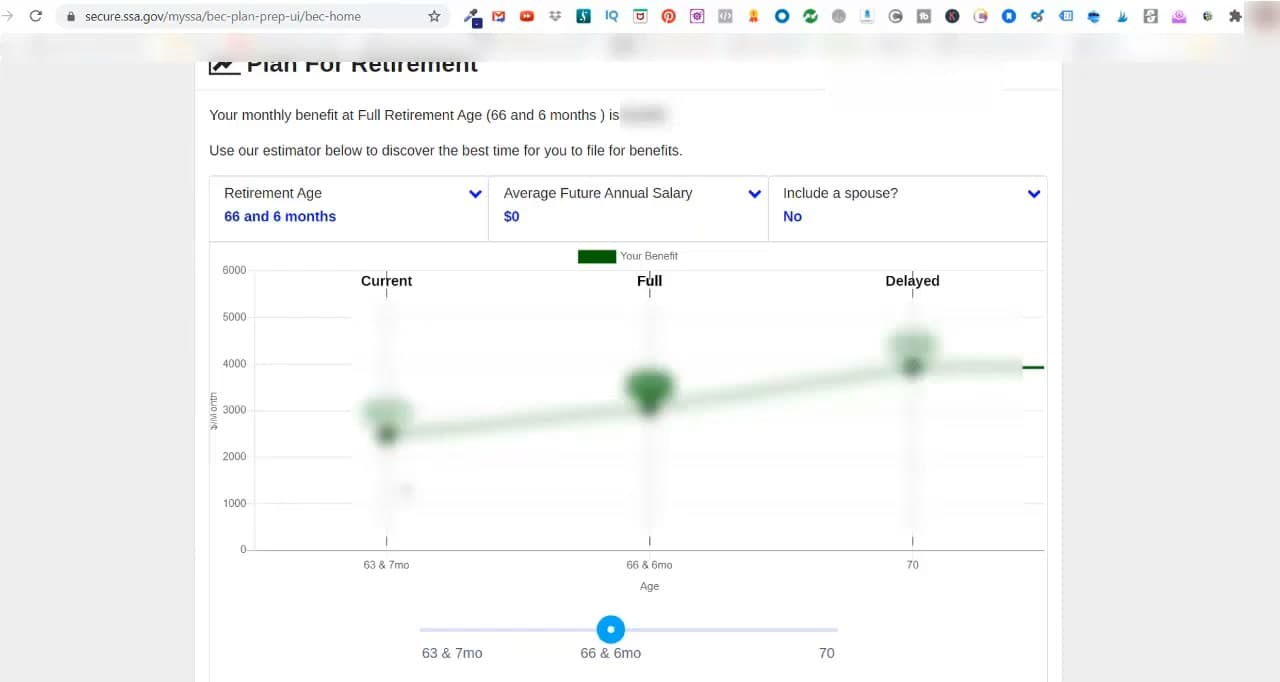
One decision matters more than the rest: when to start. Claiming early at 62 locks in a smaller check for life. Waiting until your Full Retirement Age (66 and 6 months for most people reading this) gives you the full amount. Delaying to age 70 adds about 8% per year of waiting on top of that. The estimator on the first page makes that trade-off concrete in dollars.

If you're also planning the rest of retirement, our primer on what Social Security actually is and our explainer on how much you'll get pair well with this guide. For the medical side of the same life stage, see what Medicare Part B covers and our walkthrough on Medicare Part D prescription coverage.

Step-by-Step Guide

1

Decide When to Apply (62, FRA, or 70)

1:10
Step 1: Decide When to Apply (62, FRA, or 70)

Before you fill out anything, decide when you want benefits to start. You can claim as early as age 62, wait until your Full Retirement Age (66 and 6 months for most people reading this, 67 for anyone born in 1960 or later), or delay all the way to age 70.

Each year you wait past 62 raises your monthly check. Each year you delay past FRA adds about 8% more, capped at age 70. Claiming early shrinks every future check for the rest of your life. SSA has a Retirement Estimator at ssa.gov/benefits/retirement/estimator.html that runs the math on your own earnings record - it shows the three numbers side by side so you can compare.

Tip

If you're still working and earning a paycheck, claiming before Full Retirement Age can cost you. SSA withholds part of your benefit for every dollar you earn above the annual limit (around $22,000 in 2025). Wait until FRA and the earnings limit goes away entirely.
2

Gather Your Documents

8:20
Step 2: Gather Your Documents

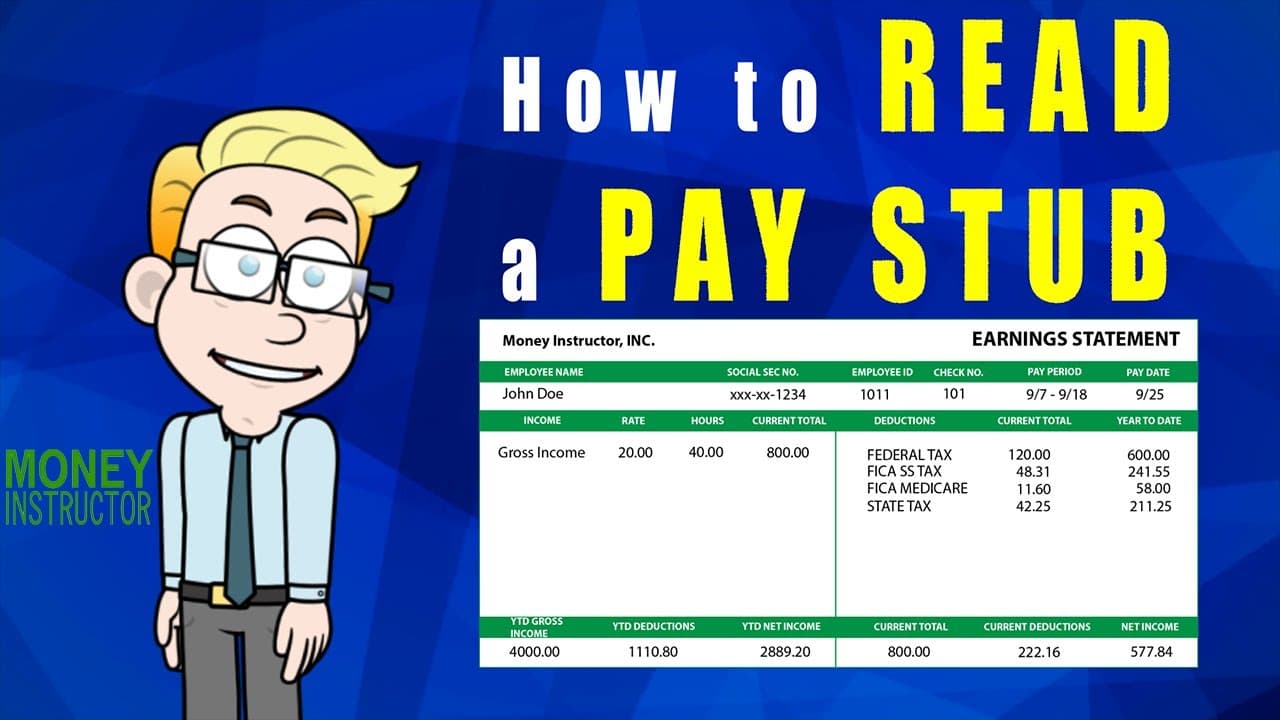
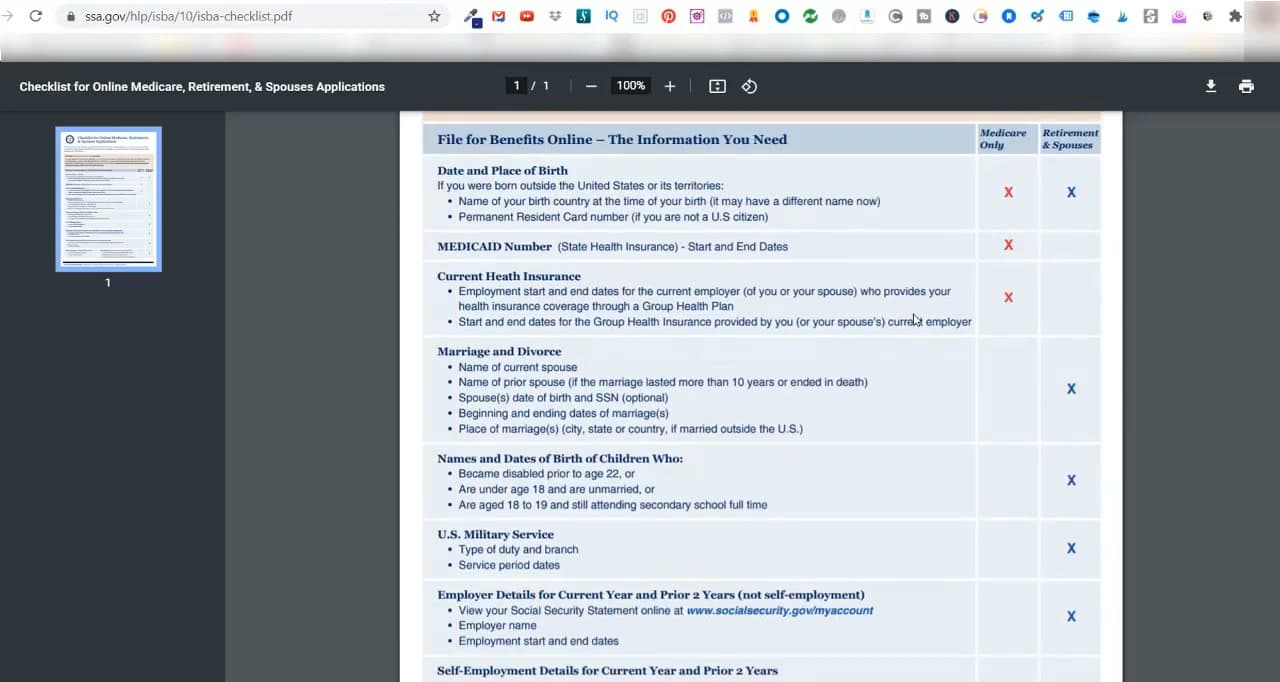
SSA publishes a one-page checklist at ssa.gov/hlp/isba/10/isba-checklist.pdf that lists everything they may ask for. The basics: your Social Security number, your birth date and place, your most recent W-2 or self-employment tax return, and bank account info (routing and account numbers) for direct deposit.

Other things they may ask for, depending on your situation: a birth certificate if you were born outside the U.S., DD-214 discharge papers if you served in the military, your current and prior marriage dates if you've been married, and the names and birth dates of any children who may qualify for benefits on your record.

Tip

You don't need to upload anything to start the online application - SSA pulls most of this from their records. Have your documents next to you anyway so you can answer dates and numbers from memory rather than guessing.

3

Pick How You Want to Apply

2:02
Step 3: Pick How You Want to Apply

You have three ways to apply. The online application at ssa.gov/retirement is the fastest for most people and the path this guide walks through. You can save your progress and come back, and you'll get a receipt by email when you submit.

If you'd rather not do it online, call SSA at 1-800-772-1213 (TTY 1-800-325-0778) Monday through Friday 8 a.m. to 7 p.m. and they'll take your application by phone. You can also schedule an appointment at your local Social Security office using the office locator at secure.ssa.gov/ICON/main.jsp. In-person appointments often book several weeks out, so call early.

Tip

Applying online doesn't lock you out of help. If you get stuck on a screen, you can call the 1-800 number and a representative can finish the application with you while looking at your draft.

4

Create a my Social Security Account

3:15
Step 4: Create a my Social Security Account

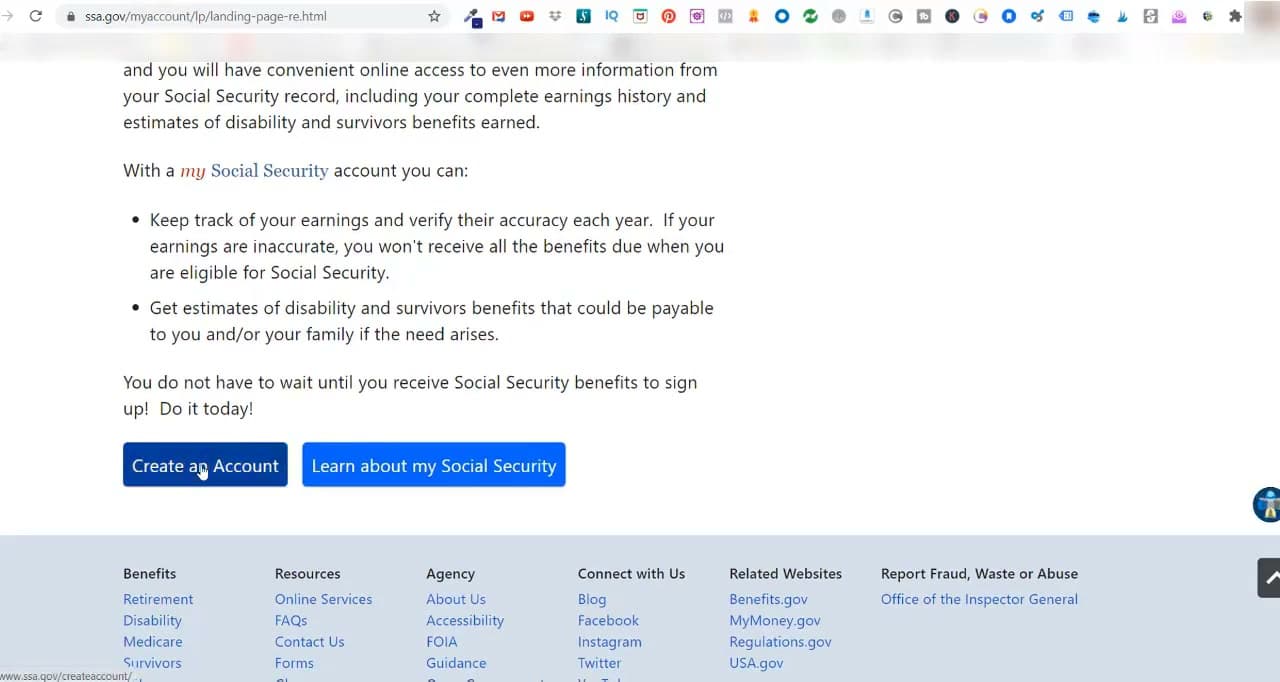
Go to ssa.gov/myaccount and click Create an Account. Enter your name, Social Security number, date of birth, address, cell phone number, and email, then agree to the terms.

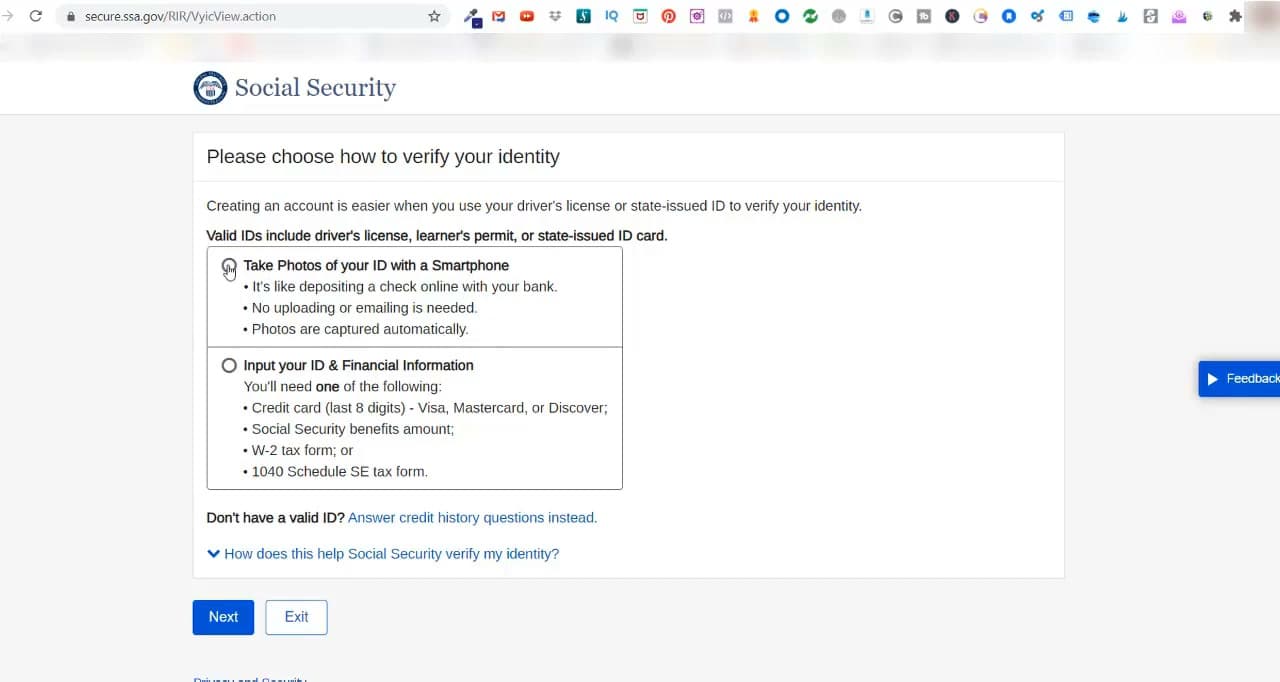
SSA verifies your identity using one of two methods. The easier option is to take a photo of the front and back of your driver's license or state ID with your phone - SSA texts you a link, you snap the photos, and they read the ID automatically. The other option is to answer credit-history questions on screen. Pick one, finish the verification, and SSA sends an activation code by text, email, or mail. Enter the code, set up your username, password, and three security questions, and your account is live.

Tip

SSA replaced its old login system with Login.gov in 2024. If you set up an account before then, you'll be prompted to link it to a Login.gov account the first time you sign in.

5

Start the Retirement Application

10:00
Step 5: Start the Retirement Application

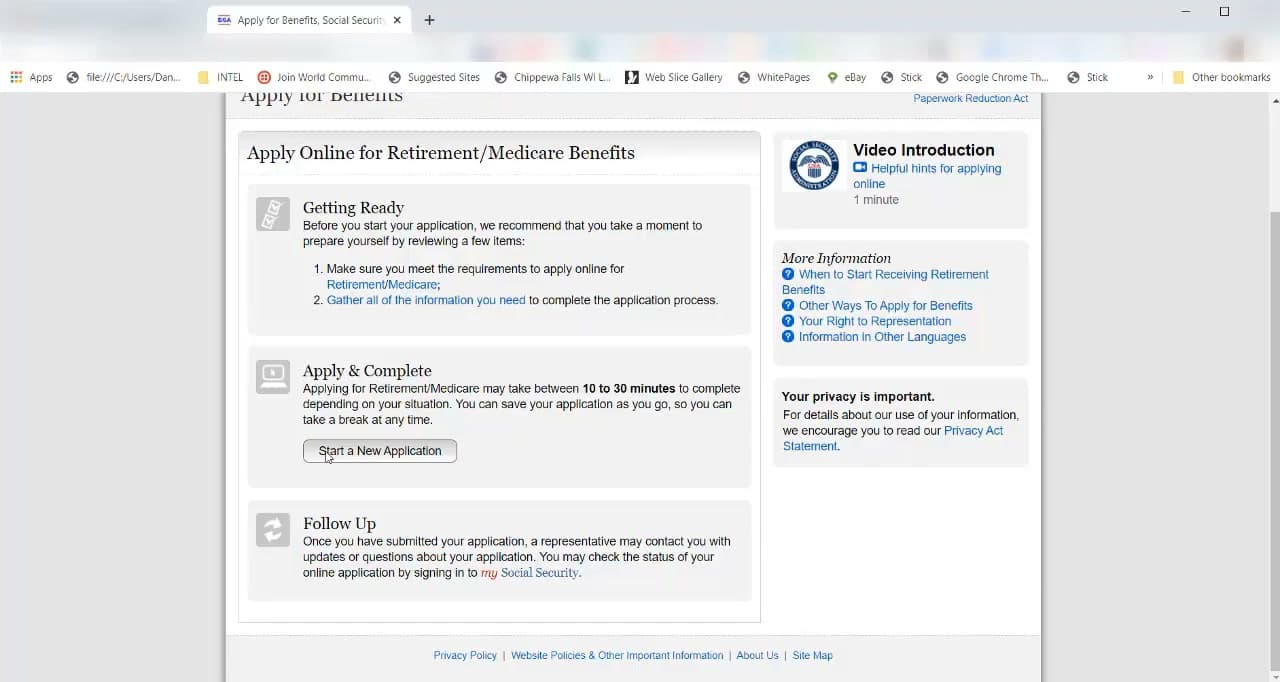
Sign into your my Social Security account and click Start Your Retirement Application. Read the Getting Ready page, click I understand and agree, then click Start a New Application.

SSA shows you a re-entry number on the next screen - this is the code you use to come back if you have to stop and finish later. Print or screenshot that page before you continue. The application has five tabs across the top: Identification, General, Other Benefits, Remarks & Options, and Review & Sign. You'll work through them in order.

Tip

The full application usually takes 10 to 30 minutes. You can click Save & Exit on almost any screen if you need to step away. Your work is held for up to 6 months under the re-entry number.

6

Fill Out the Identification Section

11:20
Step 6: Fill Out the Identification Section

The first tab confirms who you are. Check that your name, Social Security number, date of birth, and gender are correct (SSA pre-fills them from your account). Answer the two questions below about whether you've ever used another Social Security number or another name - say yes if you remarried and changed names, even decades ago.

Next screen: contact information. Confirm your address, phone, and email. Then your birth and citizenship details - country of birth and U.S. citizen status. Read each field carefully and click Next. The blue progress bar at the top tells you which tab you're on.

Tip

If the system catches a typo in your name or birth date later, it can hold up your application for weeks. Slow down and check this section twice before moving on.

7

Answer the Work History Section

12:00
Step 7: Answer the Work History Section

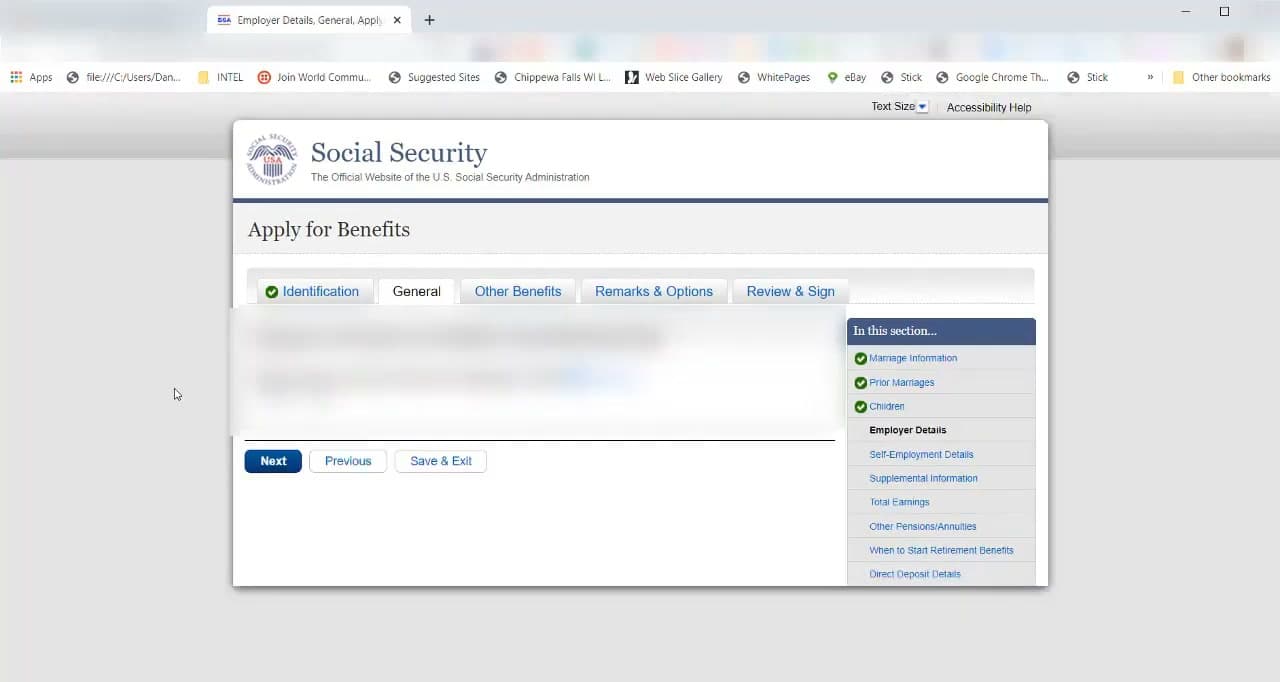
The General tab covers your earnings history. SSA asks whether you worked or will work for an employer this year, then walks you through employer details and self-employment details if either applies. Be ready with your most recent W-2 and your self-employment Schedule C if you're a 1099 worker.

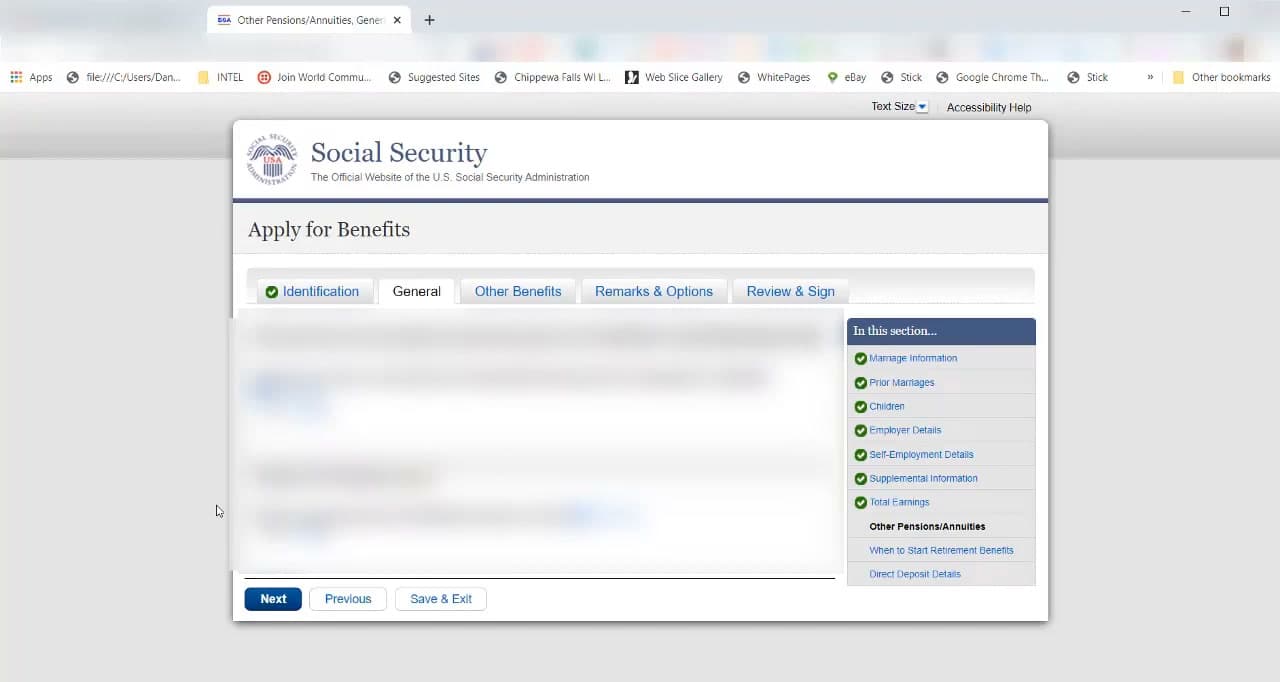
Below that are screens for Total Earnings, Other Pensions or Annuities, and Work Not Covered by Social Security. The last one matters if you spent time in some state or federal government jobs where Social Security taxes weren't withheld - it can reduce your benefit under the Windfall Elimination Provision. Answer truthfully even if the question feels obscure.

Tip

If you have a pension from a job that didn't pay into Social Security (some teachers, police, federal workers hired before 1984), this is the screen that flags it. Get your pension statement out and report the monthly amount accurately.

8

Fill Out the Family Information Section

11:05
Step 8: Fill Out the Family Information Section

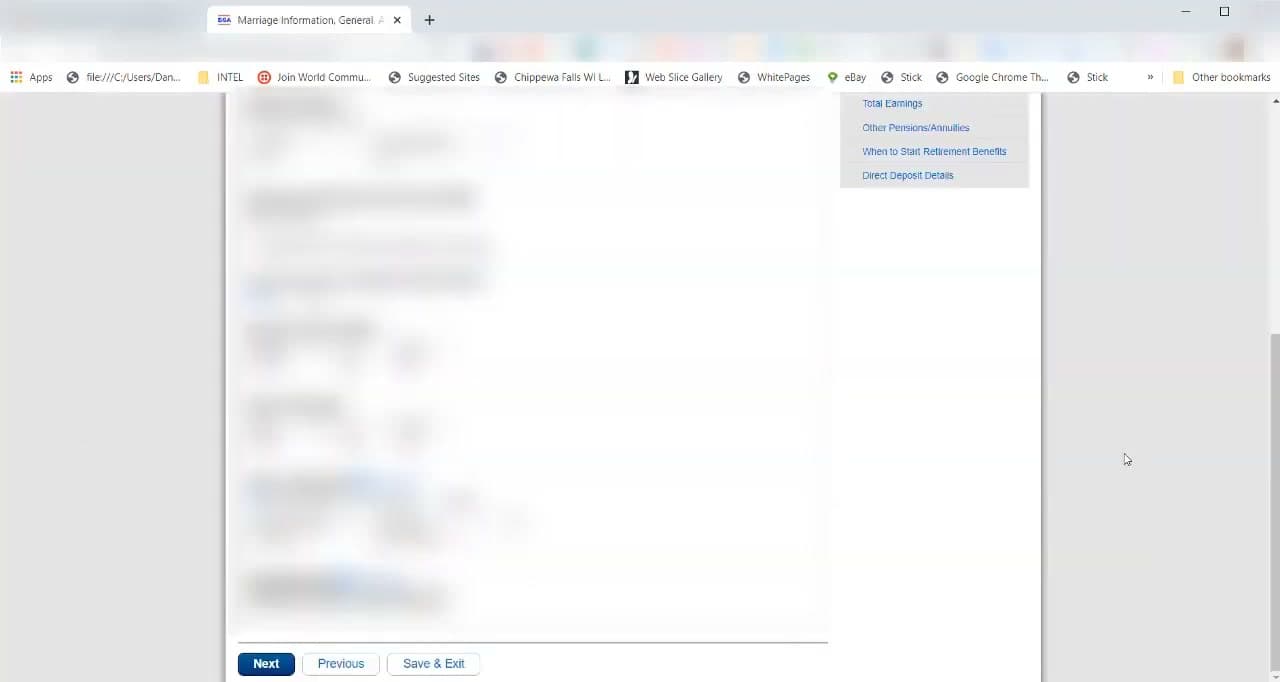
Still on the General tab, you'll hit Marriage Information. Enter your current marriage date and your spouse's name, date of birth, and Social Security number. Then SSA asks about prior marriages - list any that lasted 10 years or more, even if they ended in divorce decades ago. You may qualify for benefits on a former spouse's record.

Last subsection: Children. Add any child who is under 18, under 19 and still in high school, or any age but disabled before age 22. They can collect dependent benefits on your record. If none of that applies, just answer no and move on.

Tip

A divorced spouse can collect on your record (or you on theirs) if the marriage lasted at least 10 years, you're at least 62, and you're not currently married. Reporting prior marriages here doesn't affect your own benefit - it just opens that door.

Products used in this step

9

Set Direct Deposit and Submit

12:20
Step 9: Set Direct Deposit and Submit

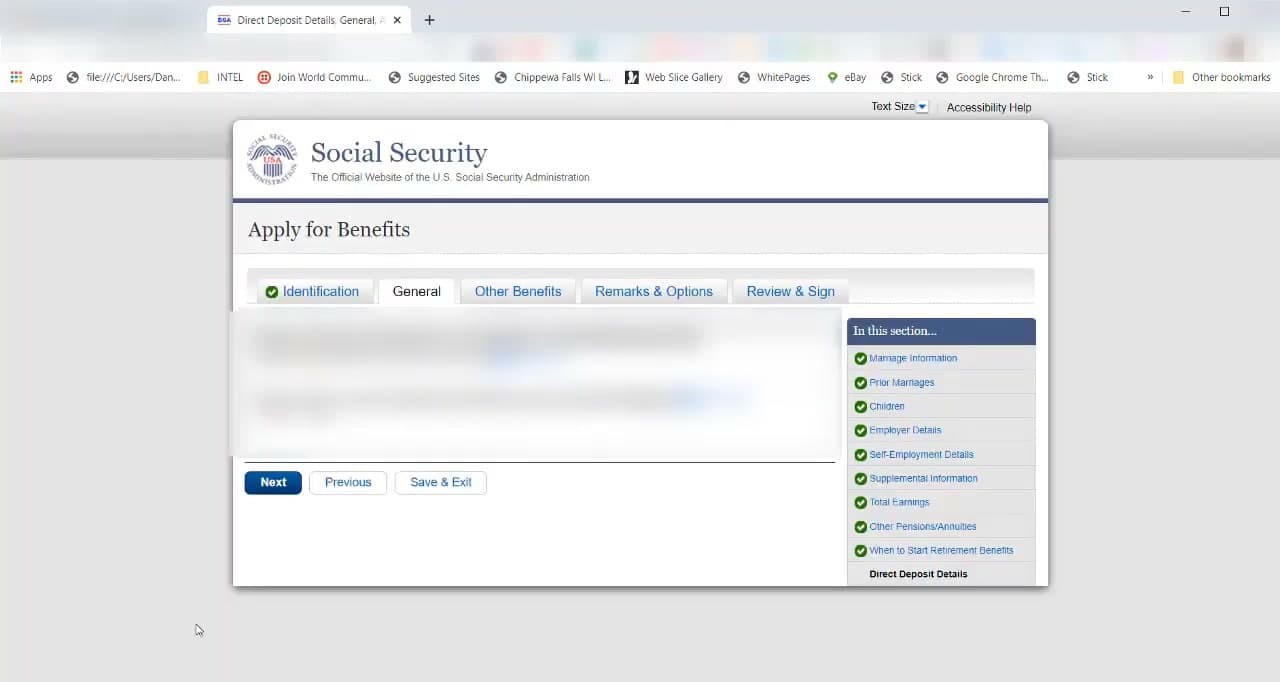
The Remarks & Options tab handles the last details. Tell SSA when you want benefits to start - the month after the one you pick is when your first payment lands. Set up direct deposit by entering your bank's routing number and your account number, plus whether the account is checking or savings.

Answer the questions about prior Medicare or SSI applications, add any remarks if you have something unusual to flag (an upcoming move, a name change in progress), and click through to the Review & Sign tab. Read the summary carefully - this is your last chance to fix anything. Check the electronic signature agreement box, then click Submit Now.

Tip

SSA pays the month after the one you select. Choose the month you turn FRA if you want full benefits with no early-claim reduction. Choose an earlier month if you'd rather start sooner and accept the smaller check.

10

Save Your Receipt and Check Status

14:20
Step 10: Save Your Receipt and Check Status

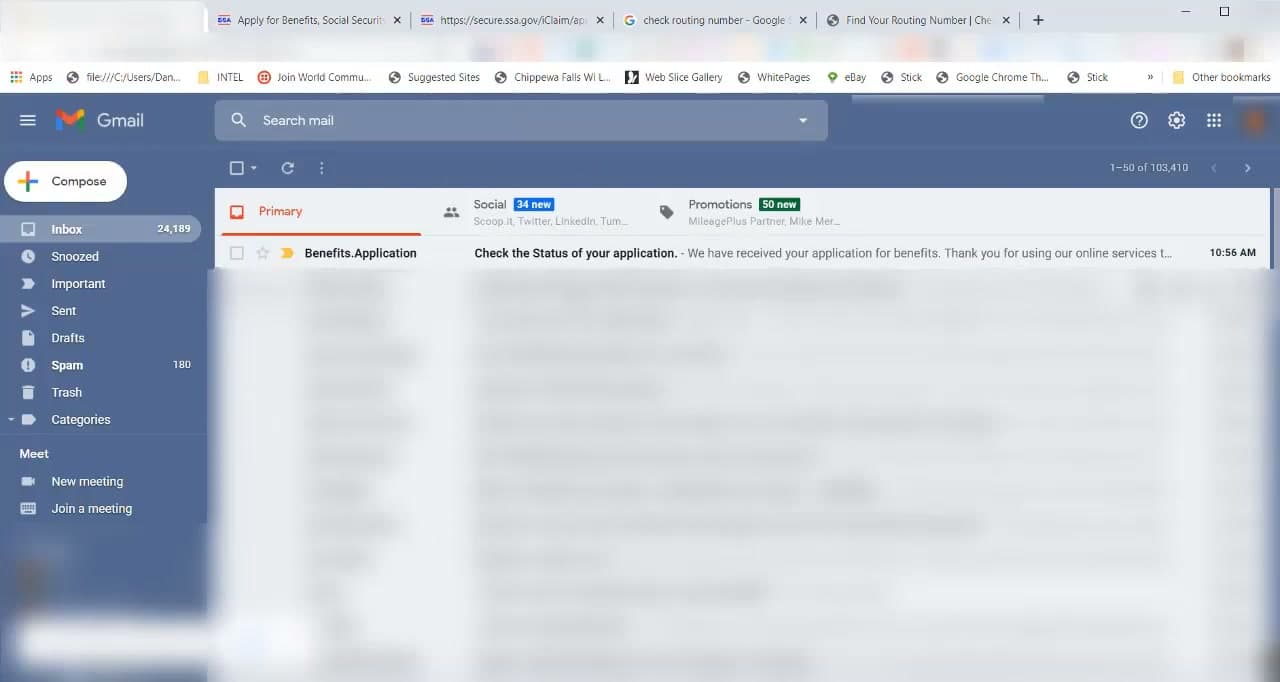
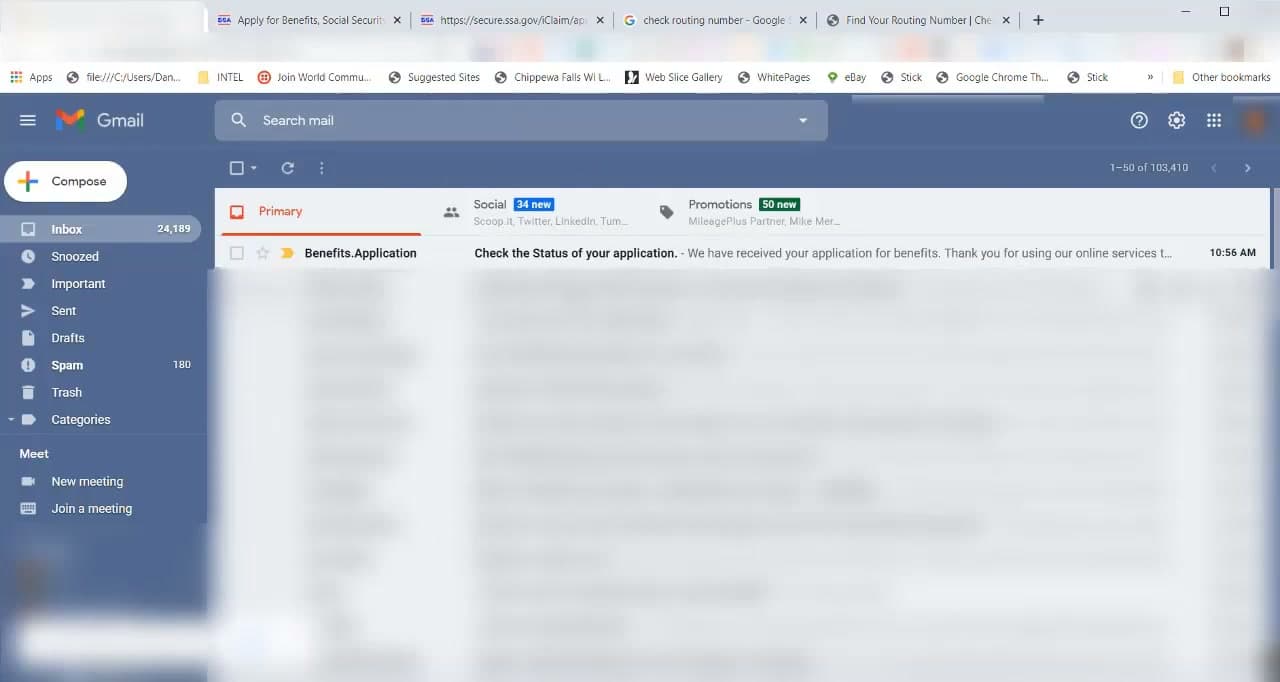
The next screen shows your confirmation. Click View and Print Your Receipt and save the PDF - you may need the receipt number later if you call SSA with a question. Within an hour you'll also get an email from benefits.application@ssa.gov confirming receipt.

Processing usually takes 1 to 3 months. SSA will contact you by phone or mail if they need more information, otherwise you'll get an award letter explaining your monthly benefit amount and start date. Check the status anytime by signing into your my Social Security account - the Apply for Benefits tile shows where your claim is in the queue.

Tip

Your first deposit usually lands one full month after your chosen start month. If you picked June, July is your first payment month. Watch for the deposit between the 2nd and the 4th Wednesday based on your birth date.

Products Used

Your Guide

Video Pizzazz

As an Amazon Associate we earn from qualifying purchases. Links on this page may be affiliate links - clicking them and buying doesn't change your price, but helps support ShowMeStepByStep.

Tags

What's next

Related collections

Curated theme pages that include this tutorial.

Weekly Digest

Liked this adulting tutorial?

Pick the categories you want to hear about. Weekly digest of new step-by-step tutorials. No spam, easy unsubscribe.

Send me tutorials about

We only email about new tutorials. Easy unsubscribe anytime.