How to File Your Taxes Online with TurboTax (Beginner Guide)

TaxesEasy4:437 steps

Based on a video by Finder US.

If you've never filed your own taxes before, the prospect can feel intimidating. It doesn't have to be. TurboTax walks you through the whole thing one screen at a time, and most simple returns (a single W-2, no investments, no business income) finish in under an hour.

This walkthrough follows Jenn from Finder.com through a TurboTax filing end-to-end: gathering documents, creating an account, entering your federal and state info, picking a refund method, and e-filing. Have your W-2 and your bank account info ready before you start.

Step-by-Step Guide

1

Step 1: Gather Your Tax Documents First

1:00
Step 1: Step 1: Gather Your Tax Documents First

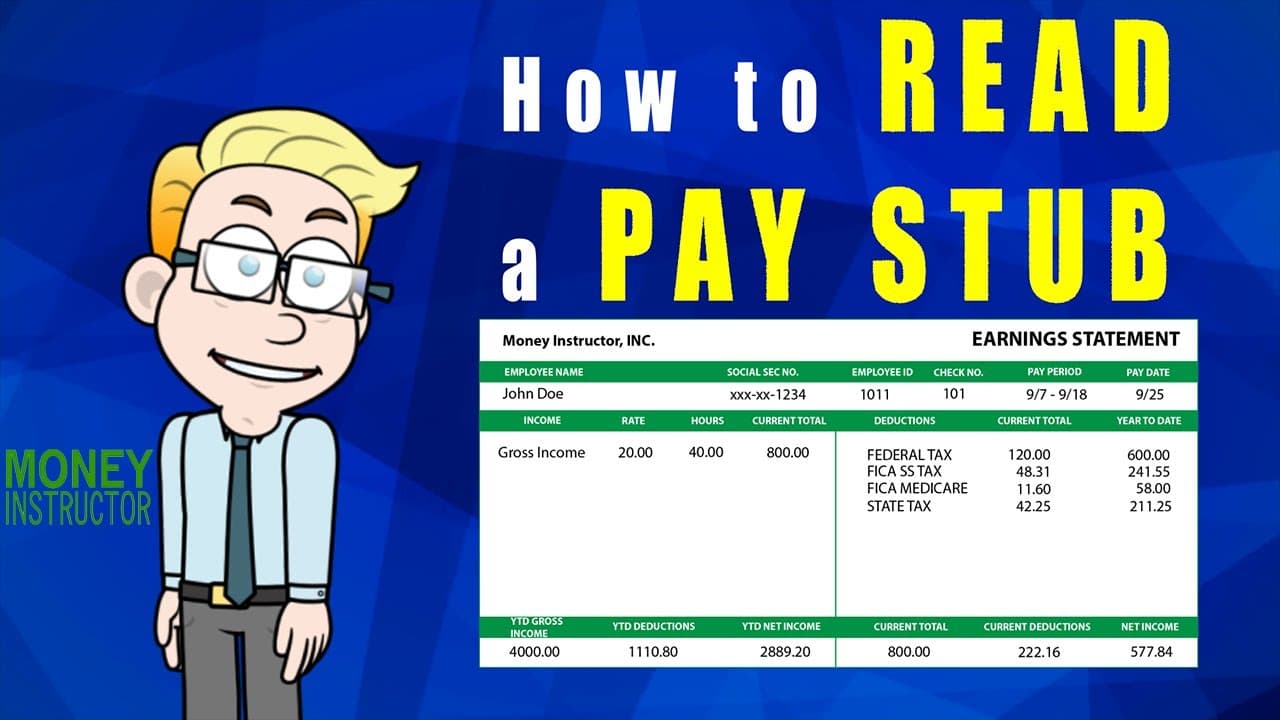
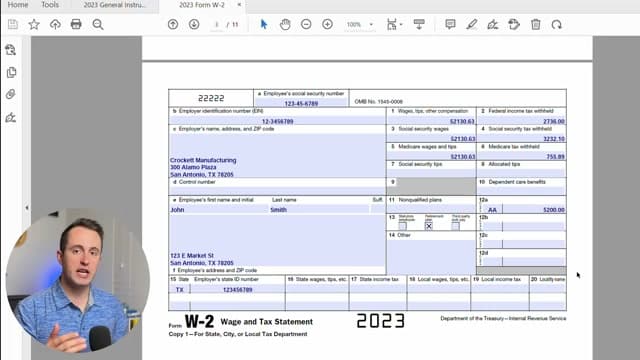
Before you log into TurboTax, collect everything in one spot: your Social Security number, a government-issued photo ID, your W-2 (or 1099 if self-employed), interest statements from banks or brokerages, your form 1095, and receipts for medical bills, mortgage interest, education, charitable donations, retirement contributions, and small business expenses.

Having it all in front of you prevents mid-filing scrambles and cuts the total time in half.
2

Step 2: Create Your TurboTax Account

1:20
Step 2: Step 2: Create Your TurboTax Account

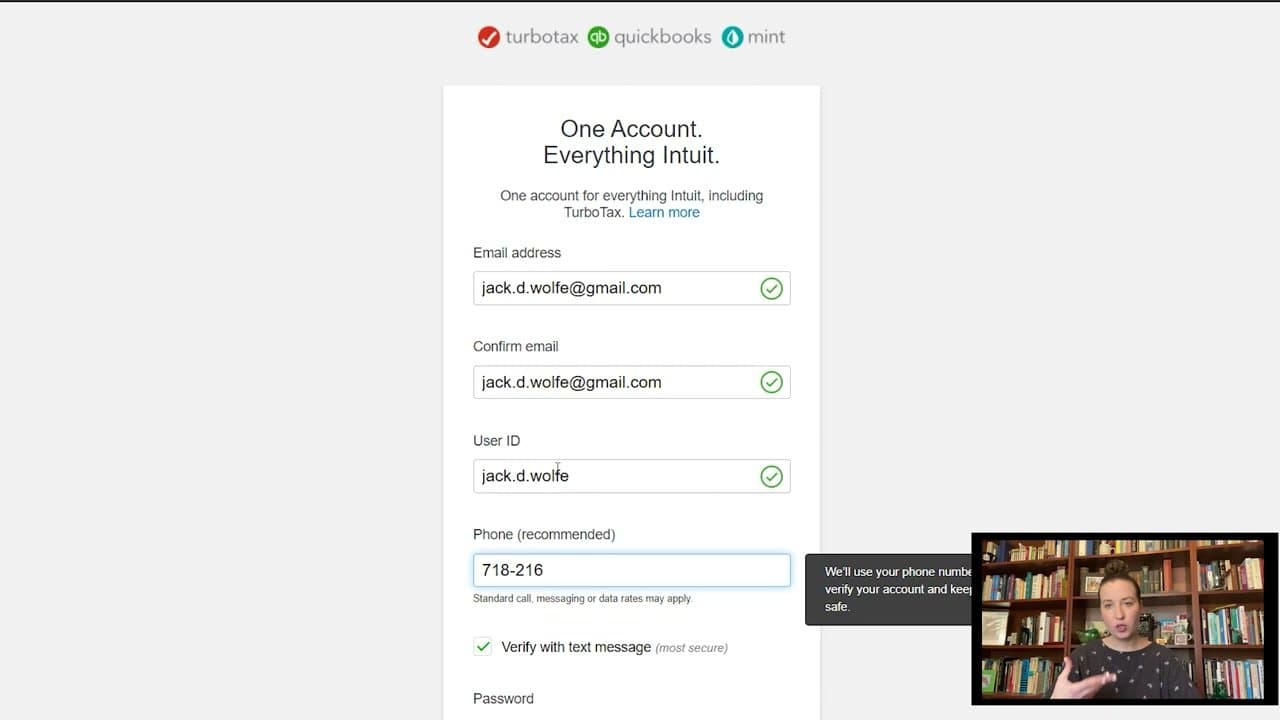
Go to TurboTax and click Start for Free. Enter your email twice, pick a User ID, and add a phone number for two-factor verification. Make the password strong - this account holds your SSN, banking details, and full filing history.

Verify the phone via text. Once you're in, TurboTax remembers you year-to-year, so next year's filing will be even faster.

3

Step 3: Enter Your Personal Info and Filing Status

1:30
Step 3: Step 3: Enter Your Personal Info and Filing Status

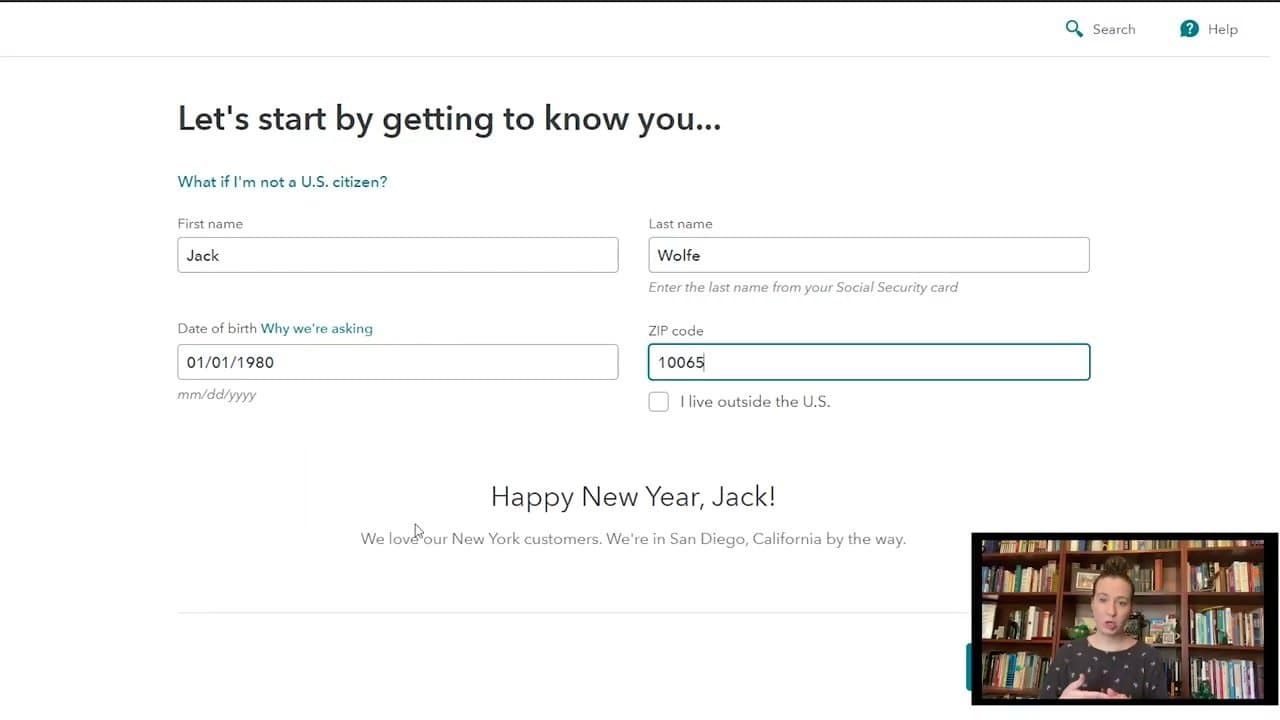
TurboTax opens with a 'Let's get to know you' form. Enter your legal name, date of birth, and ZIP code, then pick your filing status (single, married filing jointly, head of household, etc).

It then asks which life situations applied last year - moves, marriage, kids, crypto trades, dividends, freelance income. Answer accurately so the software pulls in the right forms. The wrong filing status is the most common beginner mistake.

4

Step 4: Enter Your Federal Tax Info

2:30
Step 4: Step 4: Enter Your Federal Tax Info

This is the biggest section. You'll enter your W-2 (or 1099), any 1099-INT/1099-DIV from investments, your 1095 health insurance form, and itemized deductions like mortgage interest and charitable donations.

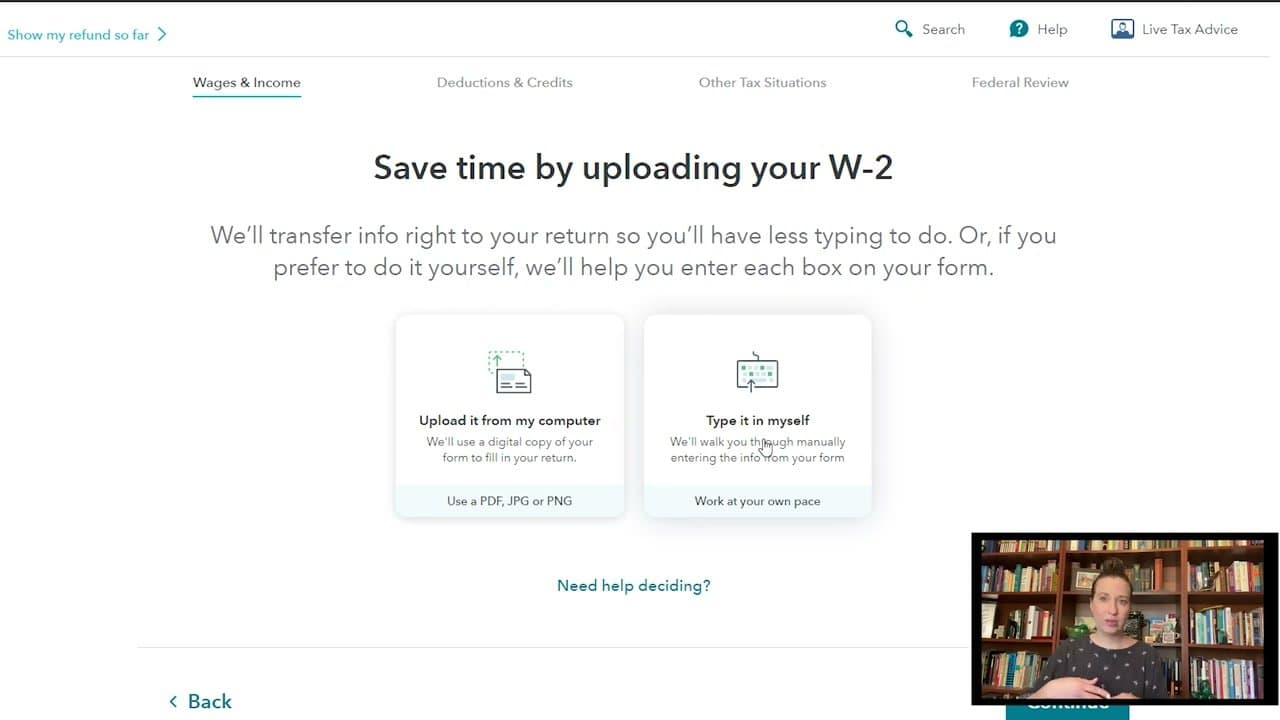
Most documents can be uploaded as a PDF or photo and TurboTax will auto-fill the boxes. If upload fails, type the numbers manually. The software flags missing or inconsistent fields as you go and won't let you skip anything that materially affects your refund.

Tip

Save your place often. TurboTax saves automatically, but you can also log out and resume from the same page next time without losing data.

5

Step 5: Add State Taxes If You Owe Them

3:00
Step 5: Step 5: Add State Taxes If You Owe Them

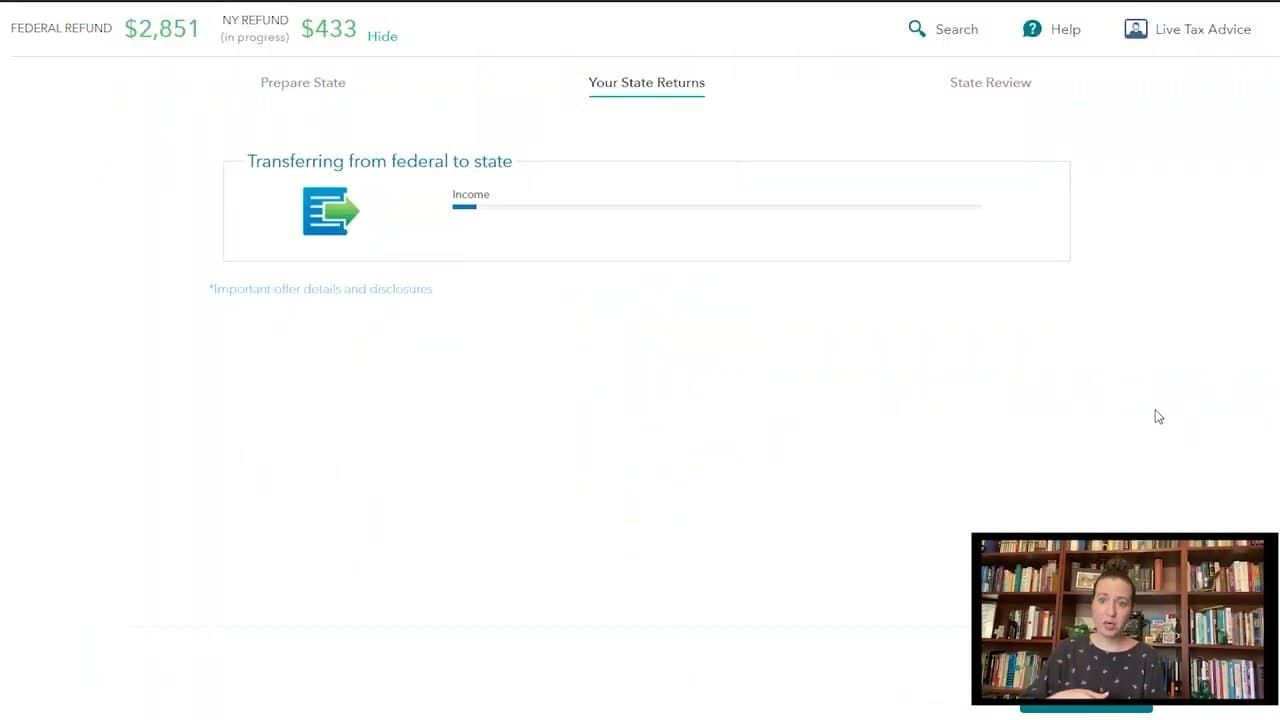
If any state you lived in last year has income tax, TurboTax pulls your federal numbers across automatically and asks for state-specific deductions and credits.

State takes a fraction of the time of federal - usually just confirming what was imported. If you only lived in a no-income-tax state (Texas, Florida, Tennessee, Washington, etc), skip this step entirely.

6

Step 6: Pick How You Want Your Refund

3:30
Step 6: Step 6: Pick How You Want Your Refund

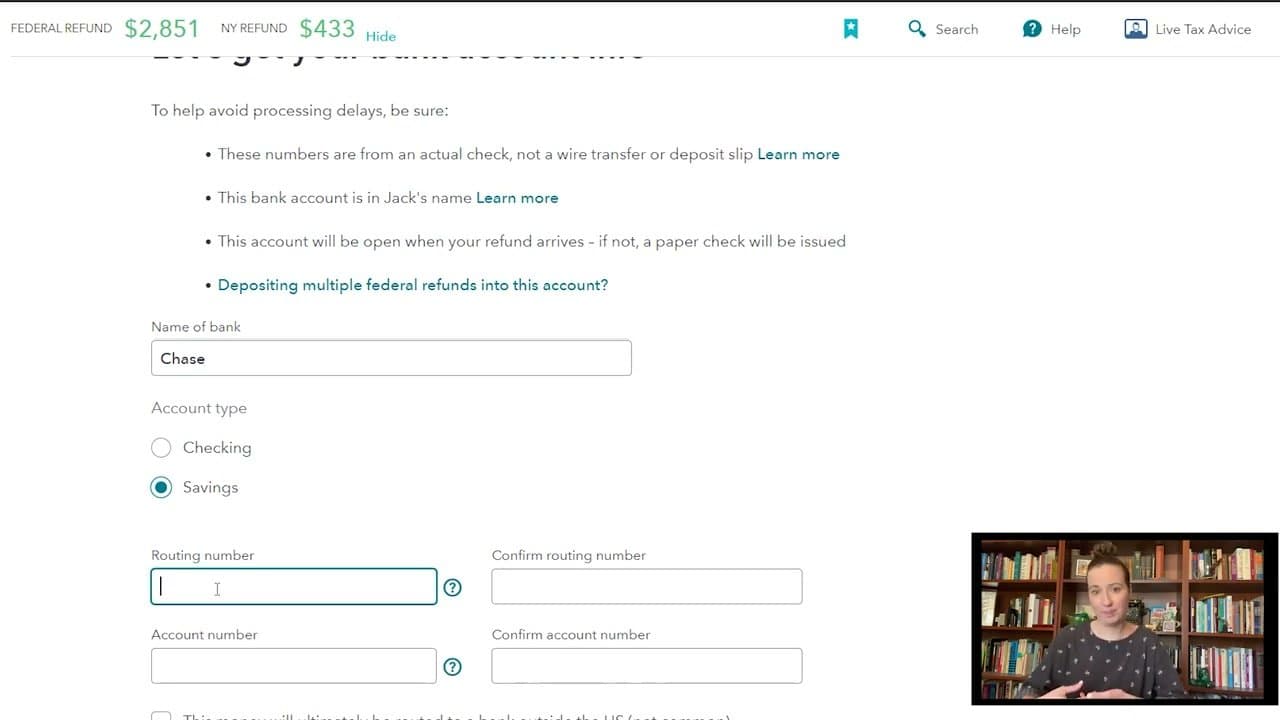
If you're getting a refund, TurboTax asks how you want it delivered. Direct deposit is fastest (usually under 21 days from the IRS). Other options: TurboTax-issued prepaid debit card, paper check in the mail, applying it to next year's taxes, or buying US savings bonds.

Direct deposit beats them all on speed and on fees - prepaid cards usually carry monthly charges and ATM fees.

7

Step 7: Enter Bank Info and E-File

4:10
Step 7: Step 7: Enter Bank Info and E-File

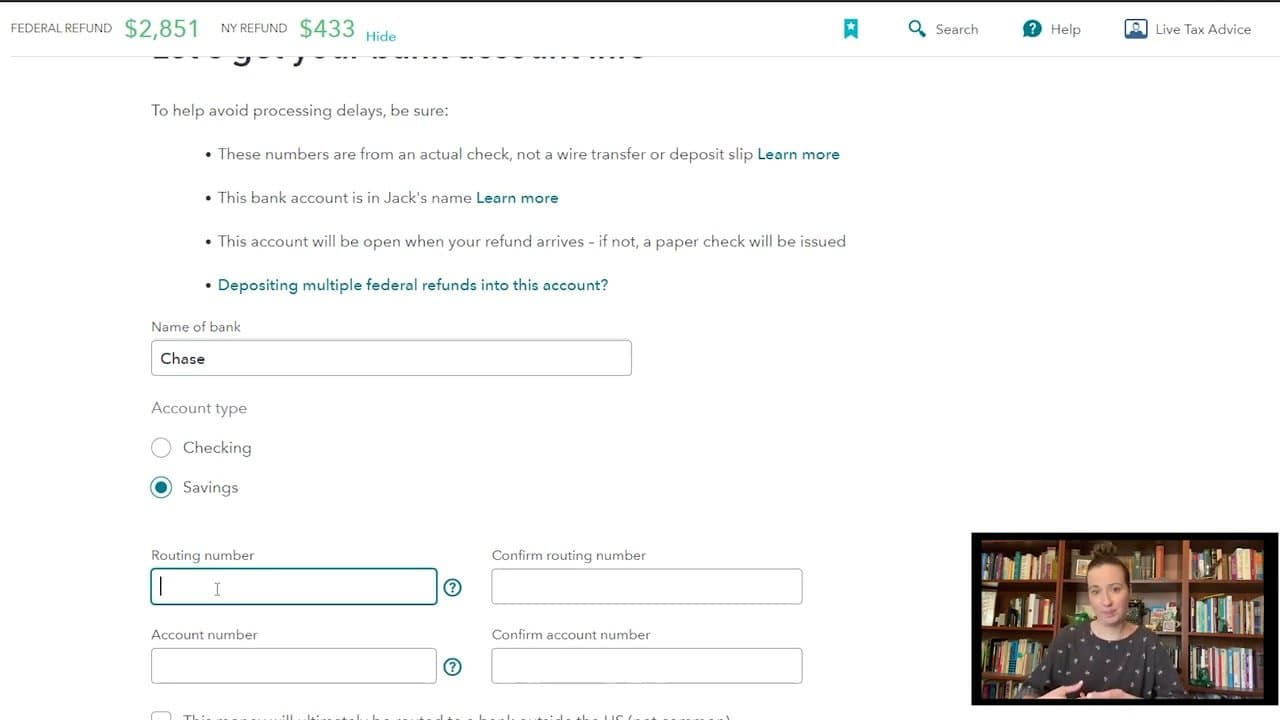
If you picked direct deposit, enter your bank name, account type (checking or savings), and your routing and account numbers - twice each. Pull these from an actual check, not a deposit slip - the numbers can differ.

After bank info, do one final review of every section. TurboTax flags anything inconsistent. E-sign and submit. The IRS typically accepts the return in a few days; the refund follows within 1-3 weeks.

Your Guide

Finder US

As an Amazon Associate we earn from qualifying purchases. Links on this page may be affiliate links - clicking them and buying doesn't change your price, but helps support ShowMeStepByStep.

Tags

Related Tutorials