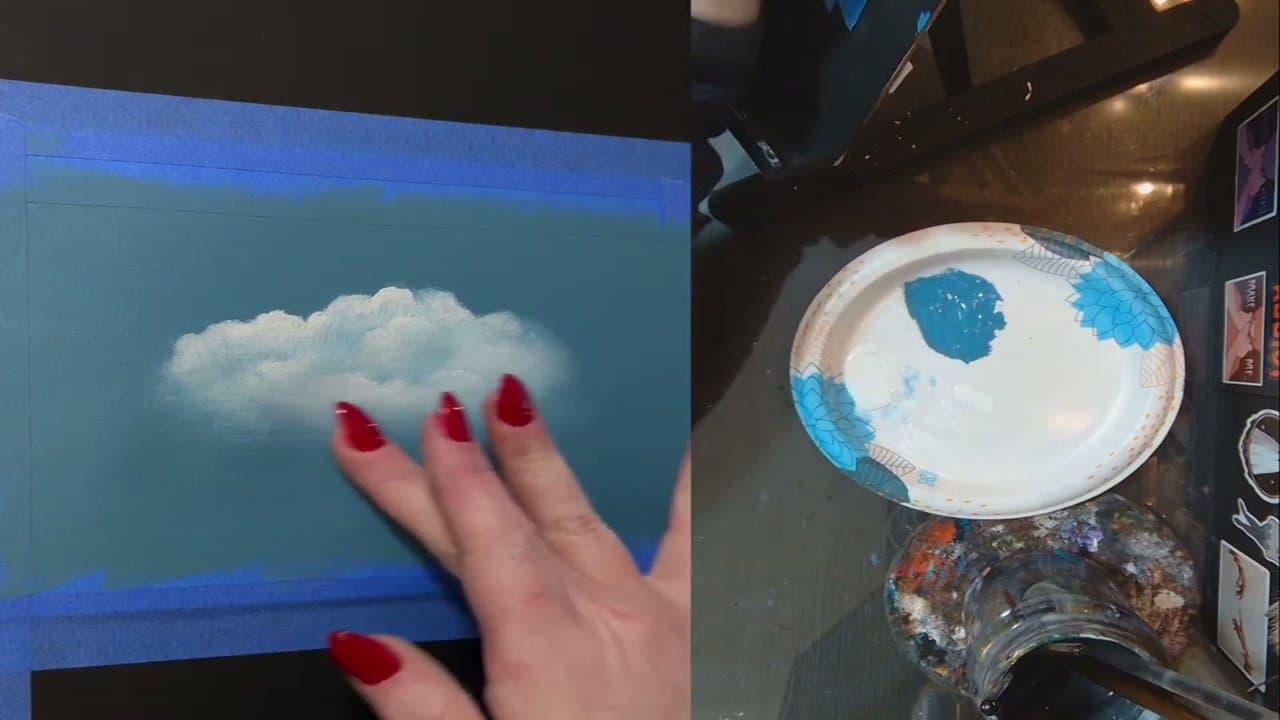
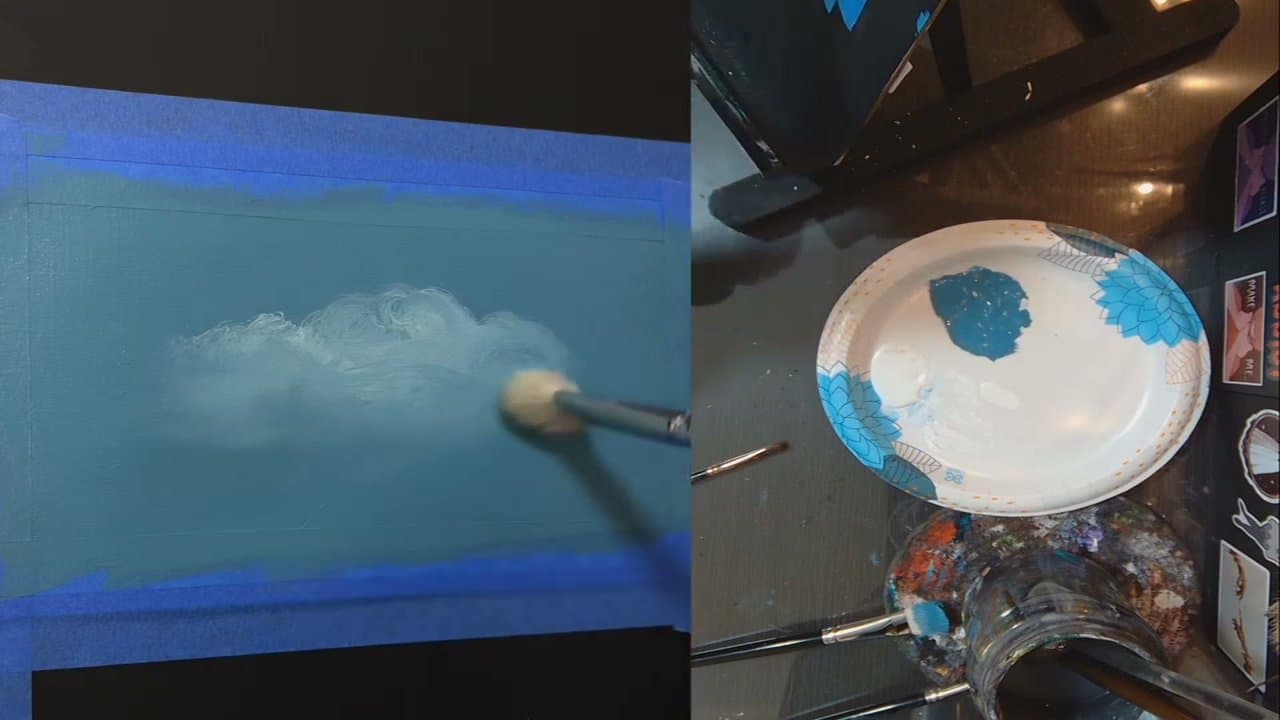
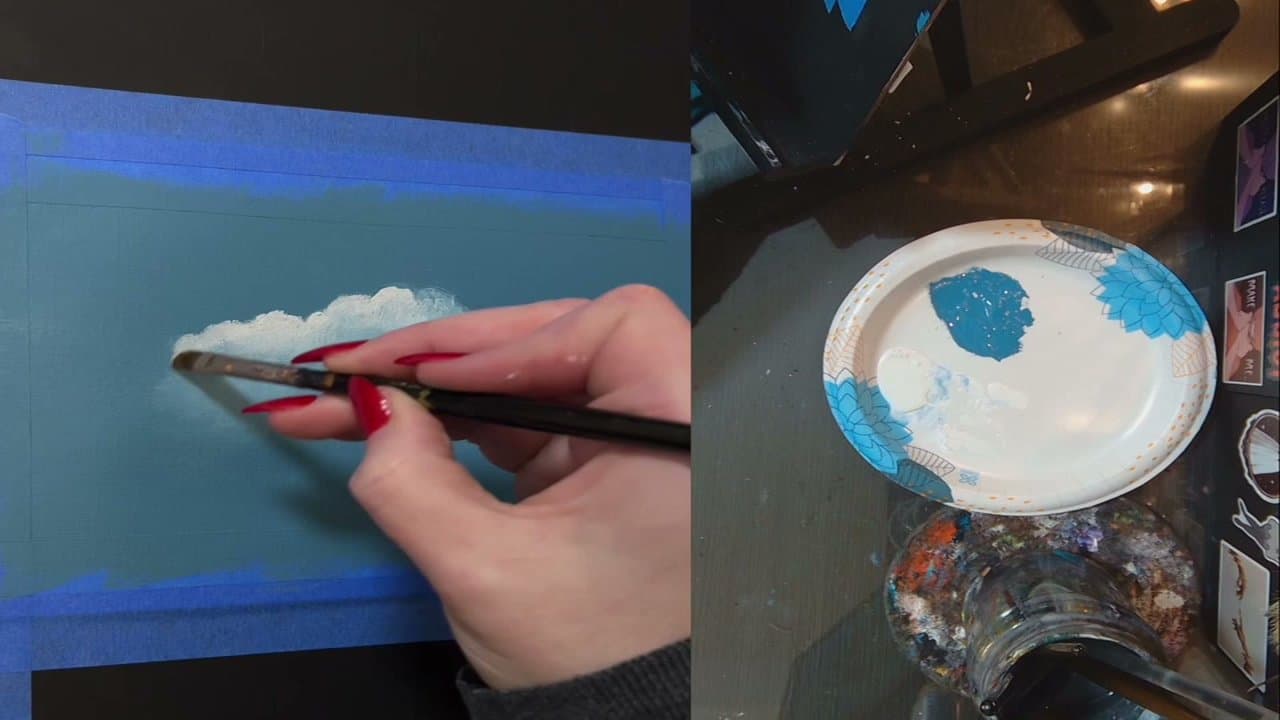
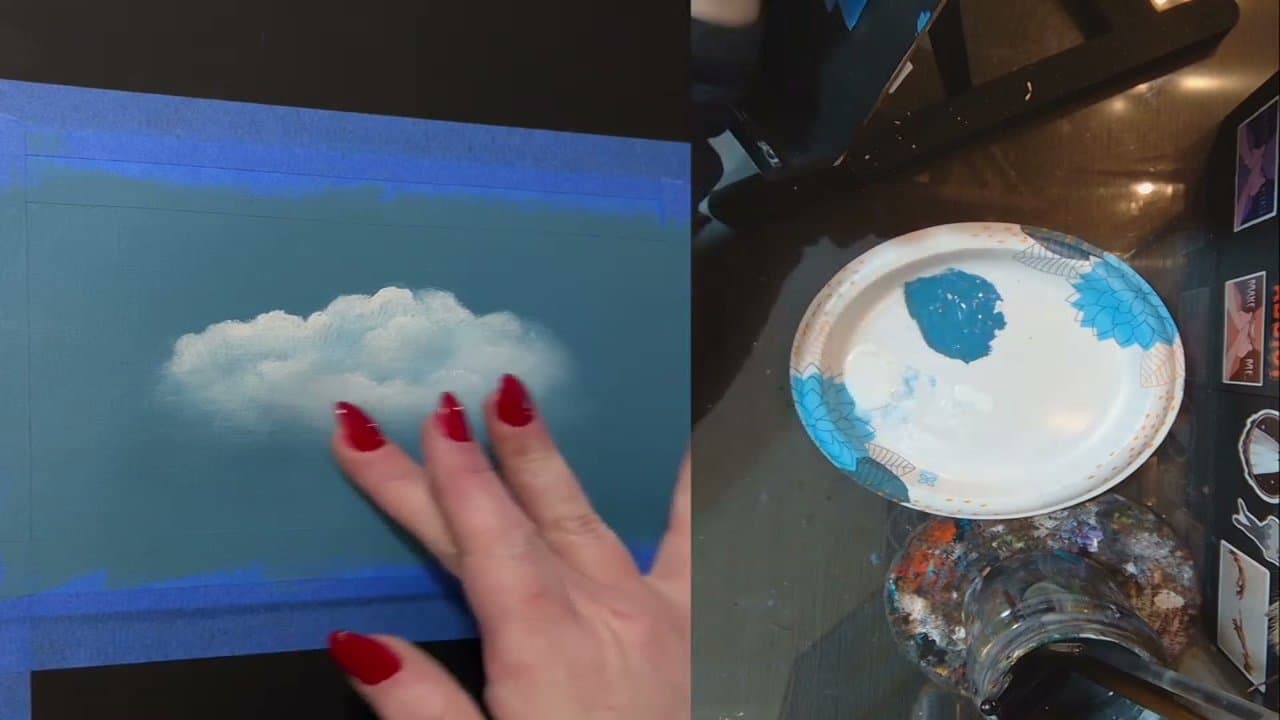
Clouds look impossible until you realize the trick is contrast - a bright top, a darker shadowed bottom, and soft edges where the white fades into the sky. Once you see it that way, painting them takes about ten minutes per cloud.
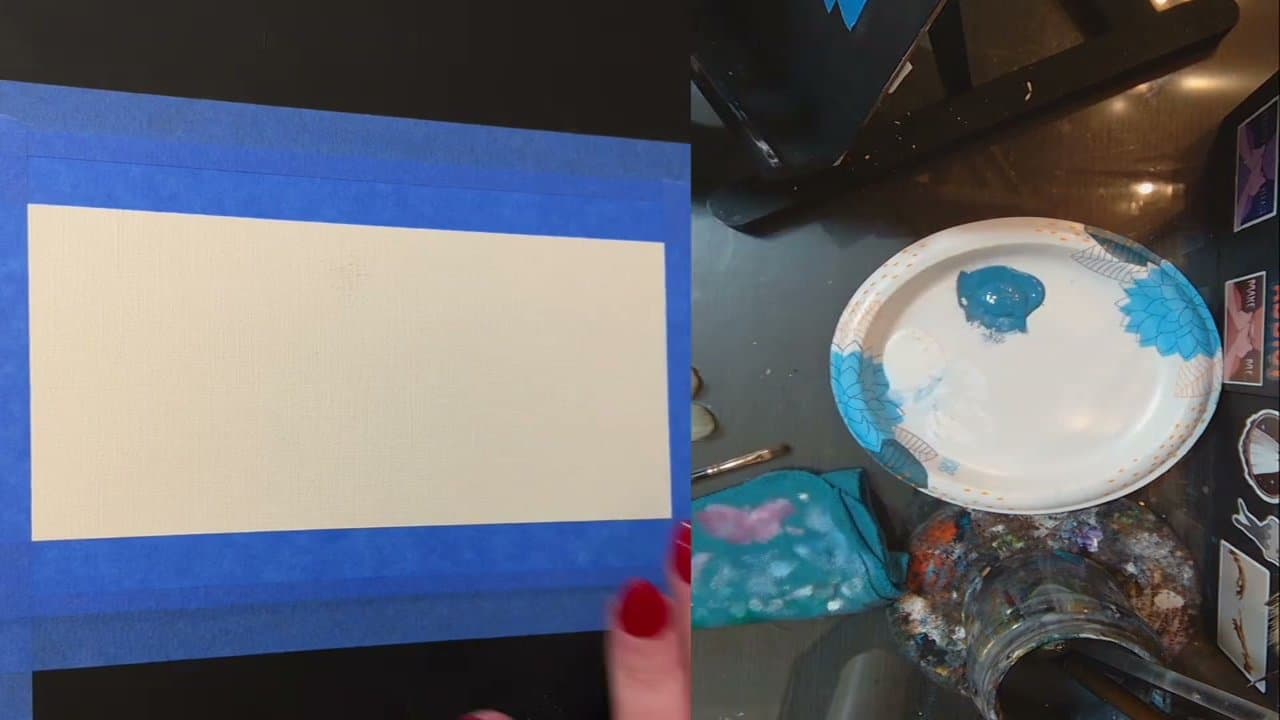
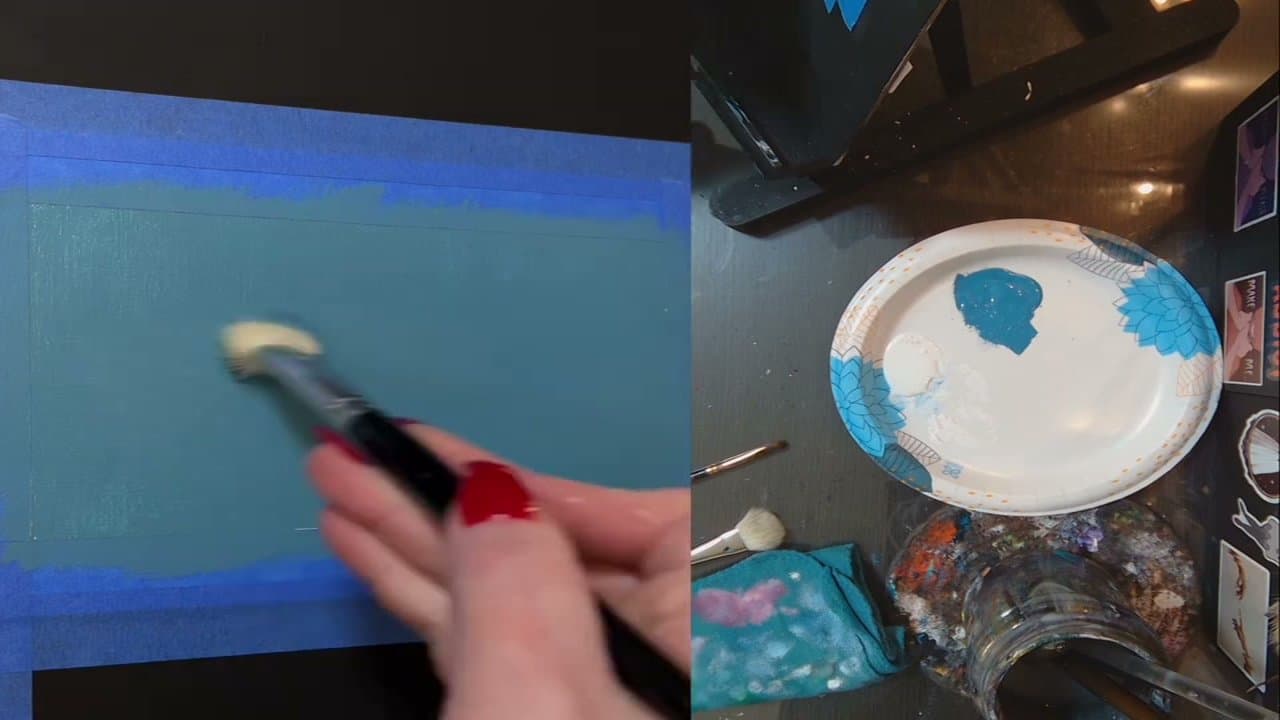
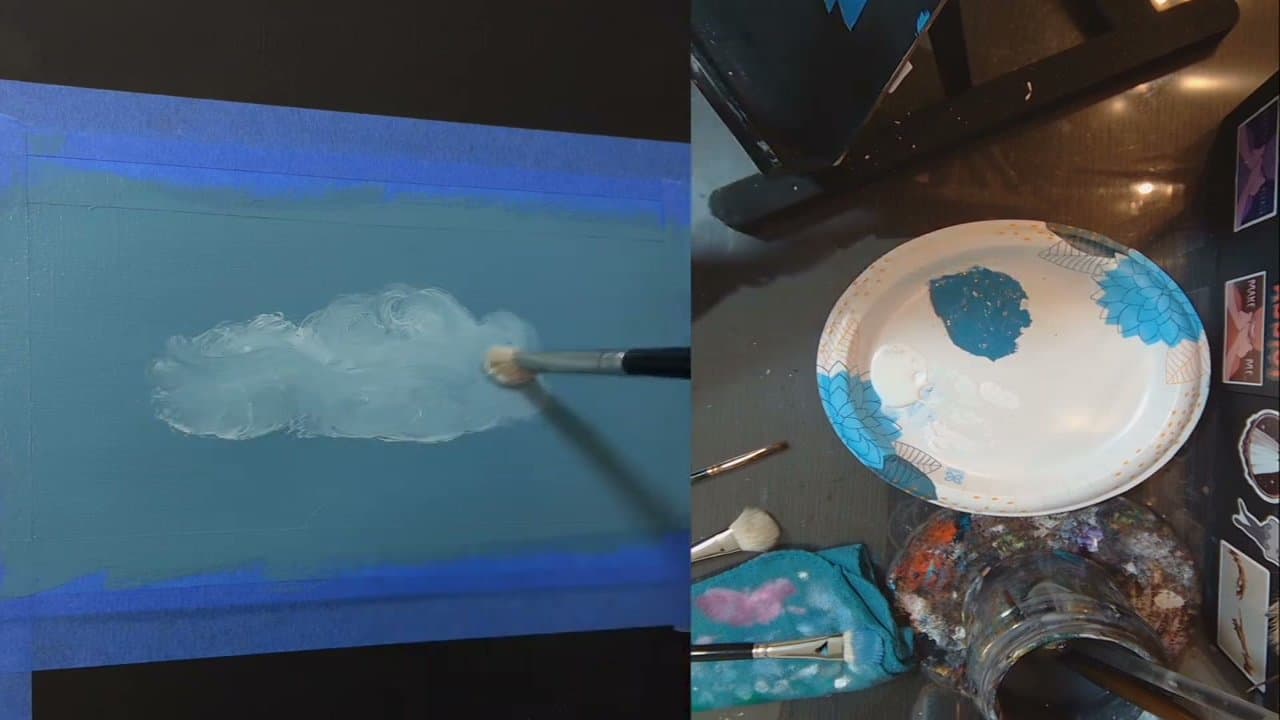
This method from Laura at laurasbeatingart uses wet-on-wet acrylics, which means you keep the blue background still wet while you lay down the white cloud. The damp paint underneath does most of the blending for you, so you don't have to be precise.
You only need two paint colors - a sky blue and white - plus three brushes (one wide flat, one small mop, one filbert). The biggest pitfall isn't technique, it's overworking. Once the cloud reads as a cloud, put the brush down before you start fixing what isn't broken.
Mixing cloud colors
Pure white straight from the tube is the brightest thing on your palette. Save it for the few spots where the sun hits. For the body of the cloud, mix white with a touch of your sky blue. For the shadow side, add a speck of purple or grey to that mix. If you want a warm sunlit edge, a dot of yellow ochre or cream in the white does it.
Three values - shadow, middle, highlight - are enough to make a cloud look round.
Pick a light direction and stick to it
Decide where the sun is before you paint anything. Every cloud on the page gets its brightest edge on that side and its shadow on the opposite one. Mix up the direction from cloud to cloud and the sky looks flat and confused, even if each cloud is good on its own.
Cumulus vs wispy clouds
Cumulus are the puffy fair-weather ones this tutorial paints. Flat-ish bottoms, rounded tops, lots of light and shadow. Dab and swirl them in.
Cirrus are thin streaks high up. Drag a nearly dry brush sideways with very little white, or flick a fan brush. The wispy trails in step 6 are a small version of this.
Brushes and keeping the paint wet
- Wide flat for the sky
- Mop or round for the cloud shape
- Filbert for highlights - the rounded tip leaves no hard corners
- Fan brush or a dry sponge for wisps
Acrylic dries fast, and blending stops once it does. Add a slow-dry (retarder) medium to the sky color, mist the paper lightly, or keep paint on a damp palette. For more on soft transitions, see how to blend acrylic paint.
Sunset clouds
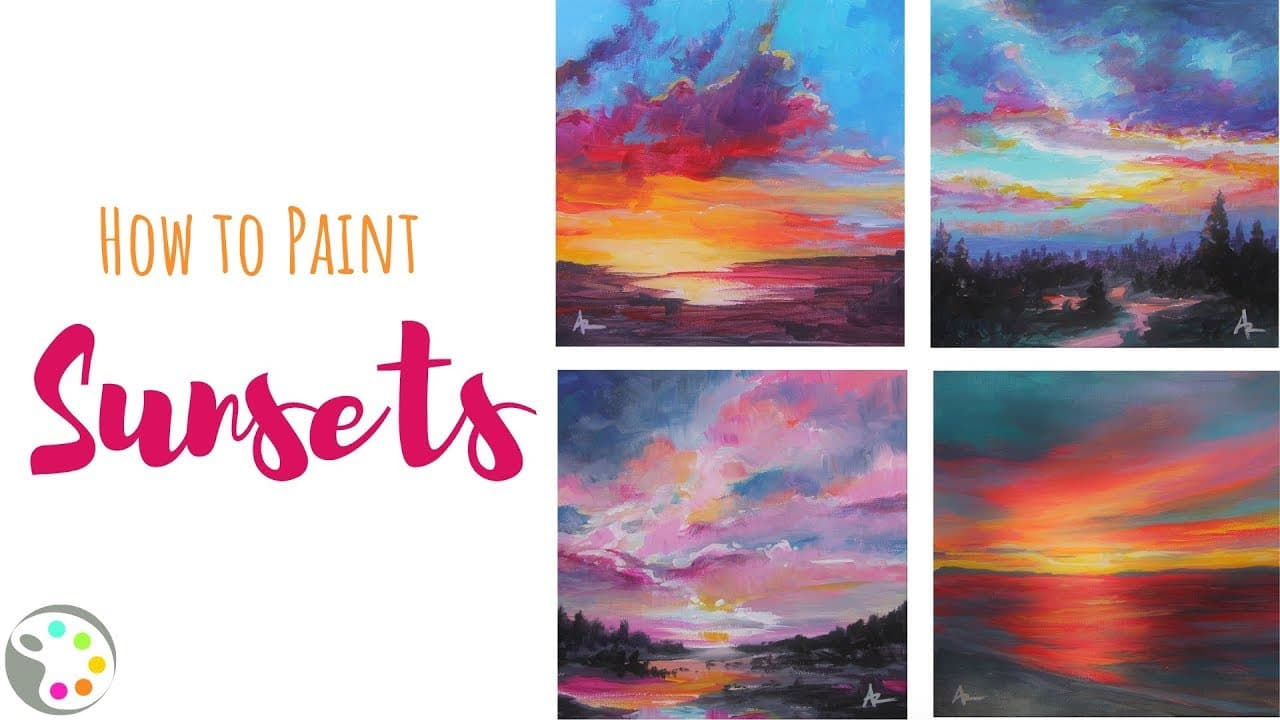
Paint the sky as a gradient first - yellow at the horizon, into orange, pink and then blue or purple up top. Underlit sunset clouds flip the usual rule: the light edge sits on the bottom, facing the sun below. Shadows go purple-grey rather than blue. The sunset painting tutorial walks through the sky part.
Common mistakes
- Cotton balls. Hard outlines all the way round. Let at least the bottom edge melt into the sky.
- All one value. A cloud painted in one white has no form. Keep the darker underside.
- Overworking. Dabbing at wet acrylic until it turns muddy. Stop, let it dry, then add highlights.
- Perfect circles. Real clouds are wider than they are tall and uneven on top.
Want to sketch the shapes first? Try drawing clouds in pencil, then paint.