How to Open a High-Yield Savings Account in 7 Steps

By ShowMeStepByStepPublished Updated

Based on a video by Baddies & Budgets.

Most big-bank savings accounts pay around 0.01% APY. A high-yield savings account (HYSA) pays 4-5%+ on the same FDIC-insured cash. Moving your emergency fund and short-term savings into a HYSA can earn you hundreds (or thousands) of dollars a year for about 20 minutes of setup work.

This walkthrough uses Wealthfront, but Ally, Marcus, SoFi, Discover, and Capital One 360 all follow the same flow. By the end, you'll have an open account, your bank linked, and your first transfer earning interest.

Step-by-Step Guide

1

Step 1: Pick a High-Yield Account and Click Get Started

0:30
Step 1: Step 1: Pick a High-Yield Account and Click Get Started

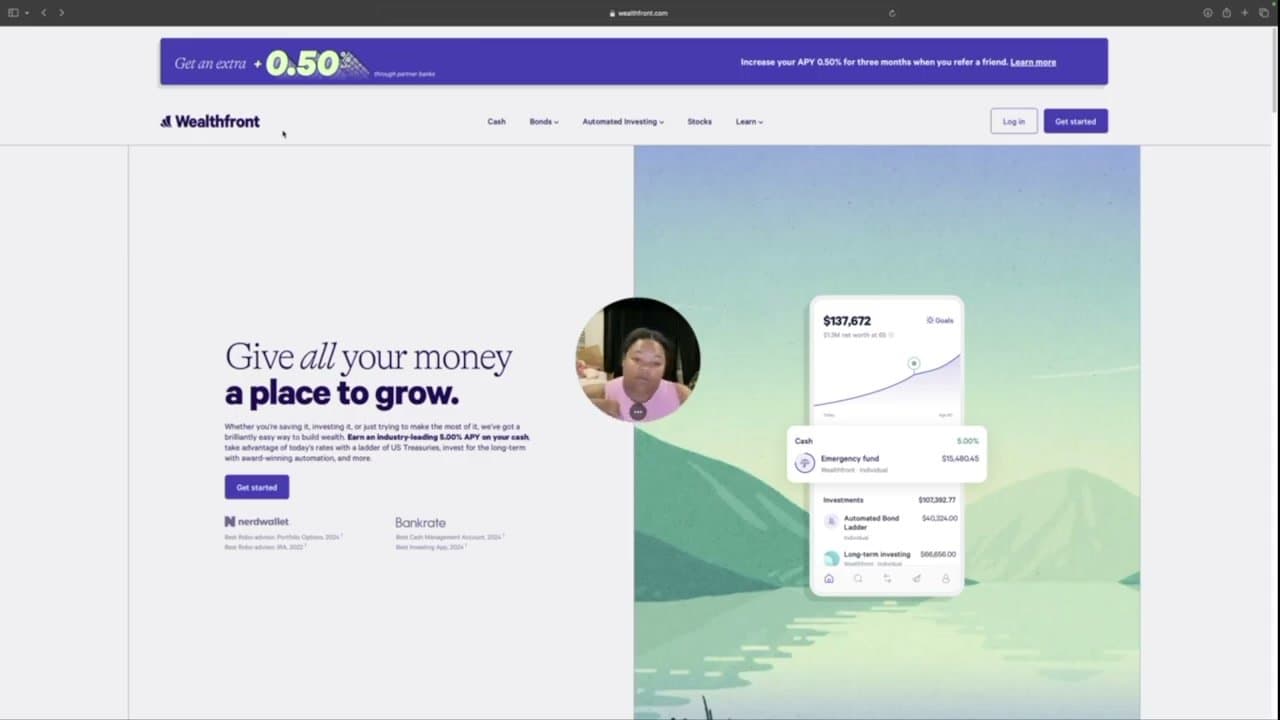
Go to your chosen high-yield savings provider. The trick is to pick one with no monthly fees, no minimum balance, and an APY at least 10x what your big bank offers. Wealthfront in this walkthrough pays 5.00% APY with no fees and FDIC insurance up to $8 million through partner banks.

Click Get Started in the top right.

2

Step 2: Choose the High-Yield Cash Account

1:00
Step 2: Step 2: Choose the High-Yield Cash Account

On the 'Where do you want to start?' screen, pick the option for the cash account at the top APY (here that's 'Earn 5.00% APY on all your cash'). The other options are bond ladders or invested portfolios - those carry market risk.

The cash account is the equivalent of a savings account: FDIC-insured, no risk to your principal, accessible whenever you need it. Don't get talked into the riskier products if your goal is just to park idle cash.

3

Step 3: Enter Your Personal Info and Email

1:35
Step 3: Step 3: Enter Your Personal Info and Email

Type your legal name, email, and create a strong password. Use a unique password - this account holds your routing and account numbers.

The provider will email a verification link before you can move on. Confirm it from your inbox in another tab.

4

Step 4: Verify Your Phone Number

2:00
Step 4: Step 4: Verify Your Phone Number

Enter your mobile number. The provider texts a security code, which you type into the next screen. This is two-factor authentication for every future login.

Check 'Remember this device' so you don't get re-prompted from your usual computer or phone.

5

Step 5: Link Your Existing Bank Account

3:00
Step 5: Step 5: Link Your Existing Bank Account

On the 'How would you like to fund your account?' screen, click 'Link an external account.' Search for your bank in the list - Chase, Bank of America, Wells Fargo, Fidelity, Vanguard, and Ally are typically pre-listed for instant verification.

For smaller banks or credit unions not in the list, you can manually add the routing and account numbers instead. Manual setup takes an extra day or two for verification deposits to clear.

6

Step 6: Decide How Much to Deposit

4:30
Step 6: Step 6: Decide How Much to Deposit

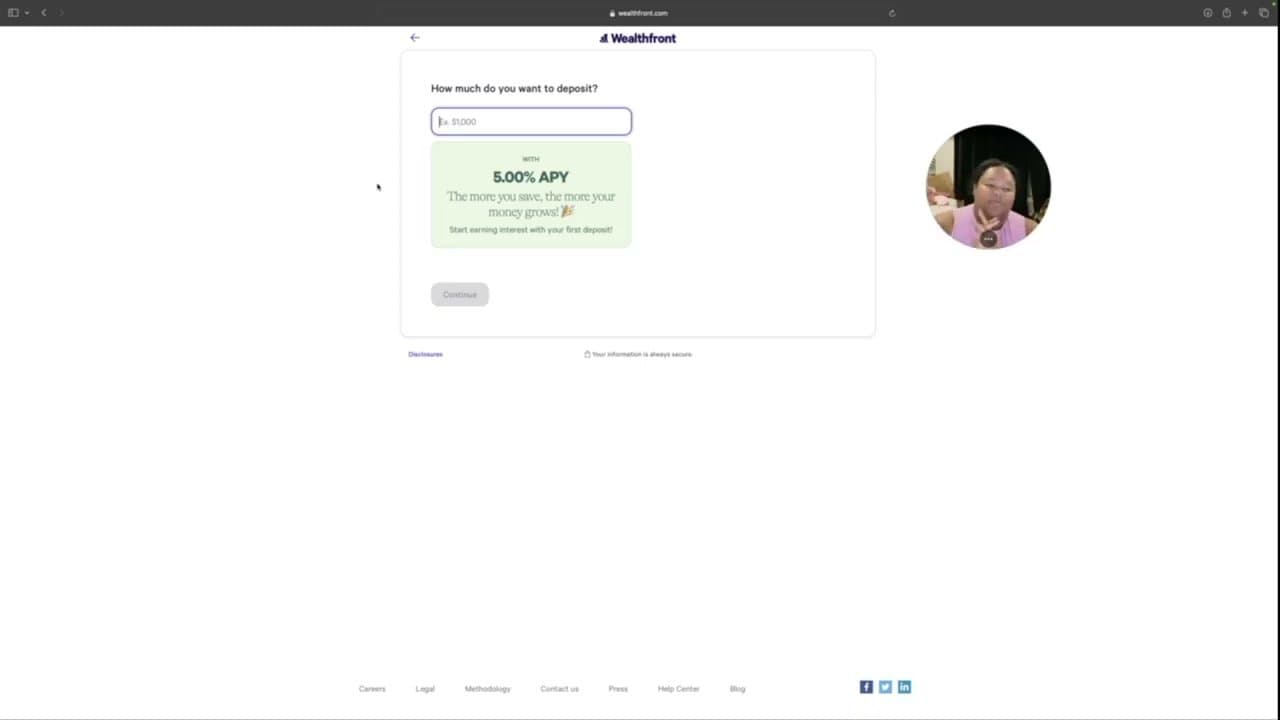
Type the dollar amount you want to move. Look at your checking and old savings - anything you don't need for the next 30 days should be earning interest.

Leave a buffer for bills (e.g. if you have $10k and $8k goes to bills, move $1k the first month, see how it feels, then move more). The screen shows projected annual interest at the current APY so you can see what your money will earn just sitting there - the visual makes the case obvious.

7

Step 7: Answer Compliance Questions and Submit

5:30
Step 7: Step 7: Answer Compliance Questions and Submit

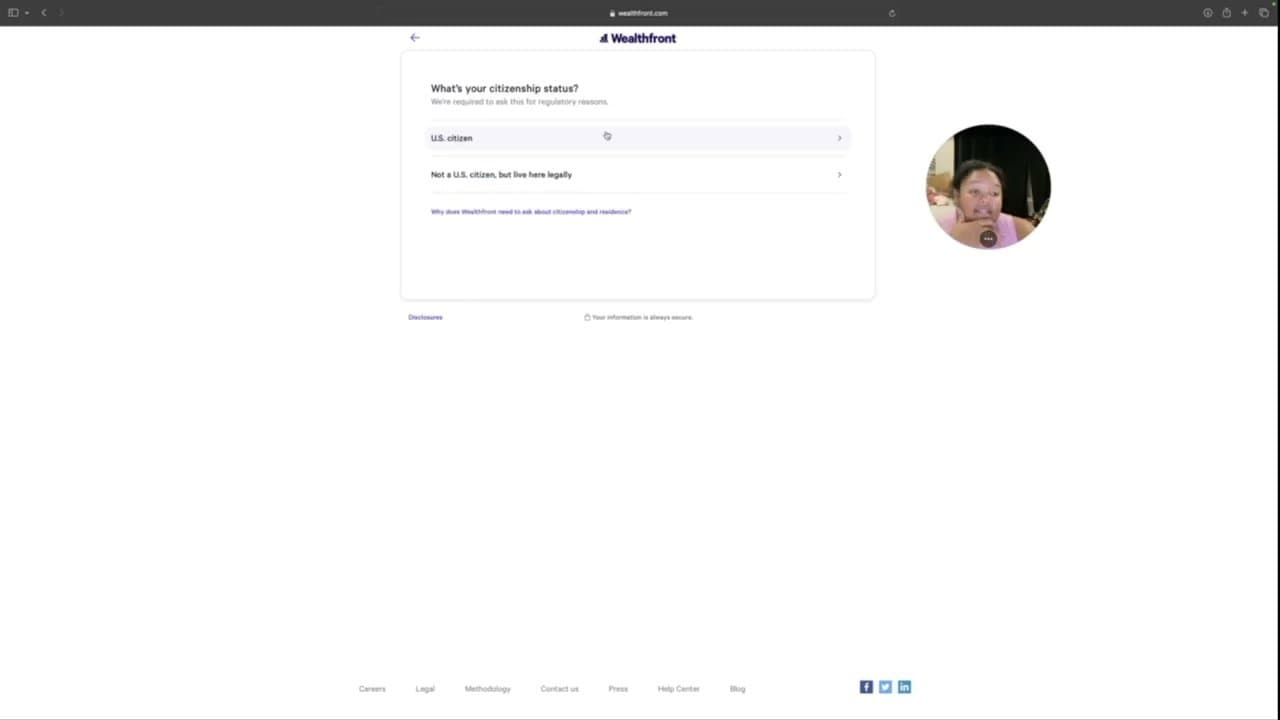
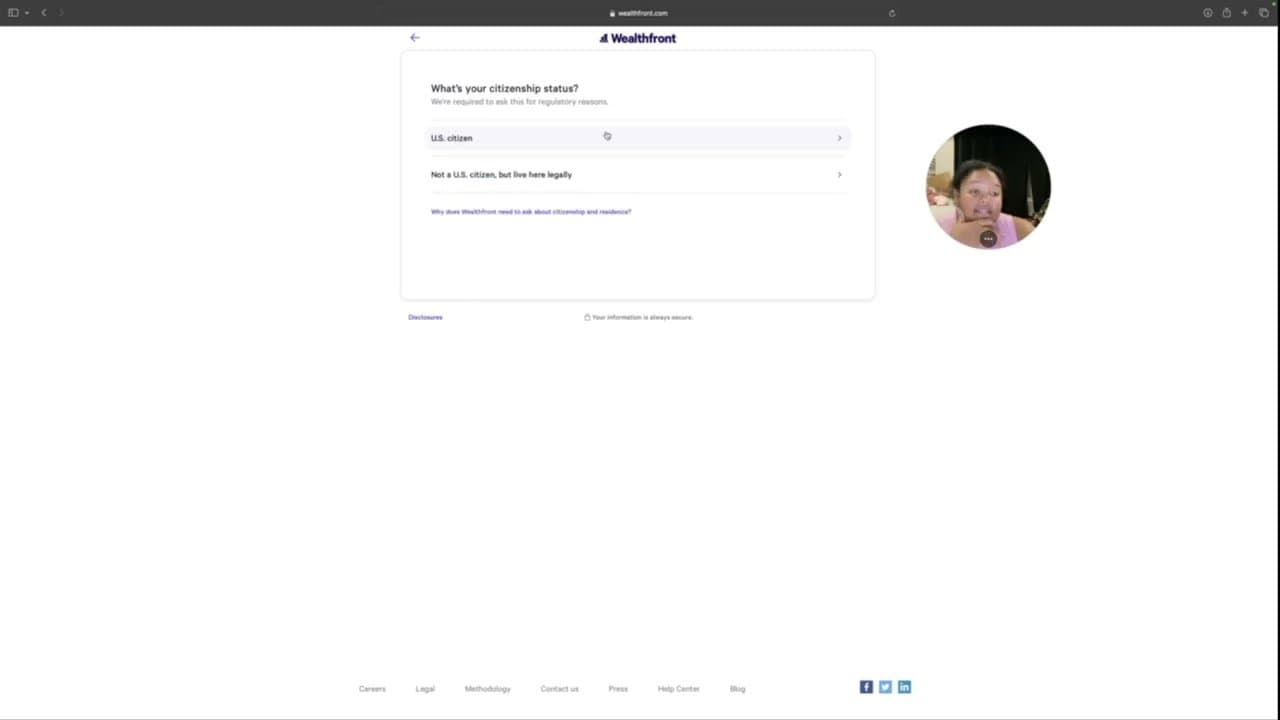
Confirm citizenship status, enter your SSN for tax reporting (interest counts as taxable income), pick your tax filing status, and estimate net worth and pre-tax income. Rough estimates are fine - this is regulatory boilerplate, not a credit application.

Read and accept the terms, then submit. The bank account verifies in 1-2 business days, then your transfer kicks off and starts earning interest from day one. Set up a recurring monthly transfer if you want to keep building the balance automatically.

Tip

Designate a beneficiary on the new account so the money passes to family without probate if anything happens to you. Most providers tuck this option in account settings - takes 30 seconds.

Your Guide

Baddies & Budgets

As an Amazon Associate we earn from qualifying purchases. Links on this page may be affiliate links - clicking them and buying doesn't change your price, but helps support ShowMeStepByStep.

Tags

Test your knowledge

Did the lesson stick? Find out in 2 minutes.

5 quick questions covering what you just read. No signup, no score saved — just a gut check.

Quick reference

Key takeaways from How to Open a High-Yield Savings Account in 7 Steps

5 questions, answers, and one-line explanations. Tap to expand.

  1. 1.Big-bank savings APY vs HYSA APY ballpark?

    Answer: 0.01% vs 4-5%+

    Big banks pay ~0.01%. HYSAs pay 4-5%+ on the same FDIC-insured cash. Hundreds-thousands more per year.

  2. 2.Right product if you want zero risk?

    Answer: Cash HYSA account

    Cash account = FDIC-insured savings equivalent. Bond ladders and portfolios carry market risk - don't get talked into them.

  3. 3.Best feature to look for in a HYSA?

    Answer: No fees, no minimum

    No monthly fees, no minimum balance, APY at least 10x your big bank. Match all three.

  4. 4.Why does the account need your SSN?

    Answer: Tax reporting interest

    Interest counts as taxable income. SSN is for 1099 tax reporting, not a credit check.

  5. 5.Link bank with which method is FASTER?

    Answer: Bank-list instant verify

    Major banks pre-listed for instant verification. Manual routing entry takes extra days for verification deposits.

What's next

Related collections

Curated theme pages that include this tutorial.

Weekly Digest

Liked this banking tutorial?

Pick the categories you want to hear about. Weekly digest of new step-by-step tutorials. No spam, easy unsubscribe.

Send me tutorials about

We only email about new tutorials. Easy unsubscribe anytime.