How to Reset a Tripped Circuit Breaker

AdultingEasy2:007 steps

Based on a video by Terry “The Internet Electrician” Peterman.

When the lights go out in one room but the rest of the house is fine, you almost always have a tripped breaker. Resetting it takes about thirty seconds once you know the trick - but most people get it wrong on the first try and wonder why the handle won't stay.

This guide follows electrician Terry Peterman's clear breakdown of the three breaker types you'll find in a typical home panel and shows you the one motion that actually resets the mechanism. You'll also learn why pushing the handle straight back to ON never works, how to reset the double-pole breakers that power your range and dryer, and why GFCI and AFCI breakers need a quick monthly test you've probably never done.

Before you touch the panel: figure out what caused the trip. Reset without fixing the cause and the breaker will just flip again as soon as load comes back on the circuit. Worse, if it was a short, you can damage the breaker by repeatedly resetting it.

Step-by-Step Guide

1

Understand What Made the Breaker Trip

0:47
Step 1: Understand What Made the Breaker Trip

Two things trip a standard breaker. Either the circuit pulled more amps than it was rated for (an overload), or the current spiked from a short - thousands of amps in a fraction of a second. Knowing which one is useful. An overload usually means something on that circuit was drawing too much. A short usually means a damaged cord, plug, or appliance. A 15-amp breaker is designed to trip and save the wiring. That's its job.

Tip

An overload often trips after several minutes of heavy use, like a space heater running alongside a hair dryer. A short trips almost instantly and you might hear a snap or see a flash when it happens.
2

Fix the Cause Before You Touch the Panel

1:00
Step 2: Fix the Cause Before You Touch the Panel

Skip this step and the breaker will trip again the second you reset it. If the circuit was overloaded, unplug whatever pushed it over - the second vacuum on the same outlet, the extra appliance, whatever was running when the lights went out. If you suspect a short, inspect the cord on the last thing that was plugged in. Look for pinched, melted, or frayed insulation. Only head to the service panel once you're sure the cause is gone.

Tip

If you can't figure out what caused the trip and the breaker won't hold after a reset, stop resetting it. Call an electrician. Repeatedly resetting a breaker on a real fault can damage both the breaker and the wiring behind it.

3

Find the Tripped Breaker in Your Panel

1:38
Step 3: Find the Tripped Breaker in Your Panel

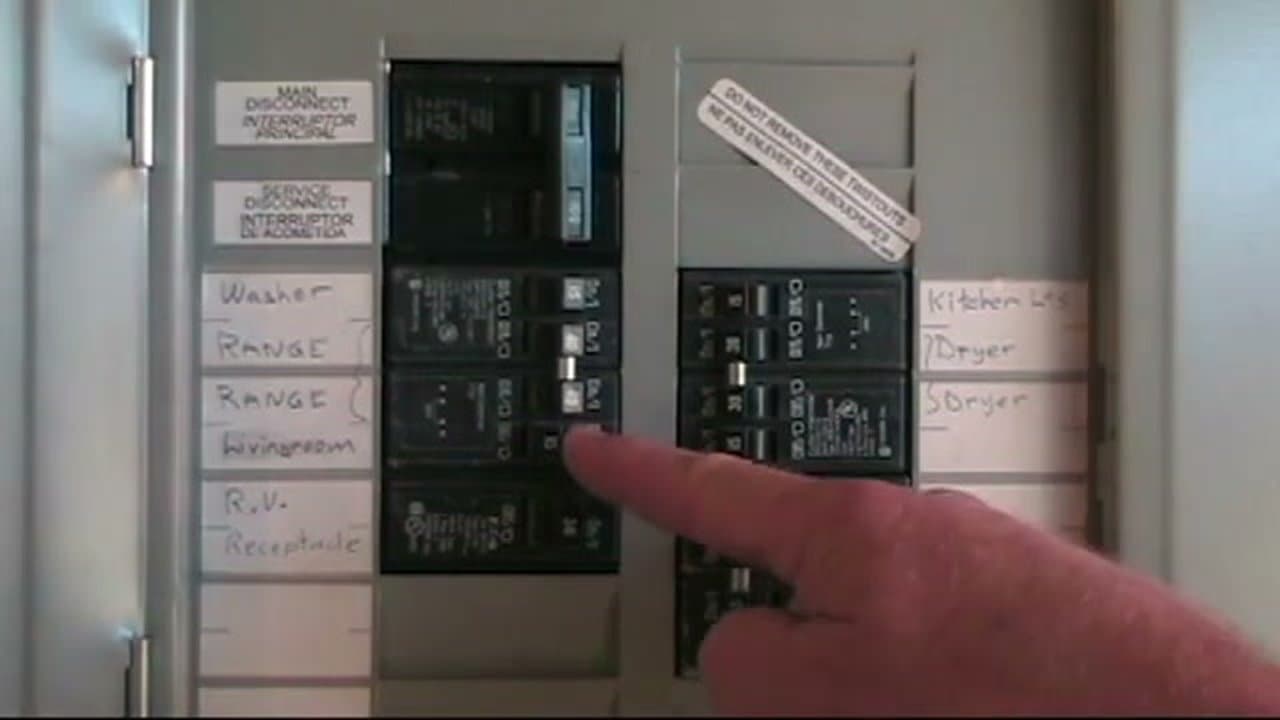
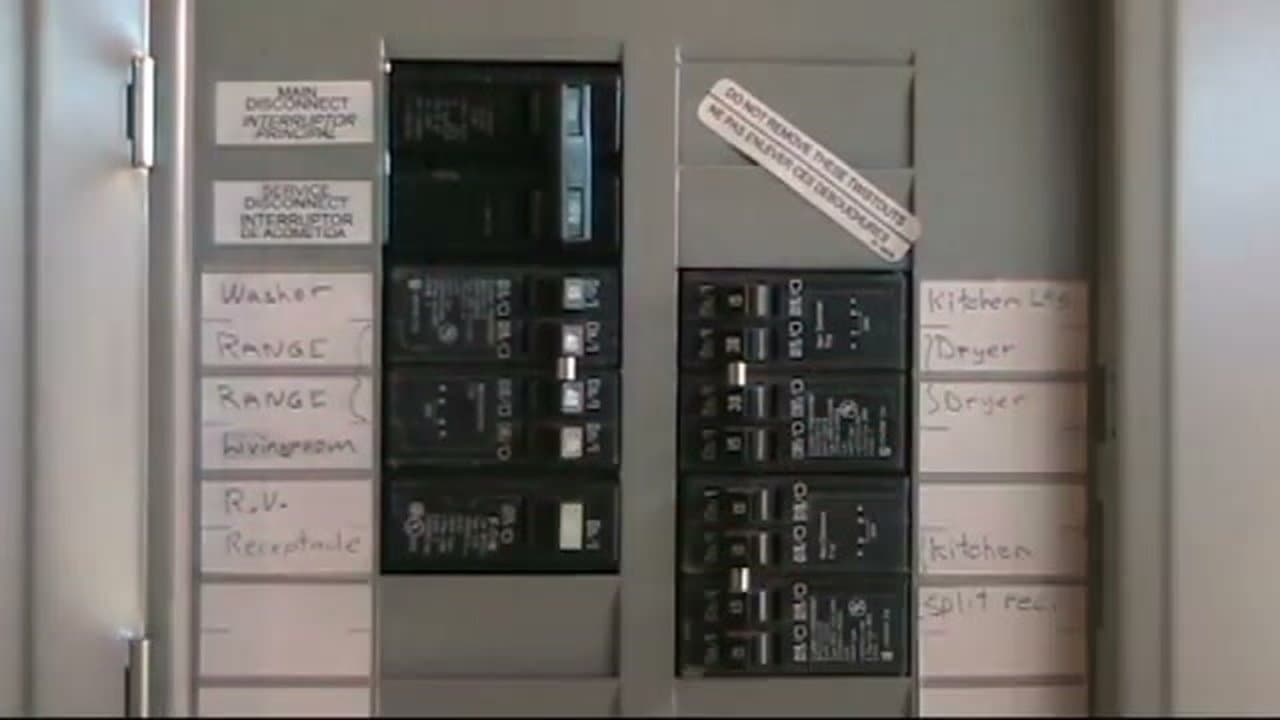
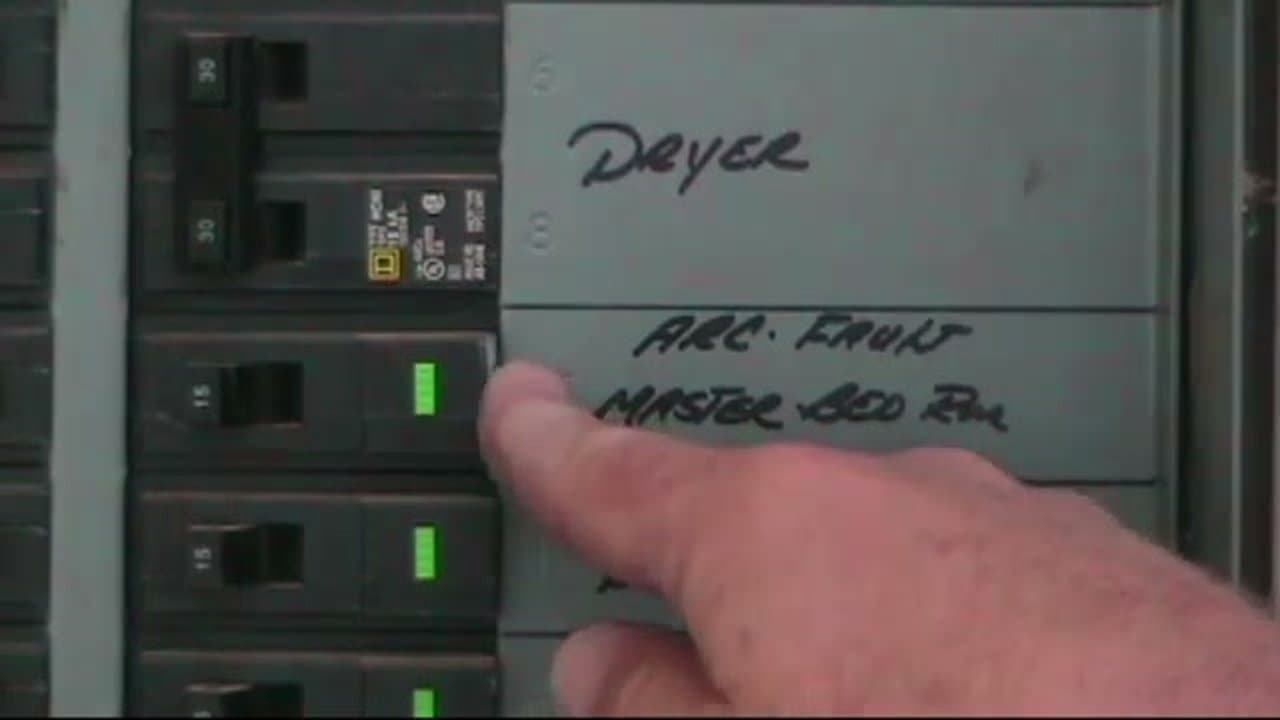
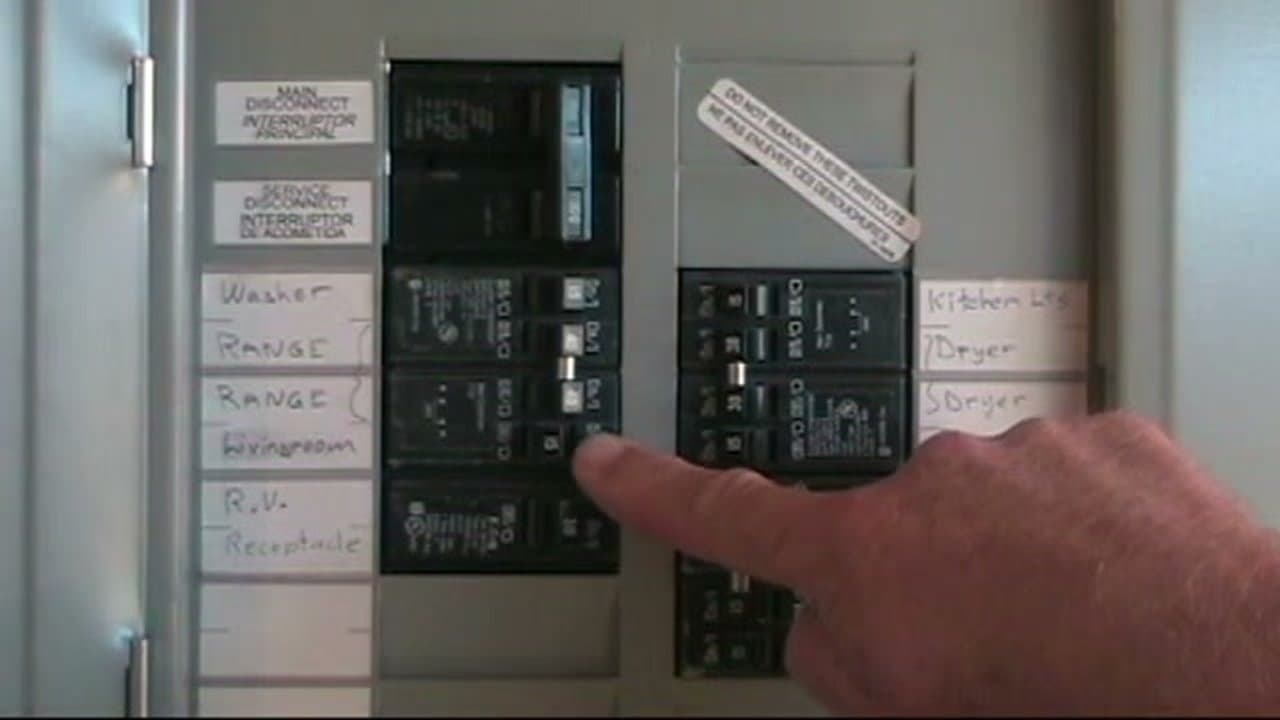
Open the main service panel. You're looking for one breaker whose handle isn't fully up and isn't fully down - it's sitting right in the middle. That middle position is unique to a trip and it's how you spot the bad one at a glance. If you try to push the handle straight back to the ON position, it won't catch. It'll just bounce back to the middle. The mechanism is latched internally and has to be unlatched before it can hold.

Tip

Most panels are in a garage, basement, or utility closet and the lighting is usually bad. A headlamp keeps both hands free and makes it way easier to read the breaker labels.

4

Push the Handle Firmly to OFF

1:55
Step 4: Push the Handle Firmly to OFF

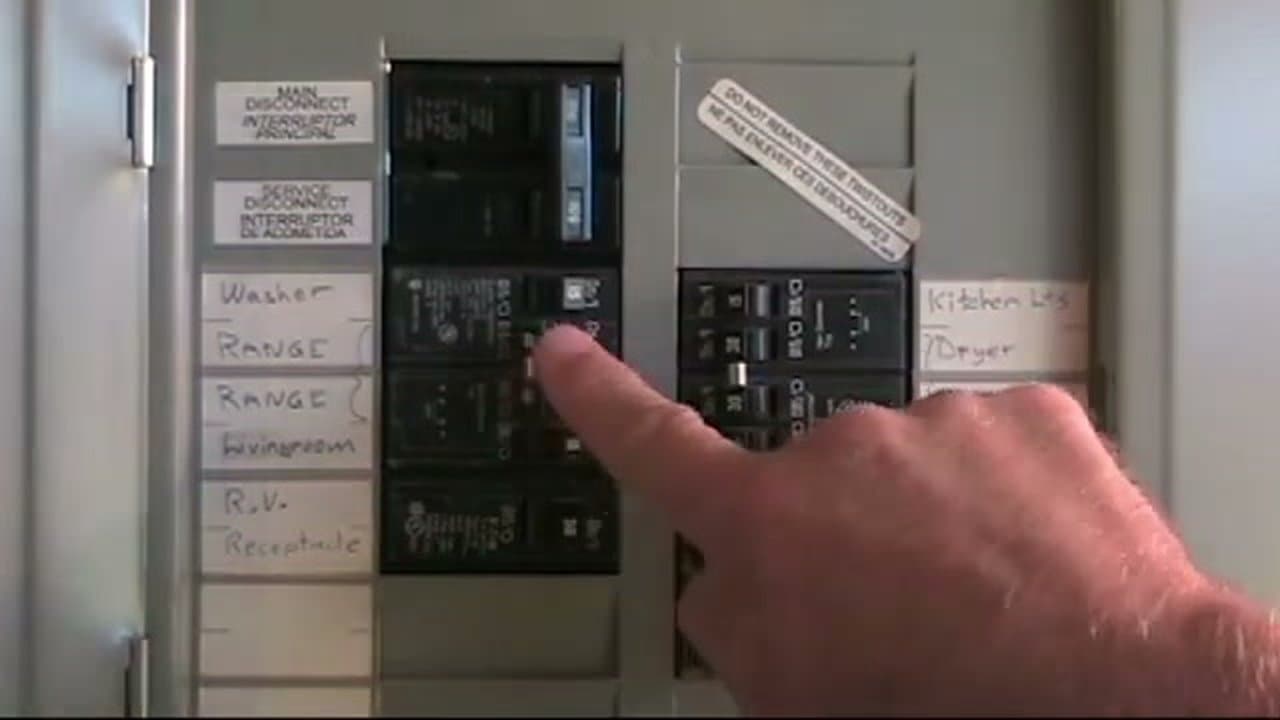
This is the step most people get wrong. Take the handle and push it all the way to the OFF position with a firm, deliberate motion. You'll usually feel or hear a small click. That click is the internal mechanism resetting itself. If you push too gently or stop partway, nothing resets and the breaker won't stay on when you try to flip it.

Tip

If you feel warmth on the breaker face, see discoloration, or smell anything burning, stop. Close the panel and call a licensed electrician. A hot breaker is a sign of a real fault that needs diagnosis, not another reset.

Products used in this step

5

Flip the Handle Back to ON

2:08
Step 5: Flip the Handle Back to ON

Now push the handle back to ON. It should hold without bouncing and power should return to the circuit. If it snaps back to the middle the instant you let go, the fault that tripped it is still there. Don't keep pushing. Go back and look harder for the cause - an appliance you forgot to unplug, a light fixture with a short, or something else feeding the circuit.

Tip

Test the restored circuit before you button up the panel. Turn on a light or plug in a lamp on that circuit to confirm power is back before you walk away.

6

Reset a Double-Pole Breaker the Same Way

3:03
Step 6: Reset a Double-Pole Breaker the Same Way

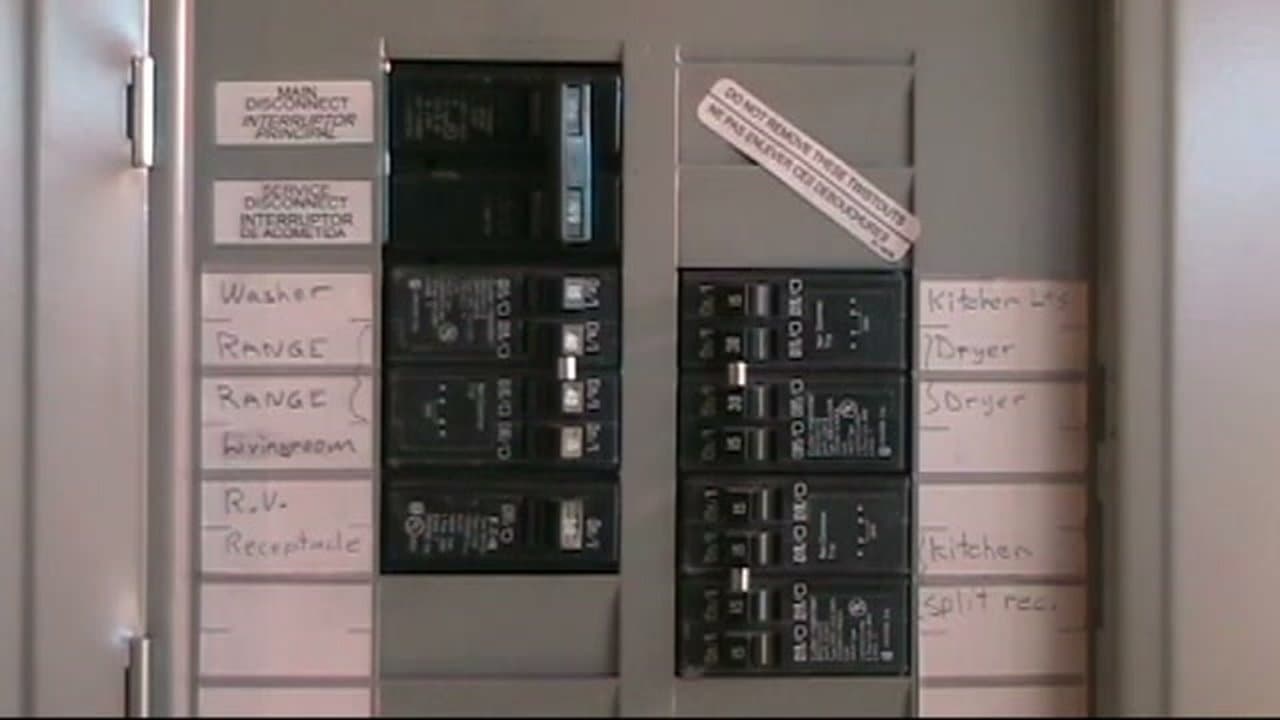
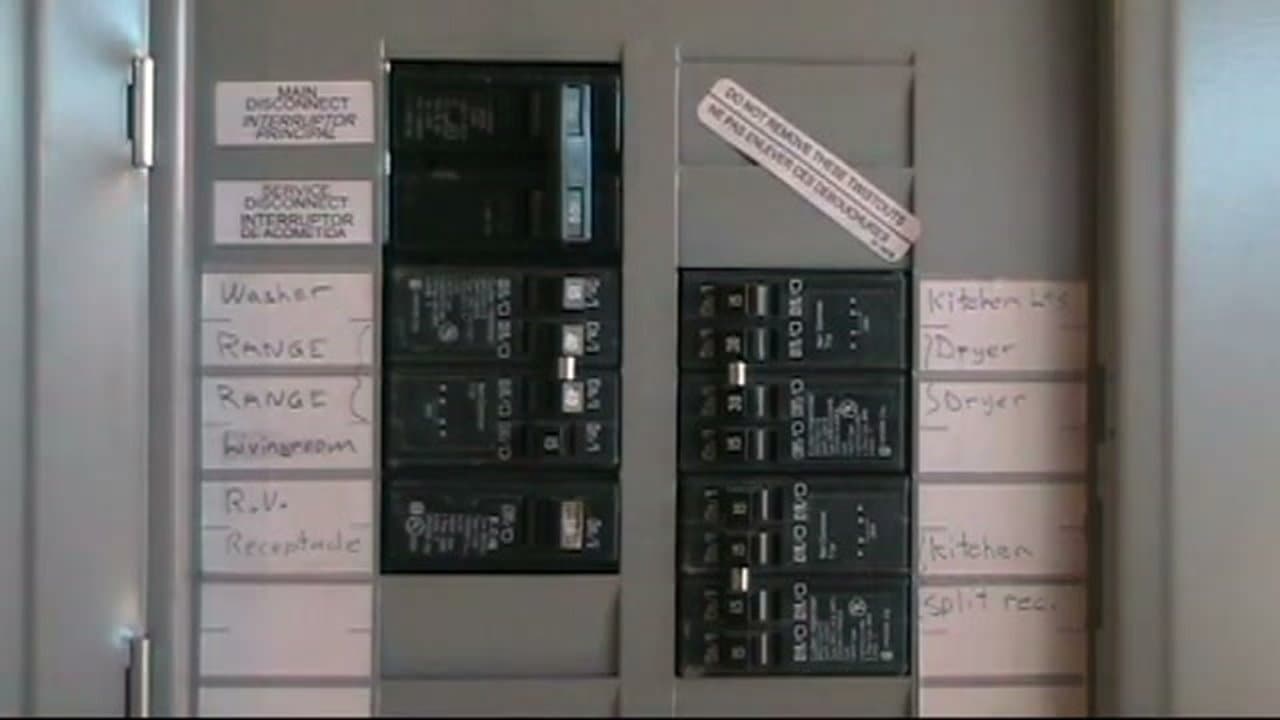
Your electric range, dryer, water heater, and some other 240-volt appliances run on double-pole breakers. The two handles are physically tied together so if one leg faults, the whole thing trips. Reset works the same way - push both handles firmly to OFF as one unit, then back to ON. Kitchen split receptacles also use a double-pole, so if your counter outlets are dead, check there too.

Tip

A dryer or range that won't start is a classic tripped double-pole symptom. Before you call for service, walk to the panel and look for a handle pair sitting in the middle.

7

Reset GFCI and AFCI Breakers and Test Monthly

3:40
Step 7: Reset GFCI and AFCI Breakers and Test Monthly

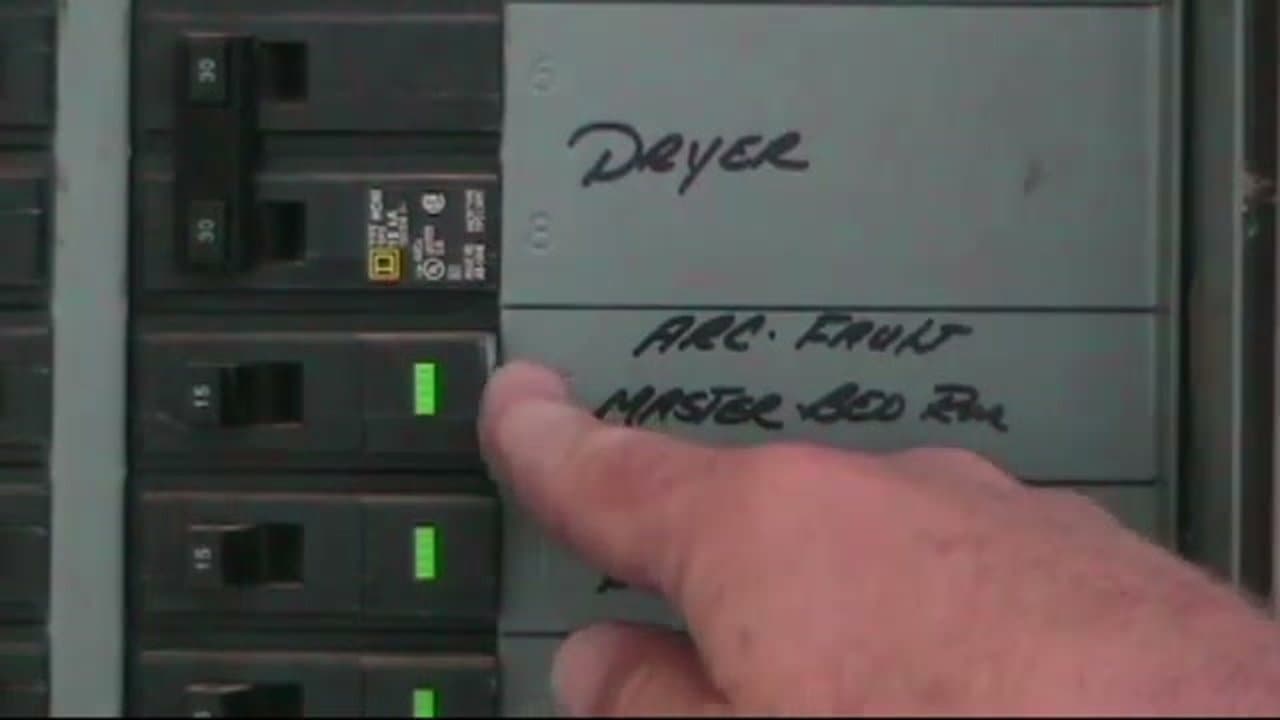
GFCI breakers protect against ground faults (shocks). AFCI breakers protect against arc faults (fires). Both look like standard breakers but have a small test button on the face. If one trips, reset it the same way you'd reset any other breaker - firmly to OFF, then back to ON. Once a month, press the test button on each one. The breaker should snap to the tripped position. If nothing happens, the protection circuitry has failed and the breaker itself needs to be replaced.

Tip

Write the test date on a panel label or a note inside the panel door so you know when you last checked. These breakers are the only thing standing between a frayed cord and a house fire - worth the two minutes.

Products used in this step

Products Used

Your Guide

Terry “The Internet Electrician” Peterman

As an Amazon Associate we earn from qualifying purchases. Links on this page may be affiliate links - clicking them and buying doesn't change your price, but helps support ShowMeStepByStep.

Related Tutorials